
พืชผล & amp;ตัดแอพวิดีโอ (ตัดแต่ง) เพื่อช่วยในการครอบตัดและตัดวิดีโอ (ตัด) ลบส่วนที่ไม่พึงประสงค์
ง่ายต่อการตัดวิดีโอใด ๆ เพื่อตัดแต่ง & amp;ฟังก์ชั่นตัดใน Utility Cutter Video
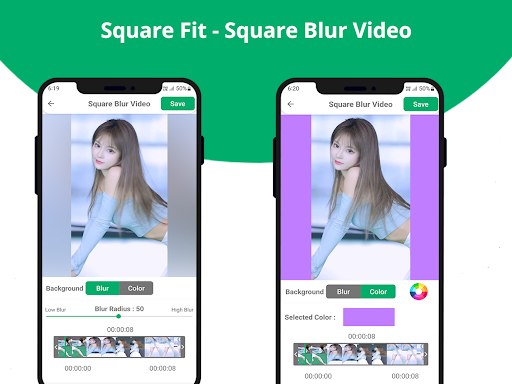
- Square Fit - Square Blur Video Editor
พื้นหลังวิดีโอเบลออัตโนมัติ
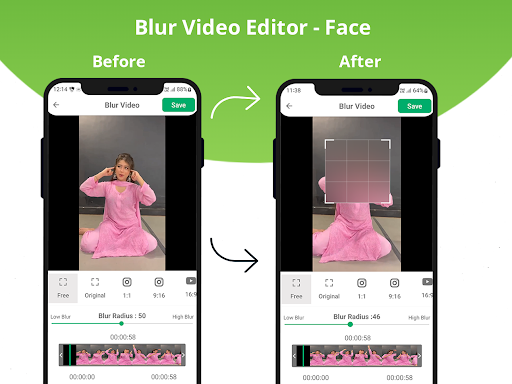
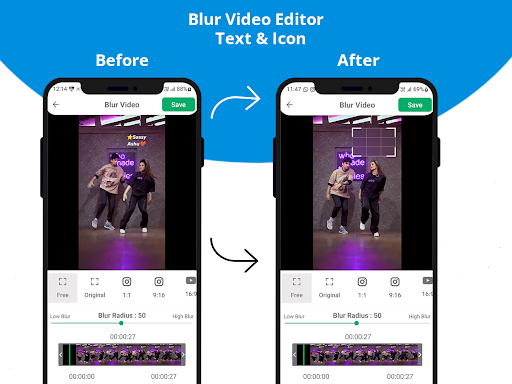
- Blur Video Editor
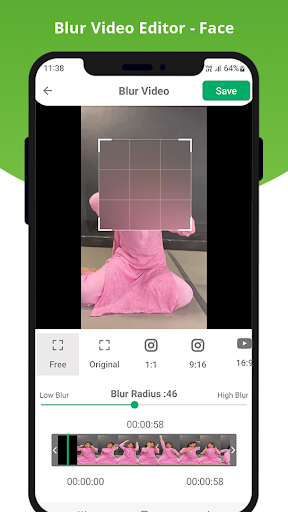
- Face (หน้าเบลออัตโนมัติ, รัศมีเบลอที่กำหนดเอง)
-ข้อความ & amp;ไอคอน
- เอฟเฟกต์วิดีโอเบลอ/พิกเซลบางส่วน
คุณสมบัติ:
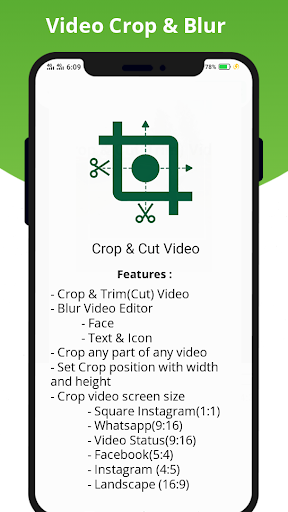
- crop & amp;ตัดวิดีโอ (ตัดแต่ง)
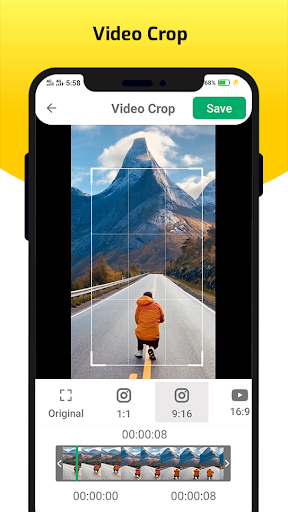
- ขนาดหน้าจอวิดีโอครอบตัดด้วยเฟรมมากมายให้เลือก: 4: 3, 16: 9, 9:16, สี่เหลี่ยมตัดวิดีโอใด ๆ เพื่อตัดแต่ง & amp;ตัด.
วิธีใช้?
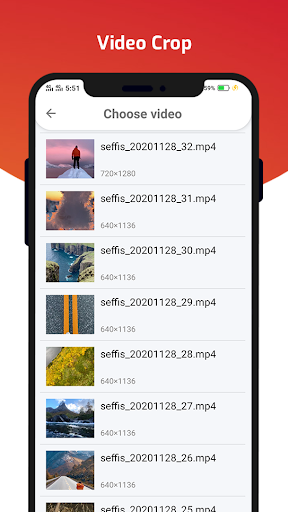
- เลือกวิดีโอแกลเลอรี่
- ตั้งตำแหน่งการครอบตัดด้วยความกว้างและความสูง (4: 3, 16: 9, 9:16, สแควร์, ภาพบุคคล, ภูมิทัศน์).
- คลิกที่ปุ่มบันทึกบนวิดีโอ Crop
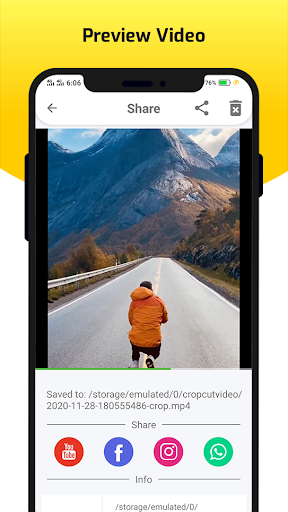
- ดูตัวอย่างและแชร์วิดีโอ
ขอบคุณ
Crop and Trim(cut) video removing unwanted portion.
-Square Fit - Square Blur Video Editor
Auto Blur Video Background
- Blur Video Editor
- Face (Auto Blur Face ,Custom Blur Radius)
- Text & Icon
- Partial Blur/Pixelate Blur video effect
Features:
- Crop & Cut(Trim) Video
- Crop video screen size with a lot of frames to choose from: 4:3, 16:9, 9:16, square, portrait, landscape … to cut video easily
- Easy to cut any video to Trim & cut.





9Apps 4.9














