
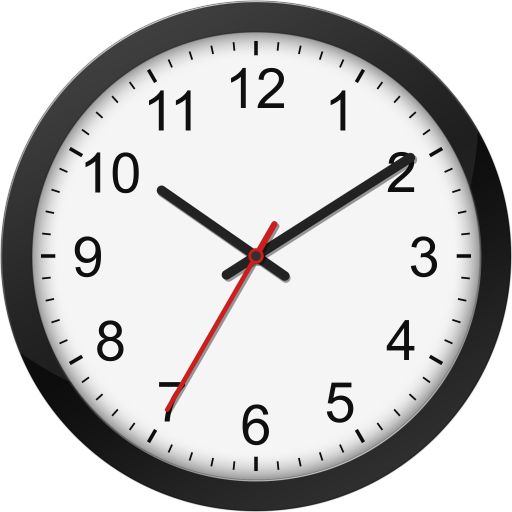
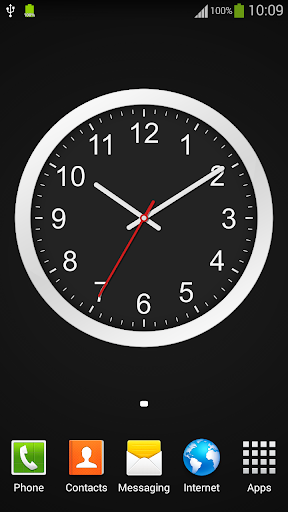
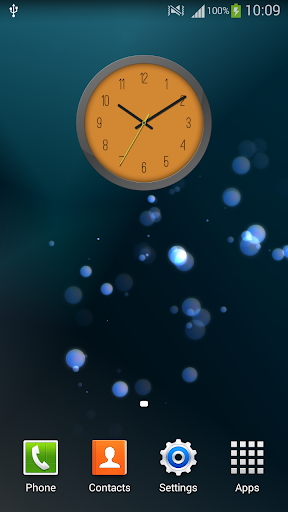
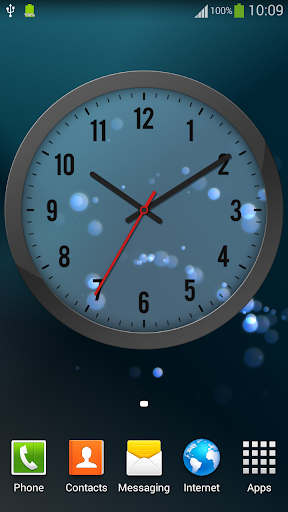
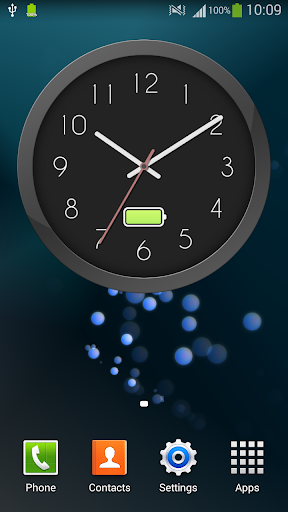

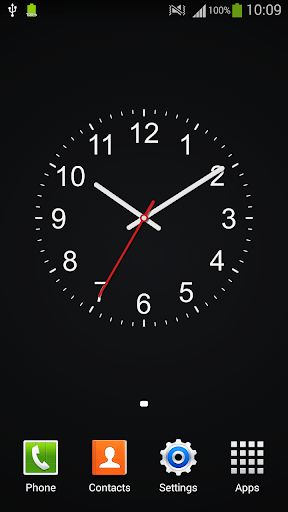
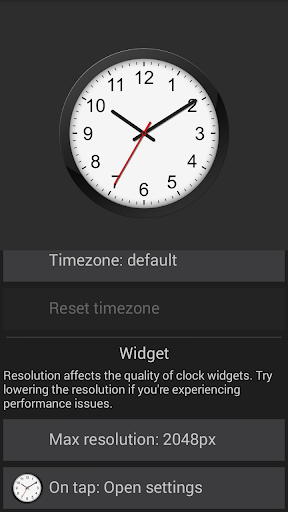
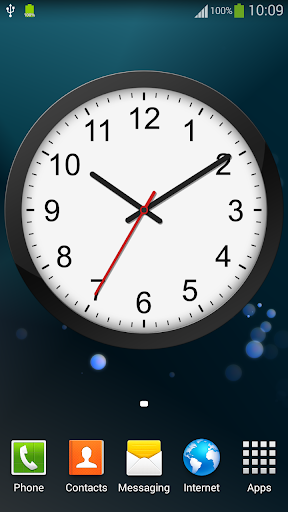
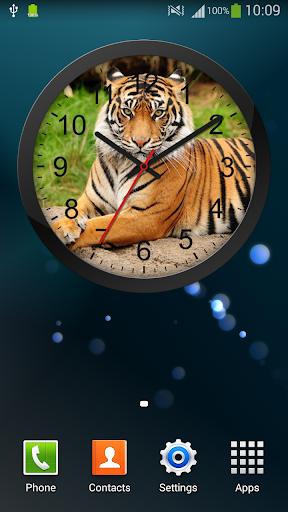
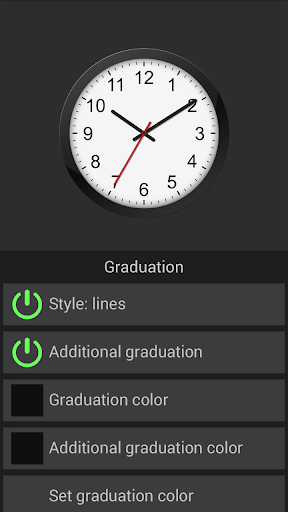
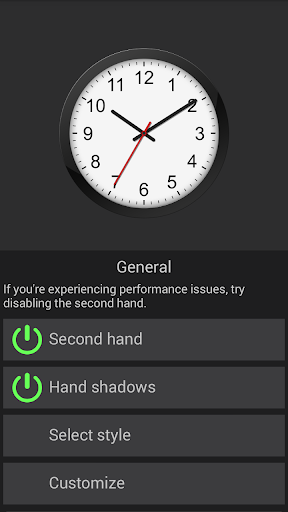
A customizable analog clock that can be used as a widget or as a live wallpaper.
If the widget stops please disable any "battery saving" features or use the live wallpaper version.
To add a clock widget:
Go to home screen -> tap and hold on an empty space -> select "Apps and widgets" -> (tap on "Widgets" at the top of the screen) -> find, then tap and hold "Analog Clock" widget -> drag the widget to a preferred position on the home screen.
To set the clock as a live wallpaper:
Go to home screen -> tap and hold on an empty space -> select "Set wallpaper" -> select "Live wallpapers" -> find and tap on "Analog Clock" -> (customize the clock by tapping "Settings") -> tap "Set wallpaper".
To customize a clock widget or live wallpaper clock:
Open the "Clock" app -> find the clock you want to customize -> Your changes will be automatically saved when You exit the app.
- Custom clock styles can now be saved.
- Better battery visibility.
- Option to label clocks.
- Ads can now be removed.
- Additional fonts.





9Apps 4.9















