
★
Assistive Touch Galaxy S8 & S8 Plus
App which creates a virtual home button right on the Android screen with display and usage as same as the Assistive Touch on Iphone, Ipad. Assistive Touch is fast, smooth and totally free.
You can adjust easily the Android mobile phones just with the floating panel display on the screen. All of your manipulation will be done just with a light touch or keep with one finger.
In addition, you can quickly access apps, games which you love, adjust settings, changes and see the notifications easily.
Assistive Touch Galaxy S8 & S8 Plus
is also help you protect the physical button
like Home, Recent, Back, Volume,... Assistive Touch has
Boost your phone, free up memory (RAM), speed up your device and save energy
Assistive Touch Galaxy S8 & S8 Plus
is a small space app which you can download and
set up easily and quickly
★
Features Assistive Touch Galaxy S8 & S8 Plus
✔
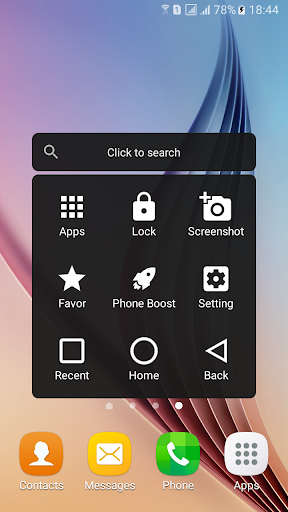
Accessing quickly all your apps:
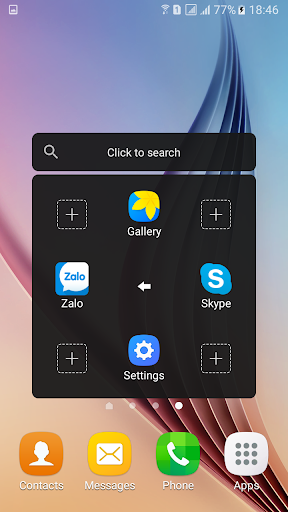
Access games, favorite apps or setting up with just a light touch.
✔
Screen Lock:
Lock screen quickly with a light touch to protect data as well as your private things
✔
Screenshots:
Easily capture screenshots
✔
Shutting down:
A light touch to shut down
✔
Opening notifications center:
Open notifications center of your mobile phone
✔
Opening recent apps:
Open all your recent apps
✔
Opening quick settings screen:
Open quick settings screen with a light touch
✔
Virtual buttons:
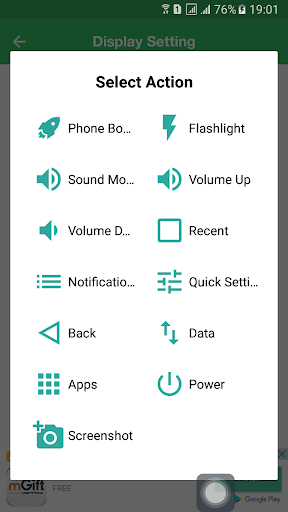
Virtual buttons replace physical buttons (Back, home, recent, volume, power)
✔
Super flashlight:
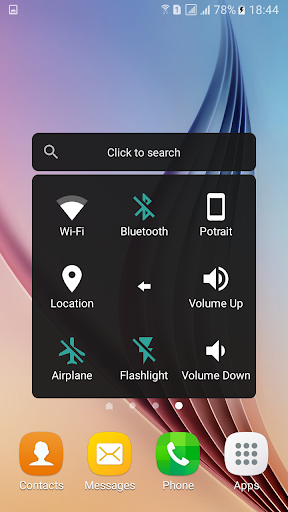
On/Off as same as the real flashlight
✔
Accelerating and cleaning memory:
Accelerating mobile phones, releasing, cleaning memory (Ram) and saving energy
✔
Quick settings:
Quickly set up mobile phone with the favorite mode (Normal Mode, Silent Mode, Vibrant Mode)
✔
Adjust settings easily:
Light touch to on/off Wifi, GPS, Bluetooth. Adjusting screen brightness, volume
★
Advance
✔
Customize UI:
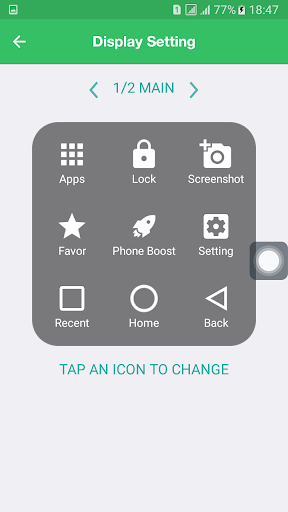
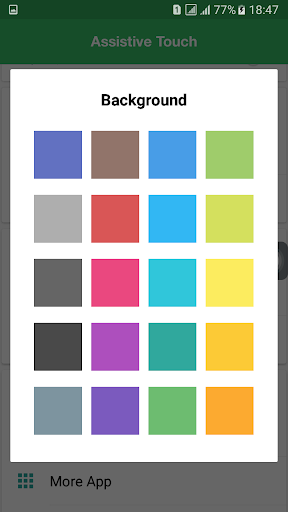
You can change background color with your favorite color.
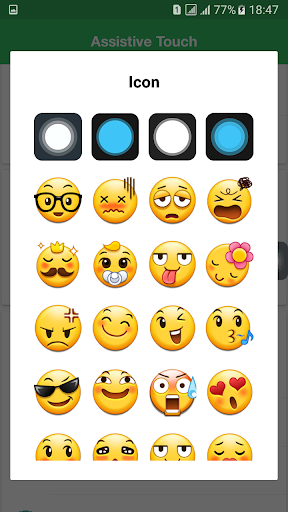
You can change Assistive Touch symbol on the screen with nice images and totally for free.
★
Contact us:
- We respect every your feedback. Please let us know if you find any defective products or any ideas which help improve product quality better.
Contact us via: peacesoft.contact@gmail.com


9Apps 4.9