
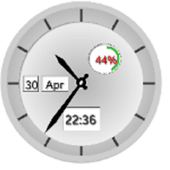
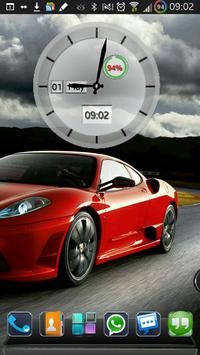
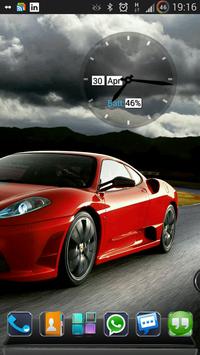
An Analog clock widget with battery level, date and digital time, to enhance your smartphone's home screen looks.
The light colored clock is best shown on a darker background.
How to use ?
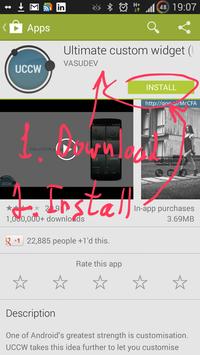
1.Install application.
2. Install UCCW app from store if not done so yet.
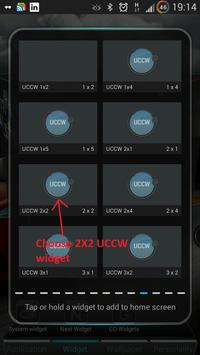
3. Create a new UCCW widget (choose 2X2 ).
4. Search for "Analog clock light UCCW Skin" on your list.
5. Place the clock on your home screen.
Have fun!
A custom launcher will enable you zooming the clock.
If you have a problem with the skin email me at: zingware@gmail.com





9Apps 4.9














