
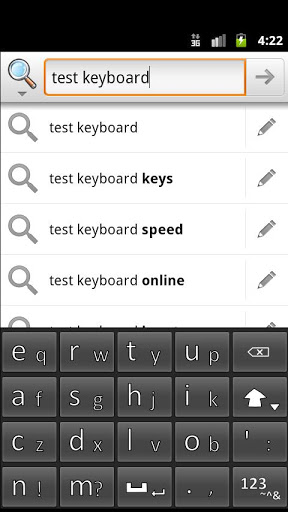
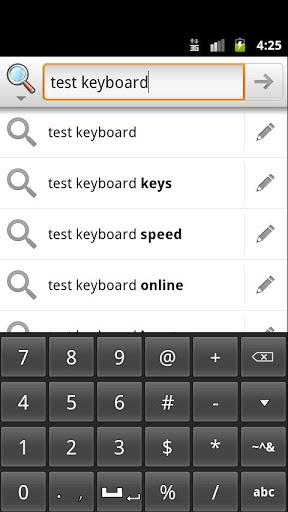
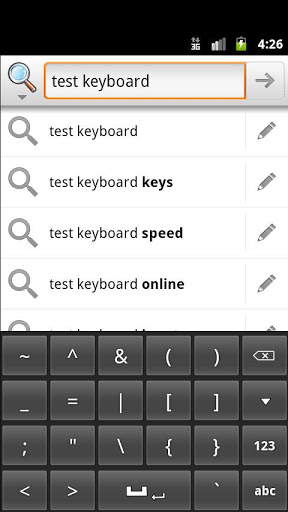
A keyboard with larger than average keys for easy pressing. The keys aren't super big, but are big enough.
How to use:
Many keys have two characters, one primary and one secondary. To get the primary key, just press it normally. To get the secondary key, you have to press the button, then gently slide away and release.
It takes some getting used to, but don't worry. It doesn't take that long. It's quite fast when you are used to it.
Installation:
1. Enable the keyboard under Settings > Language and Keyboard.
2. Change the Input Method to Slidy Press.
Version 1.3
Added Dual-Touch support! Now you can type with two thumbs simultaneously.
Version 1.21
Improved "GO" button execution
Version 1.2
1. Removed "Keep keyboard" function, in place of...
2. "GO" button, for searches and other things




9Apps 4.9









