
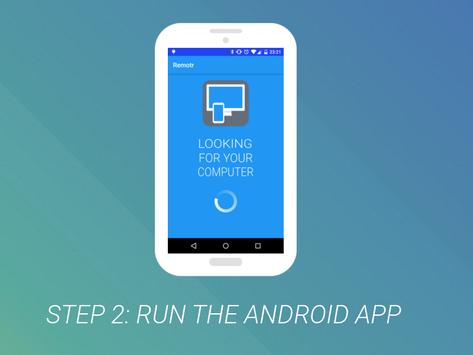
PC Remote Control (remotr) is the easiest way to remote control your computer with your phone or tablet. The app will automatically find your computer on the same WiFi network and immediately connect to it. It is super simple to use it to remote control your computer's mouse and keyboard. No configuration needed!
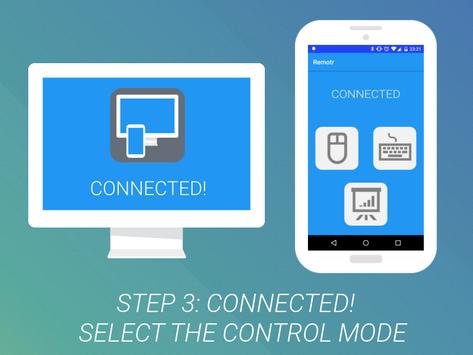
There are three remote control modes:
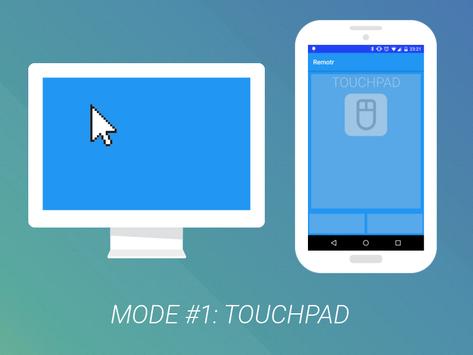
1. Touchpad mode - use your phone to control your computer's mouse cursor
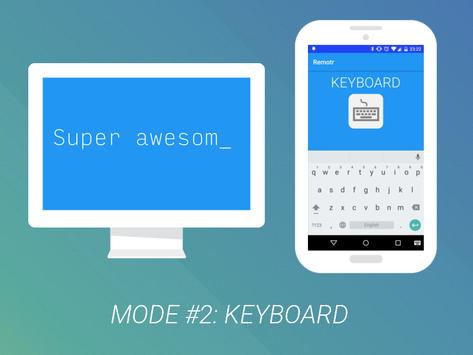
2. Keyboard mode - use your phone's keyboard to type on your computer
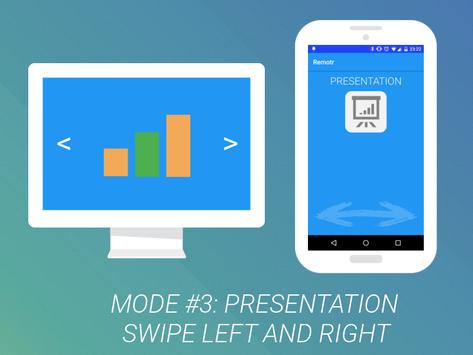
3. Presentation mode - swipe your phone left or right to move your presentations on your computer forward and backward
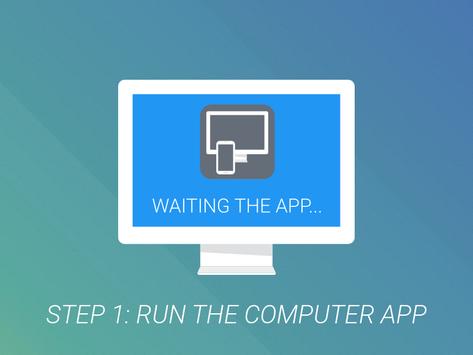
In order for the app to find and remote control your PC, you need to run the PC Remote Control application on your computer. Get it now for free at http://remotr-app.com . It works on Windows, Mac OSX and Linux.
In case you have any questions or suggestions, please email us at dev@rbaron.net and we will get back to you! :)
- New help button



9Apps 4.9










