
Clean Master - The BEST choice to clean junk files and master privacy, with features: Data Manager, Junk Cleaner for Android, Speed Booster, CPU cooler, and Battery Saver
Why Choose Clean Master?
✅ With a powerful cleaning engine: Cache Cleaner, Junk file cleaning, Clean Master can fully speed up your phone performance.
✅ With multiple privacy protectors to protect your phone security.
Core Features of Clean Master:
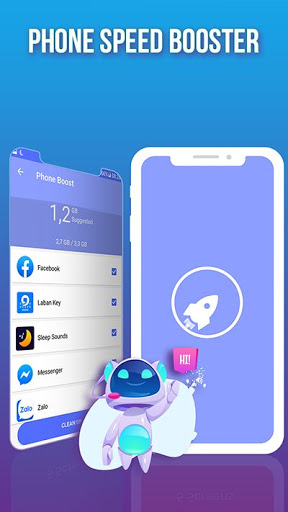
🚀★ Speed Booster
No more auto-start applications in the backend. Clean Master
boosts processing speed, cleans unnecessary apps that running in the background, and saves battery.
🗑️★ Junk Cleaner
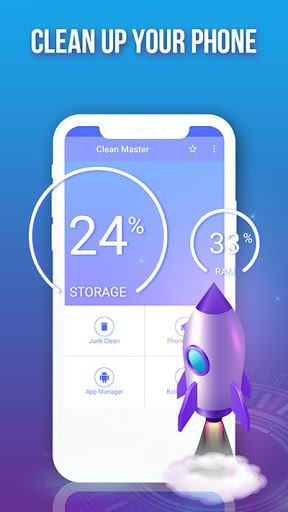
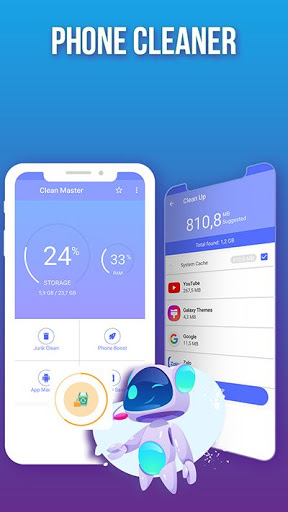
Always feel slow and need more space when using your phone? Best Phone Cleaner to remove junk cache files, Clean up storage, boost performance
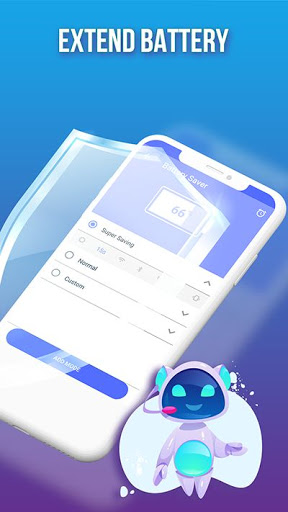
🔋★Battery Saver
The battery saver can analyze battery usage and monitor all apps that drain power while not in use. Hibernating the apps to stop battery draining and promote battery life.
📱★CPU Cooler
Cooling the CPU heat by detecting and close apps that are likely to cause temperature rise.
★Deep Clean
Manage all your phone on one screen. Delete unwanted image, video, audio, installation package.
★File Move
Full of different kinds of files can take lots of phone memory. Move your large file in just one single tap to free up space.
------Q&A--------
★How does Clean Master
Clean your device?
Make your phone clean is our top priority. We have several features to help you improve your device. No more bust and freeze.
✔ Clean cache trash – clear system cache and apps’ cache junk files to reclaim the space.
✔ Clean apps' installation package – clean the installation apk of apps
✔ Clean uninstall remains-clean residual junk file from deleted apps;
★How does Clean Master make your phone faster?
Does your phone speed become slower day by day and even hang up? Our phone booster will accelerate your device and cool down the CPU temperature.
✔ Boost processing speed, halt unnecessary apps that running in the background. Improving the running speed.
✔ Analyzes CPU usage detects overheating apps, and close them immediately to cool down phone temperature. Never make phone hot.
★How does Clean Master help you master your phone?
✔ Use Data Manager to set a data usage plan, monitor what apps are using the data a lot, and get alerts before you run out of data.
✔ Battery Saver can help you find out what’s draining your power. Disable unnecessary apps that drain your battery.
Initial Release

9Apps 4.9