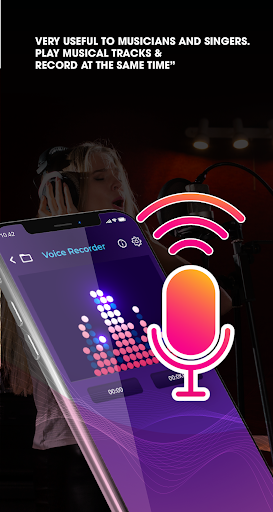
🎄 One of the most useful features that any mobile device has is sound recording. In modern society, there are many reasons for us to use a good quality sound recorder. It could be recording your favorite music to capture new inspiration, it could be recording interviews like a portable microphone, or simply recording lectures or meetings for studying and work purposes.
🎄 Nowadays, you don't have to go to an electronic device store to get yourself an expensive portable recording machine, since your mobile phone can be replaced to complete the mission. Acknowledging users' desires, Voice Recorder was born as a high quality sound recording app to support users in recording voice and sound with the best quality ever. Using Voice Recorder will bring you the experience of recording in a professional sound recording studio.
🏀
Features
🏀
Recording with high sound quality, supporting users to record their meetings, lectures, speeches…
Clear and user-friendly interface, make it easier for users to record
A high quality sound recorder with excellent audio file format: MP3 -> with sound quality improver the record is clear and sharp, suitable even for journalists, reporters work
Recording files will be stored in a memory card or an SD card
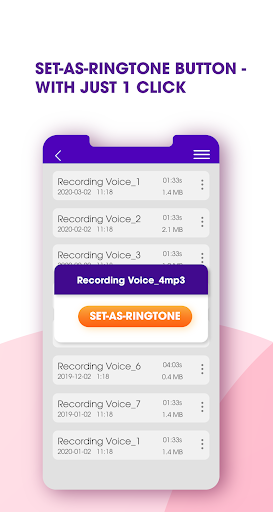
The file is stored in list form, supporting users in their research and organize
An easy recorder allows users to pause, resume, cancel or save files during the recording process, which let users be more active in controlling the sound recording process.
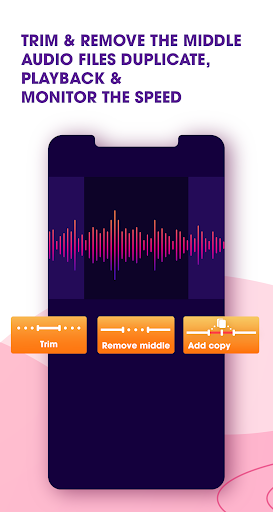
Users can edit the recording file by cutting unnecessary parts to create a smooth record.
Does not support call recording
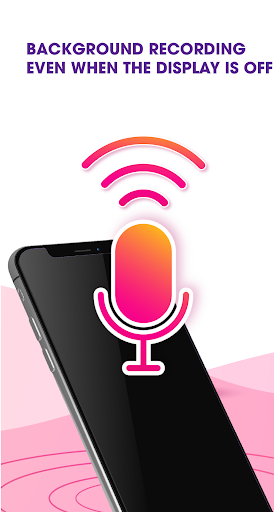
Allow users to record screen off with camera record screen off and the best sound quality screen recorder.
A voice recorder noise cancellation lets you have the best record ever.
🎉
How to use?
🎉
Just by downloading this sound recording app, you can start your recording process in the easiest way, enjoy the voice recorder HD full voice clarity and have the best experience ever:
- Hold the red button in the center of the screen to start recording
- Select the Pause button to stop the recording if needed
- Save the recording file and search for past files in the top left section
- Select Settings to edit
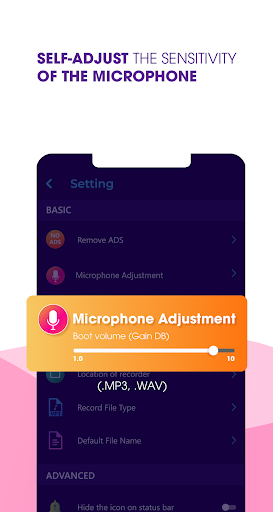
) Microphone Adjustment
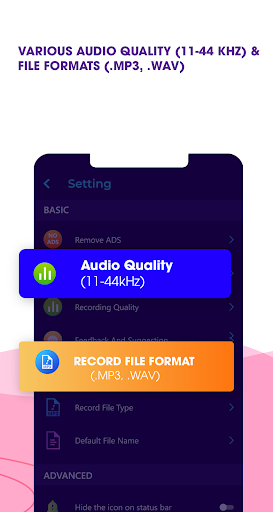
) Record file type
) Default File Name
) Recording Quality
🚠
Subscription term
:
To unlock all app features, you need to be our VIP member through a paid subscription. All users will have 3 days to try this subscription for free and during this trial, you can cancel anytime. If you want to register for this subscription, payment will be charged to your Google account at confirmation of purchase. At your convenience, our subscription is automatically renewed within 24 - hours prior to the end of the current period. Feel free to contact us if you have any questions. Vote 5 ⭐⭐⭐⭐⭐ & leave comments, we’ll really appreciate that. Thank you!


![Record Audio with the Screen OFF using Voice Memo on iPhone (EASY GUIDE) [2024] screenshot 3](https://i.ytimg.com/vi/eKsdCyEy2L0/mqdefault.jpg)


9Apps 4.9