
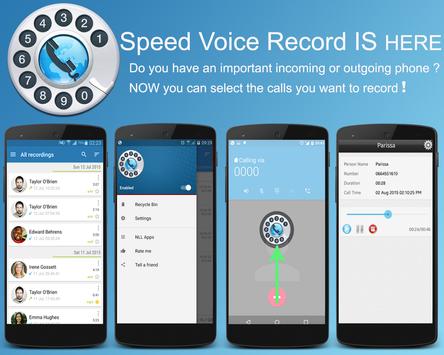
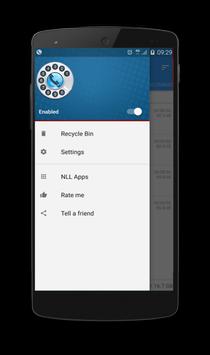
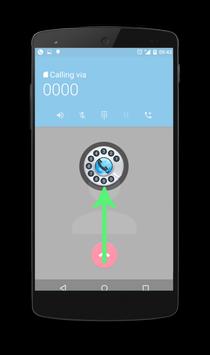
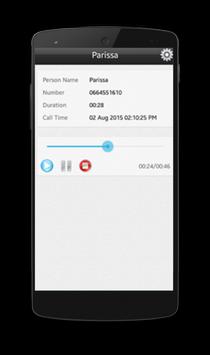
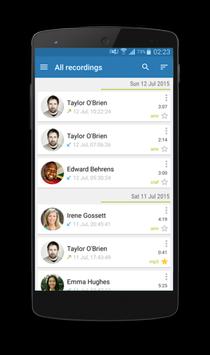
Speed Voicel record you can choose the ones you want to keep recording. You can set the call to register and those to ignore. Listen to the recording.
The recorded calls are saved in the inbox. You can also change the destination recordings folder to an external SD card. The size of the inbox can be set. The number of recorded calls is limited only by the memory of your device.
If you decide that a conversation is important, save it and it will be saved in the "Recorded Calls" folder.
You can activate the Call Summary Menu function for options appear immediately after a call.
Browse your recordings by contact, phone number, or notes.
Speed voice recorde application Call Recorder has the ability to:
- Enable / Disable call recording.
- Store all your telephone calls.
- Start / Stop audio recording
- Delete recorded items.
- Lock records and prevent self-cleaning
- Confirmation of Dialogue: Would you keep the recorded call that reads just after the call.
The files are available in the Auto CallRecorder folder in the SD card of your phone.



9Apps 4.9










