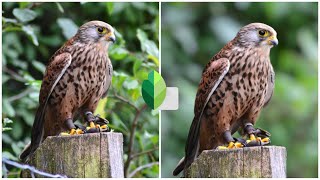
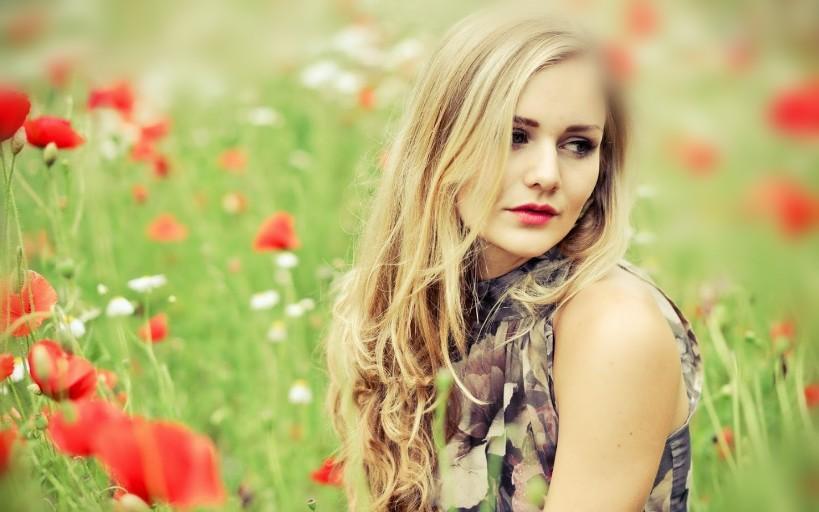
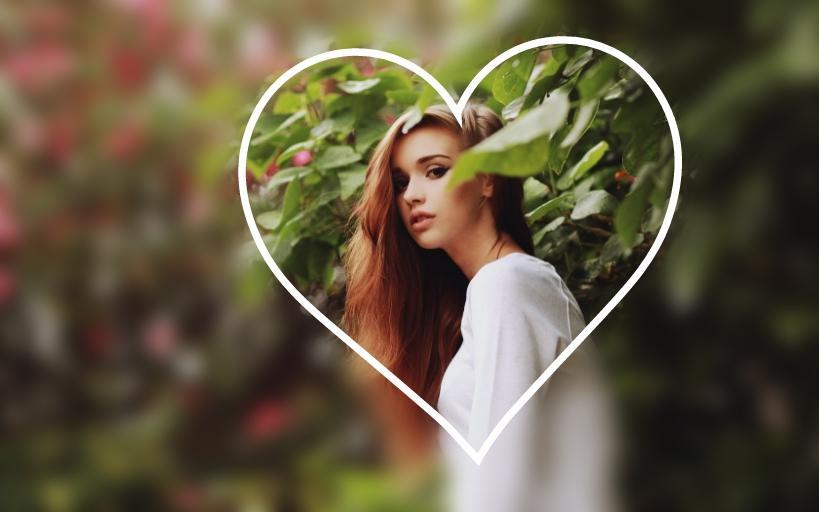
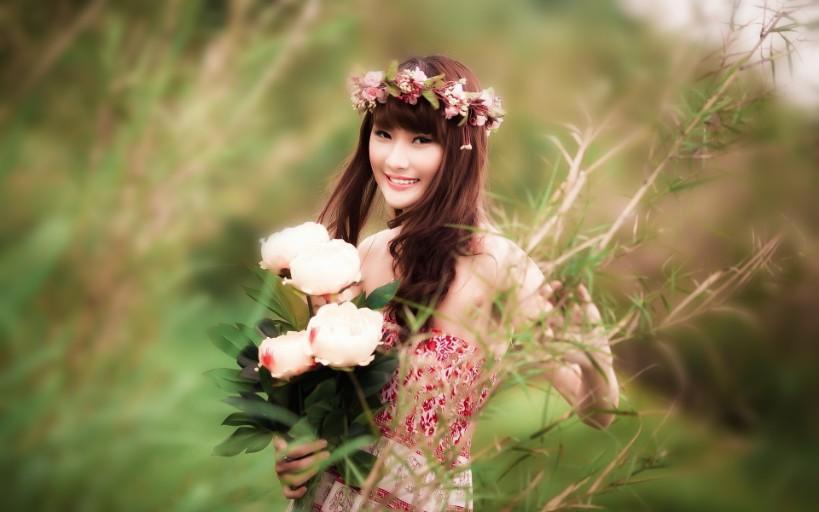

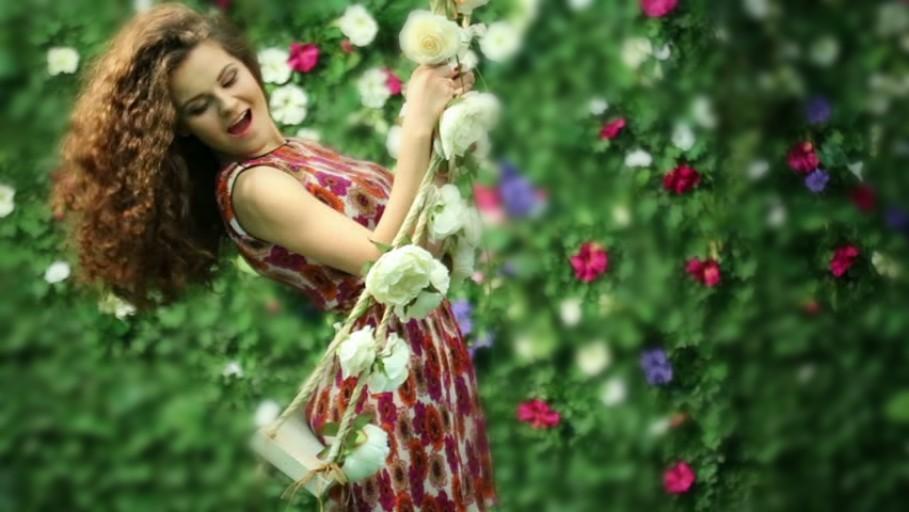
Blur
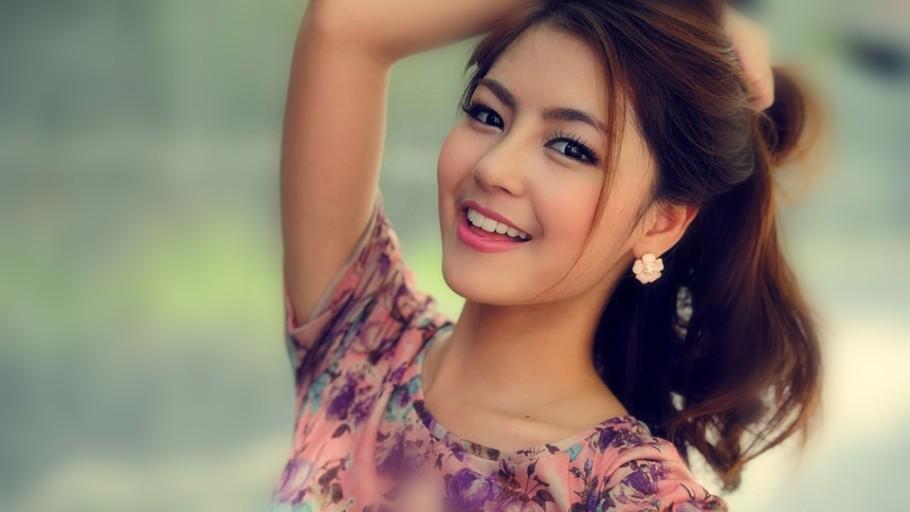
your image and add bokeh effect on
your photos
by applying customized blur tool . You are able to change the brush size and conjointly able to modify the Blur opacity. as you like.
1.Pick image from the Gallery and Camera
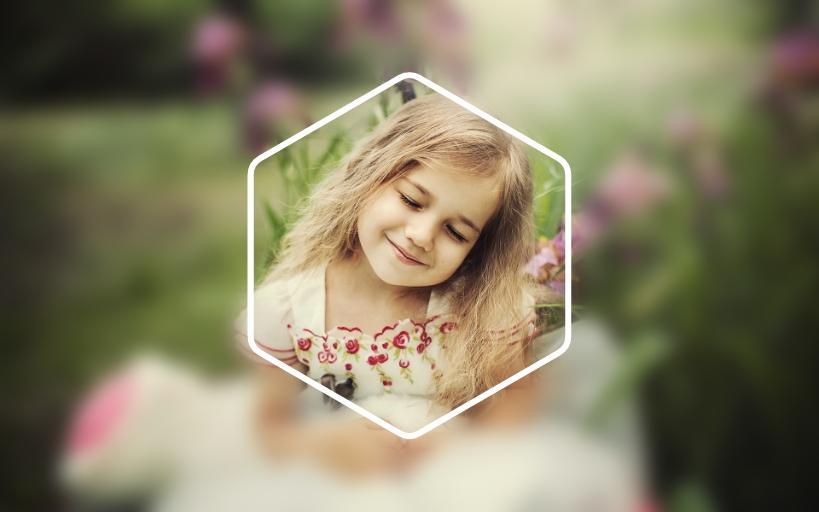
2. Zoom in and Zoom out for image blur and apply shape blur
and bokeh effect.
3. Blur intensity adjustment, in order, to give a bigger blur effect, to the picture to be blurred.
4. Brush Size adjustment for pic blurring and giving it a blur background.
5. Undo or redo the blur effect
6. Save and share .
Bug Fixes
Oreo Support

9Apps 4.9