

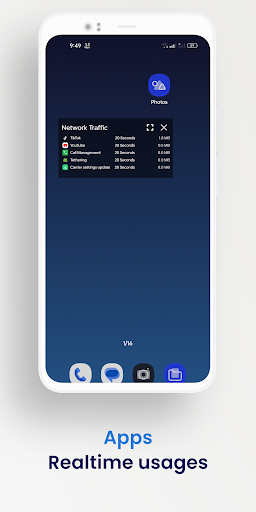
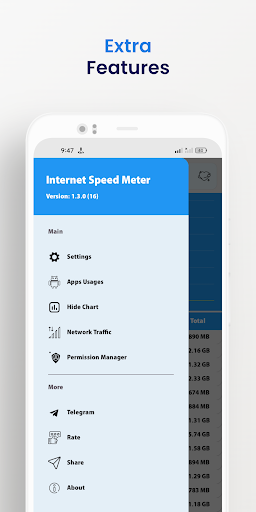
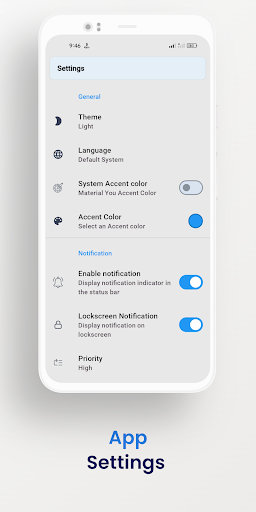
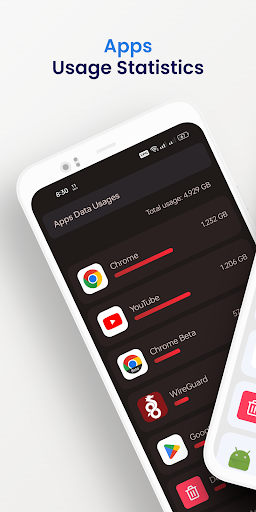
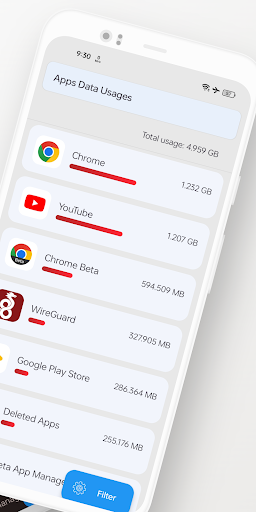
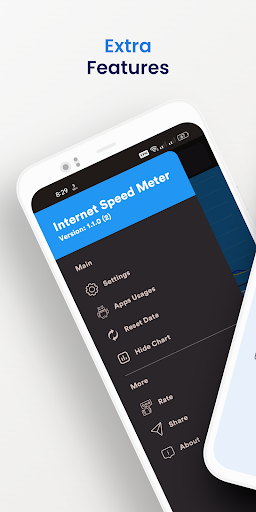
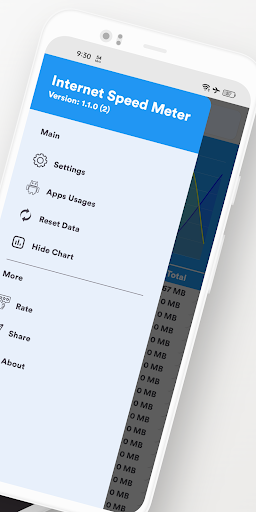
Experience a seamless and connected internet browsing experience with Internet Speed Meter. Our intuitive and feature-rich app provides real-time internet speed display right on your notification bar, ensuring you're always aware of your network performance. With its sleek and stunning UI, the app offers a delightful user experience, allowing you to customize the color scheme to your preference. Choose from a vast array of colors for both light and dark themes, making it uniquely yours. 🌈🎨
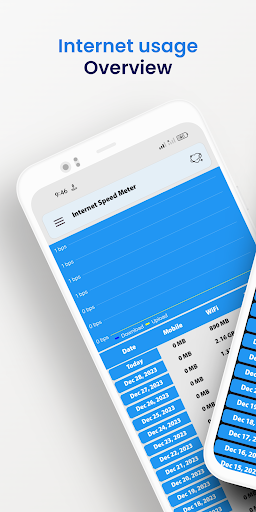
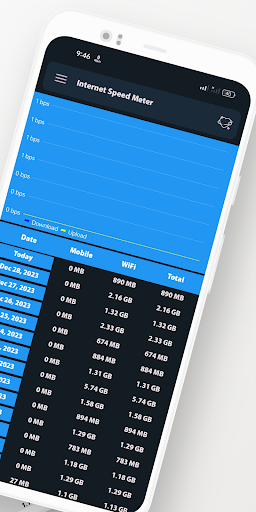
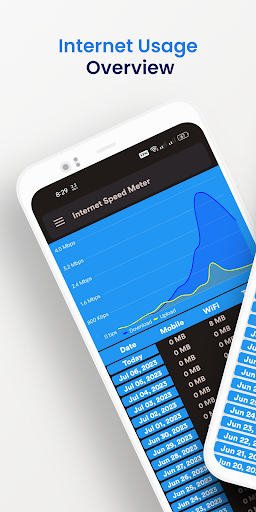
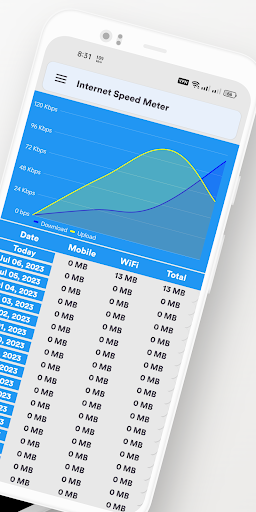
In addition to real-time speed monitoring, Internet Speed Meter goes beyond by offering a range of powerful features. Visualize your internet usage with the integrated chart bar, giving you a clear overview of your data consumption patterns over time. Whether you're curious about your daily, weekly, or monthly usage, this visual representation helps you stay informed. 📊📈
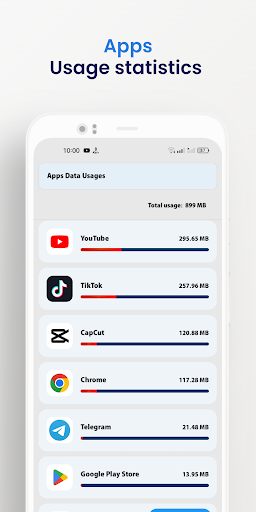
App usage tracking is another valuable aspect of Internet Speed Meter. Keep tabs on your app usage patterns and understand which applications consume the most data📱💡
One of the core strengths of Internet Speed Meter is its secure data storage feature. You can trust that your internet speed and usage data are stored safely within the app for up to 30 days. This data storage capability enables you to analyze historical trends and patterns, giving you valuable insights into your internet behavior. 🔒📊
Internet Speed Meter is designed to be a comprehensive tool that puts you in control of your internet experience. Stay connected, monitor your speed, track your app usage, and easily analyze your data. Download the Internet Speed Meter now and take charge of your internet connectivity like never before. 💪🌐
1. Customizable font size
2. Improved compatibility
3. Optimized battery
4. Usage bug fixes and stability improvements
5. Fixed issue with non-system apps not displaying on new Android versions


![Monitor Cellular & Wi-Fi Internet Speeds on Your Samsung Galaxy Note 2 [How-To] screenshot 2](https://i.ytimg.com/vi/yj3tg0A9Iq8/mqdefault.jpg)




9Apps 4.9









