
Hot applications make large number of downloads. 20,000+ users downloaded Wifi Display - Miracast latest version on 9Apps for free every week! More features are involved in this new version. This hot app was released on 2018-03-14. Why not download and play it now?
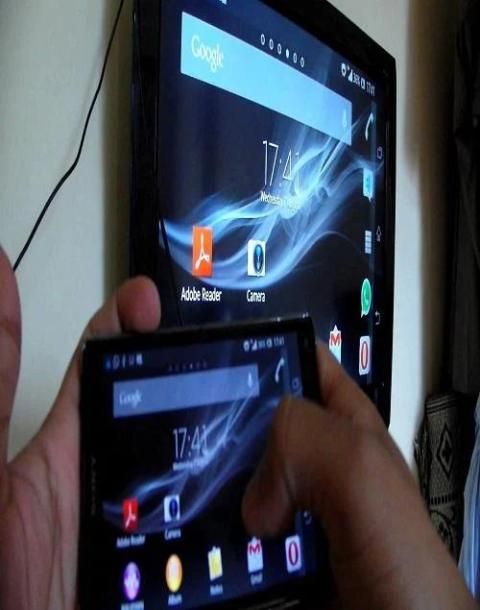
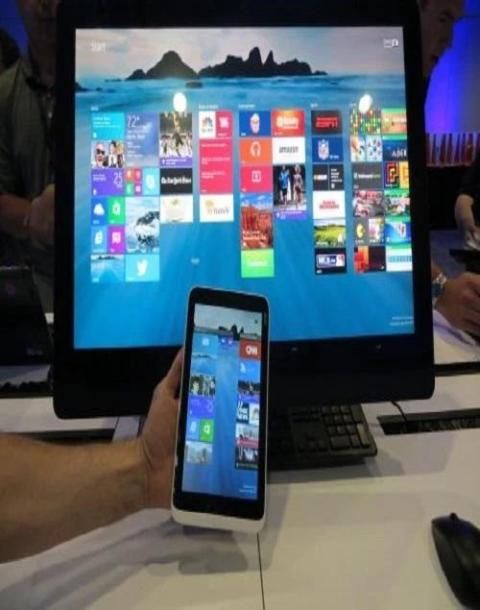
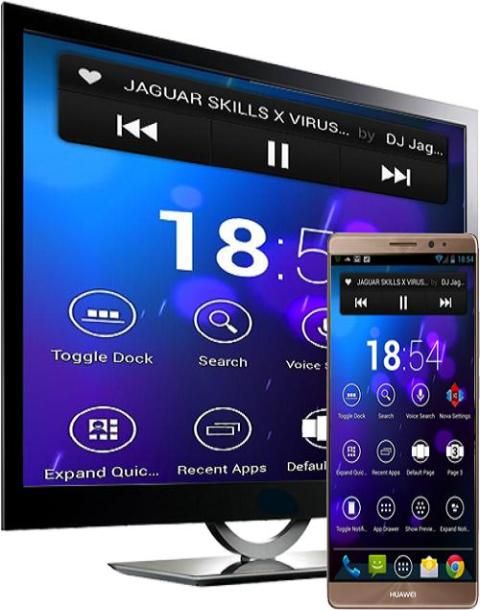
Wifi Display - Miracast able to play videos, music, photos, etc in my smartphone with any devices (smartphone, smartTV, laptop, tablet, etc) at anywhere.
AllCast lets you cast to:
- Chromecast
- Amazon FireTV
- Apple TV
- Xbox 360, Xbox One
- Roku
- WDTV
- Samsung, Sony and Panasonic Smart TVs
- Other DLNA Renderers
To Share/mirror mobile screen to SmartTV or Wifi Display dongle connected to TV,
Following steps needs to performed:
1. Check your TV wheather it supports Wireless Display / Miracast.
2. Make sure TV is connected to the same WiFi network as your mobile device. You can't
connect it with wired connection (LAN).
3. Make sure your Android device version is 4.2 or higher.
4. Make sure your device inbuilt hardware of Miracast.
How to use?
1-Download and run Wifi Display - Miracast App.
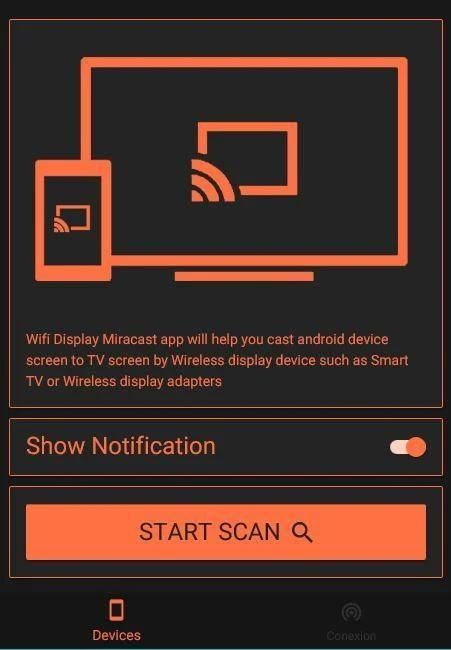
2-Open App then Active/Desactive Notification
3-Enable the TV Miracast.
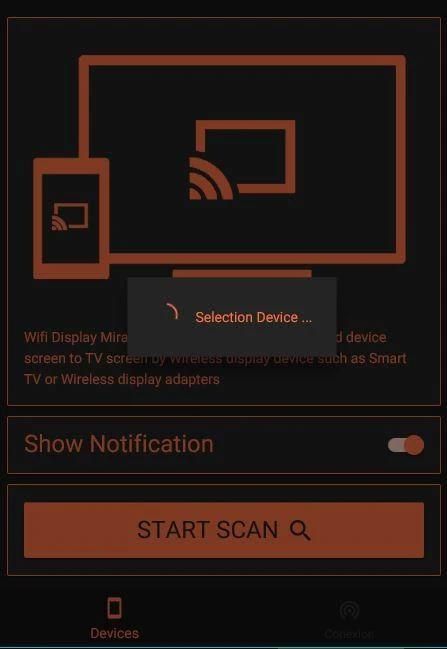
4-Click in the Button START SCAN
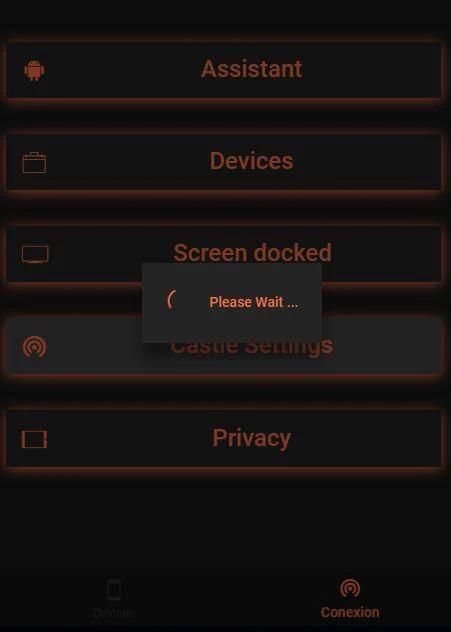
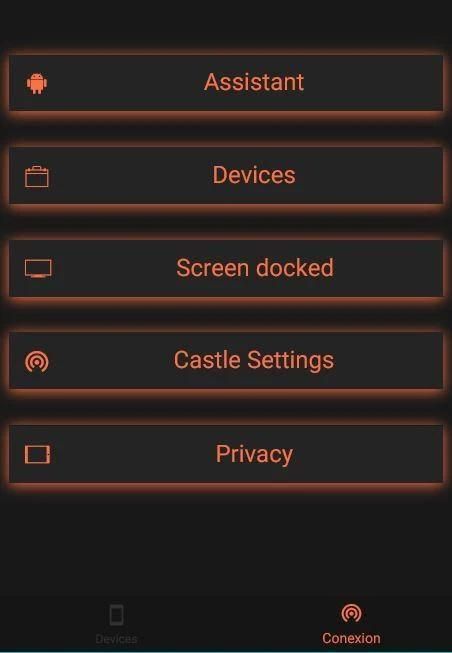
5-If not work go to Connexion and Click Assistant, Devices, Screen docked, Privacy
if this settings not working go to
6-Castle Settings
Please Note : that the app works on 2G, 3G, 4G,6G and WiFi connectivity



9Apps 4.9









