

There's no denying the fact that 20,000+ users downloaded Power Tap latest version on 9Apps for free every week! A lot of functions and features are contained in this app. This hot app was released on 2016-08-04. More similar hot applications can be found here too.
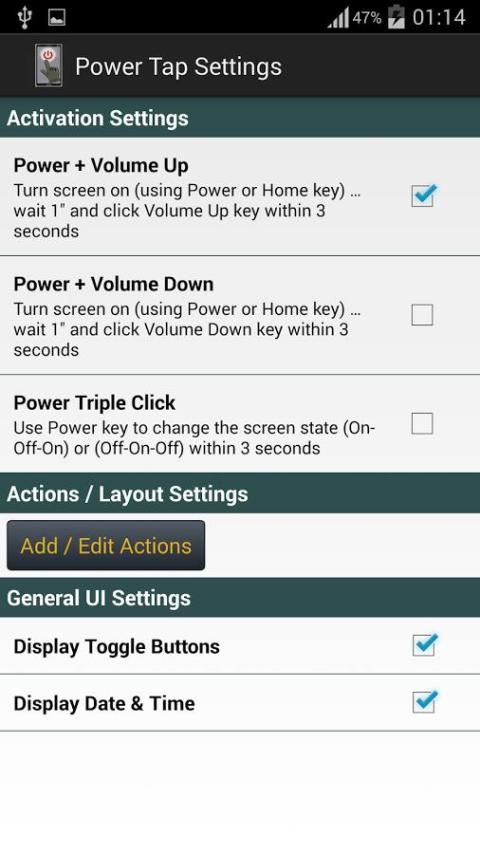
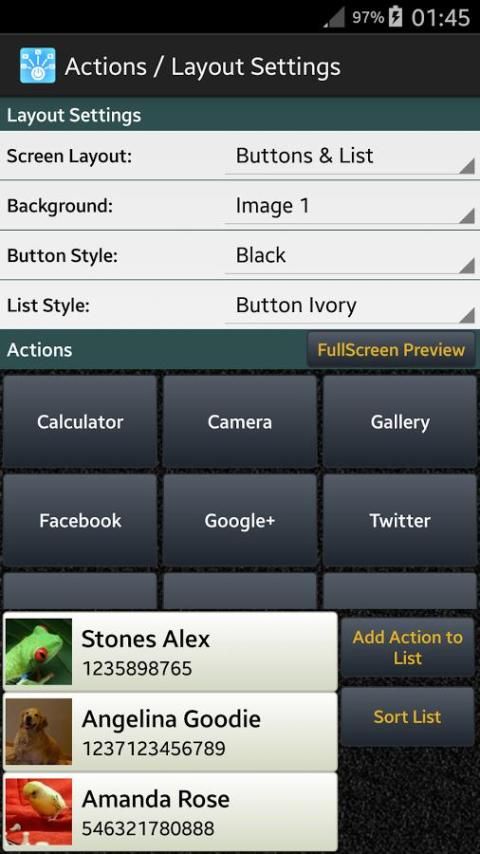
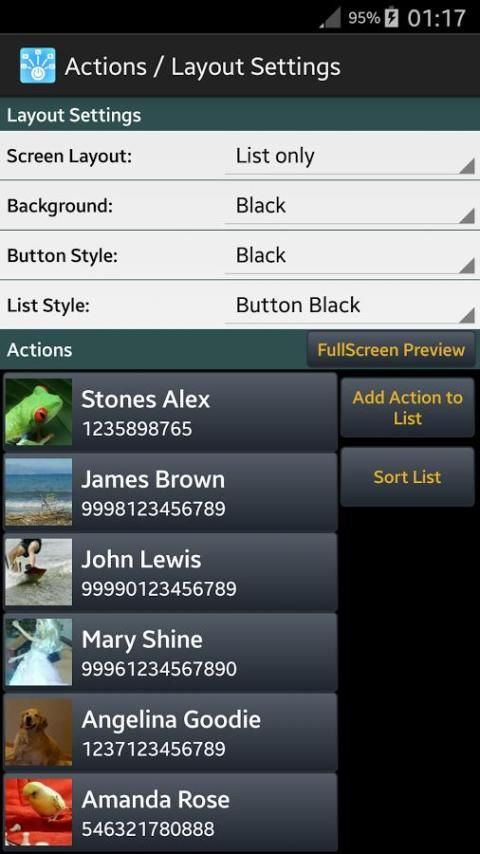
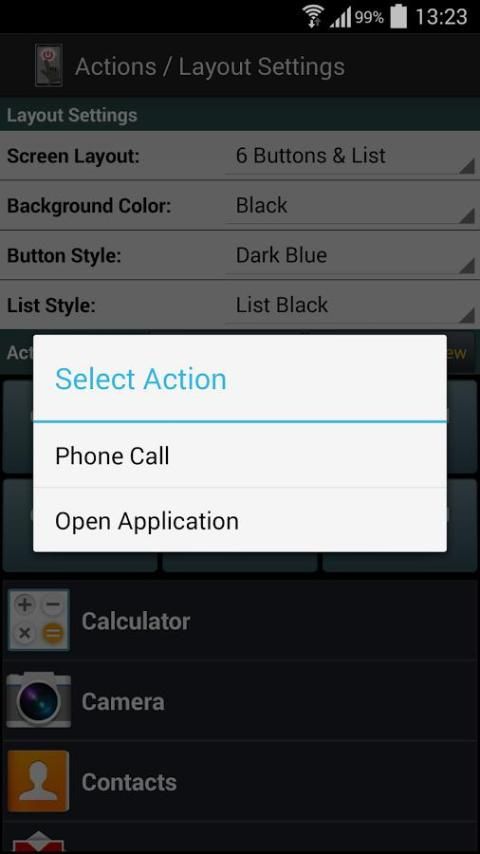
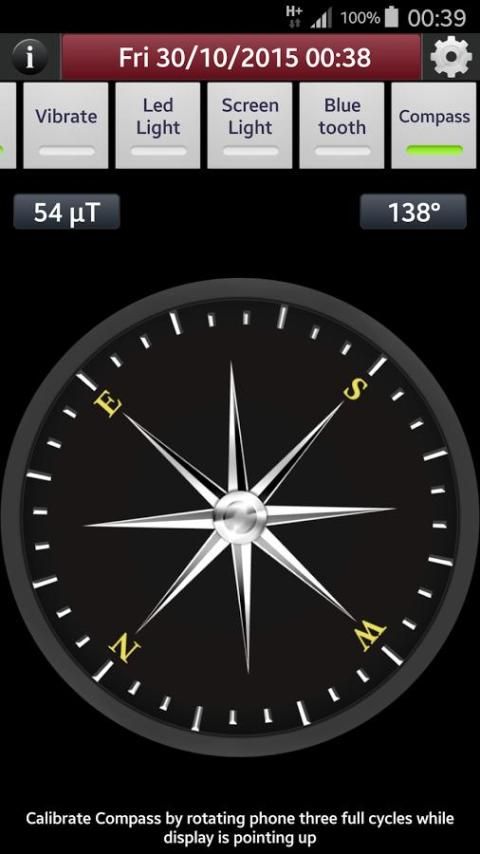
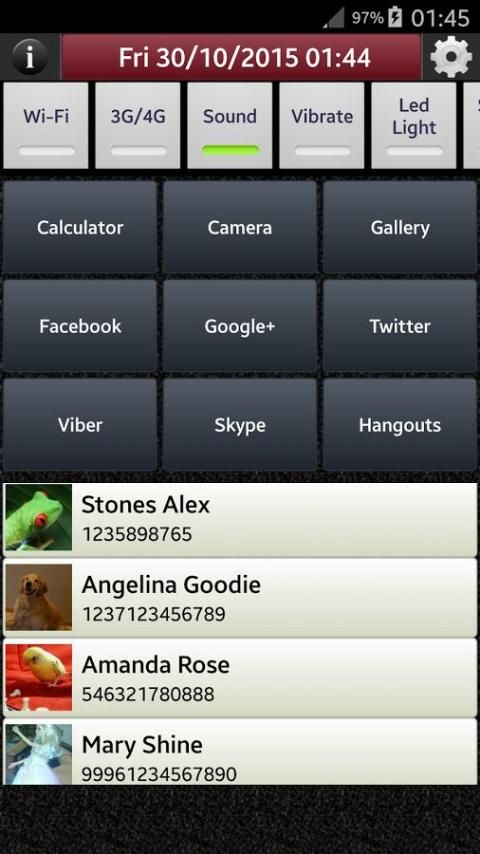
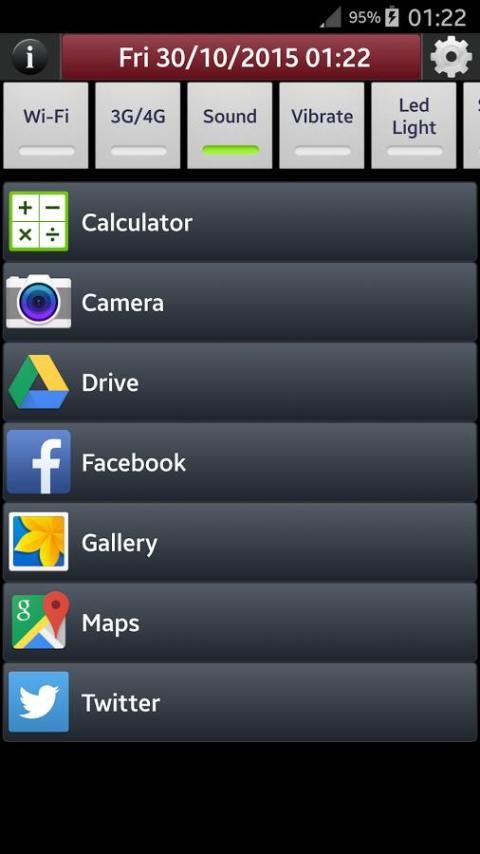
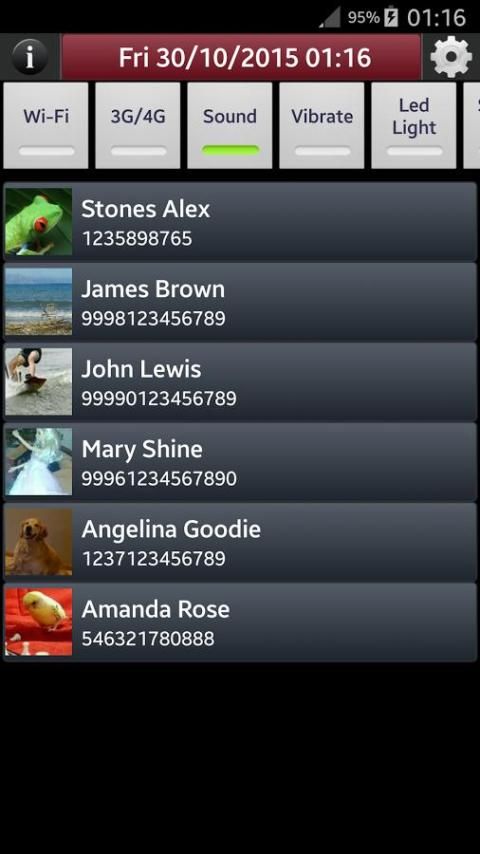
Free Power tool - Quick Launcher that organises your favorite applications and contacts in a single screen. Use Power Triple Click or Power & Volume keys or Home & Volume keys to quickly launch the shortcuts menu of Power Tap and make quick Phone Calls, open your applications shortcuts, take quick photos using Camera, open Photo Gallery, use Calculator, Voice Recorder, turn on LED Flashlight, Screen light, WiFi, Bluetooth, 3G, Sound, etc. Apart from a Contacts & Application Organiser, a Switch / Toggle Button Toolbar is available that gives access to: WiFi - Mobile Data (3G) - Sound - Vibrate - LED Light (Flashlight) - Screen Light - Bluetooth - Toggle button LED Light turns on Camera LED Flashlight and works even when the screen is off or another application is active. - Toggle button Screen Light turns your screen into Flashlight - useful for devices with no Camera LED Flashlight. Date and Time can be displayed at the top bar of the screen. Click on Date and Time links you to the internal Alarm Clock application. Choose whether you want to display Date and Time from the Settings Menu. Activation Settings Screen Use any one of the following options to launch Power Tap quick shortcuts menu: - Power + Volume Up: Click Power or Home button when screen is off, wait one second and click Volume Up. - Power + Volume Down: Click Power or Home button when screen is off, wait one second and click Volume Down. - Power Triple Click: Click Power button three times, making sure that you change the screen state (On/Off/On) or (Off/On/Off). Layout / Actions Settings Screen - Click on Add/Edit Actions button to create shortcuts to Contacts & Applications - Pick from different layout and color styles to set the screen appearance. - Tap on FullScreen Preview to see how your personal shortcuts show in full screen. - Add / Edit shortcuts to Contacts and Applications through single click on buttons. - Use Add Action in List button to create actions (phone calls & application shortcuts) that are displayed in a list. - Long Click on buttons or Items in list to set the shortcuts text (label). It does not affect contacts description. - Long Click on buttons or Items in list lets you also delete the shortcuts to Contacts & Applications. Use this free power tool to quickly launch your favorite applications like: Camera, Calculator, Photo Gallery, Call Logs, Contacts, SMS Messages, Alarm Clock, Flashlight, Voice Recorder, Internet Browser, Social Media Networks, News Applications, Music Players, Video Players, Chat Applications etc. even if you have a broken power button. ### Root is NOT required ### ### NO Battery drain ### Power Tap - Applications and Contacts shortcuts menu that saves you from a lot of ... tap ! Feel free to add your comments, tips or ideas in: https://groups.google.com/forum/#!forum/powertap
Added more buttons, Vibration Setting
![8+ Best Android Launchers So Unique You’ll Want to Change Your Home Screen Today! [2025] screenshot 1](https://i.ytimg.com/vi/2R059vD_Jg8/mqdefault.jpg)



9Apps 4.9










