
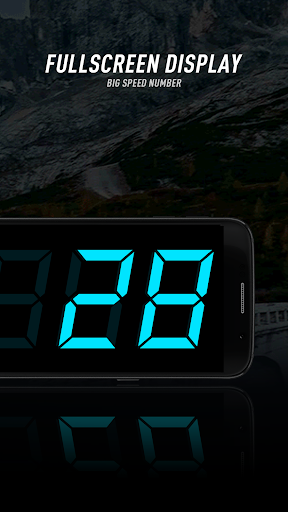
HUD Speedometer is a free and well-designed digital speedometer application supporting head up display(HUD). It helps you to monitor vehicle speed and record vehicle mileage during your journey.
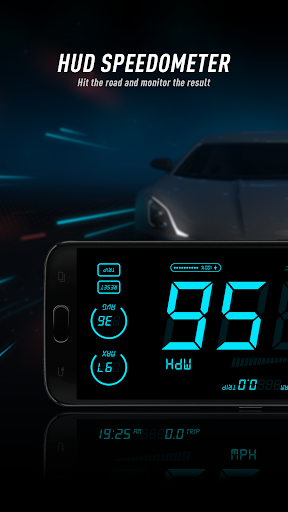
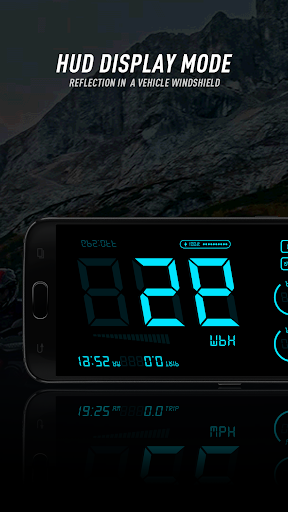
HUD Speedometer is a digital speedometer application with HUD mode support. It monitors your vehicle speed and also records the overall trip. It shows the max speed and average speed for you. Besides, it displays other device information, such as time and battery. It also supports HUD mode with a mirrored display, so that you can conveniently view the speed information through the front windshield.
Features:
HUD mode: It supports HUD mode, which mirrors the display in either portrait mode or landscape mode.
Orientation: It supports both portrait and landscape mode, and also supports sensor-based auto-rotate.
Speed unit: It supports MPH/KMH/KTS speed units.
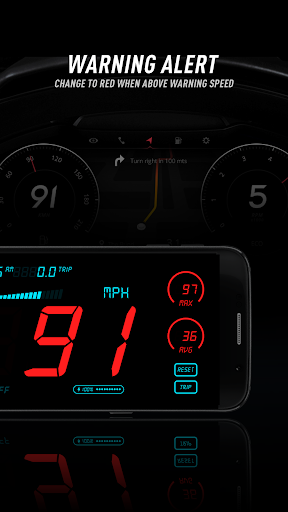
Speed warnings: You can set a max speed warning. It warns you if you exceeds the max speed during your journey.
Color switch: It allows you to switch between various display colors.
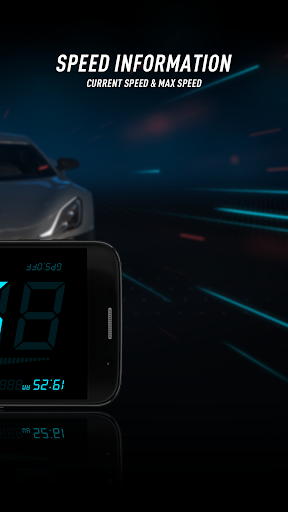
Information display: It displays time, battery, current/max/average speed, GPSstatus.
Try HUD Speedometer which assists you to monitor your vehicle speed during your journey. Looking forward to your feedback.
bug fix








9Apps 4.9









