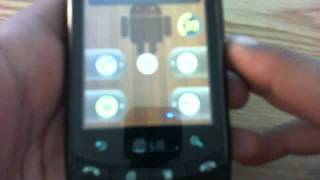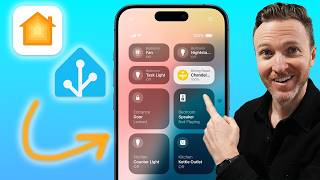
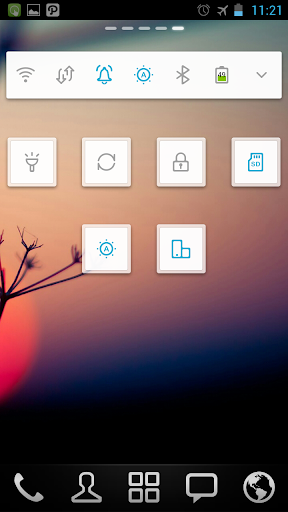
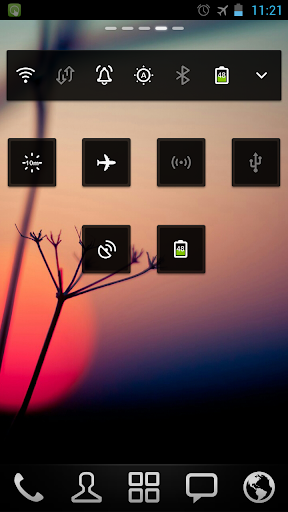
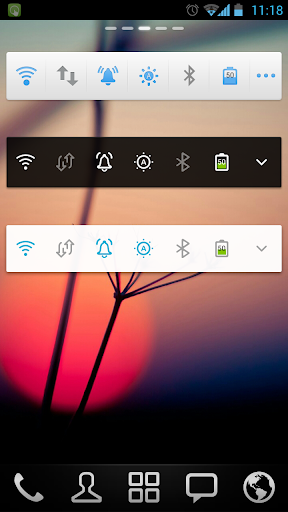
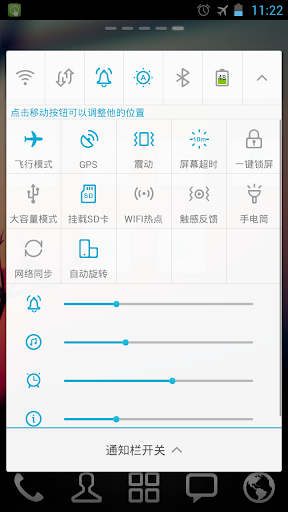
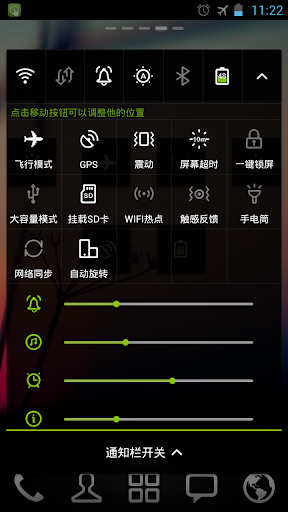
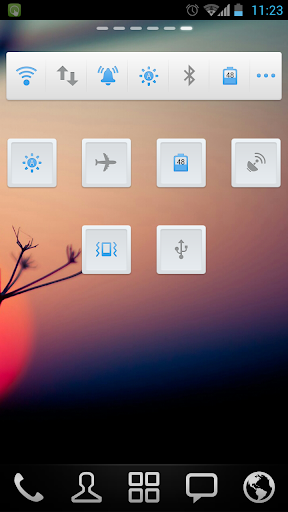
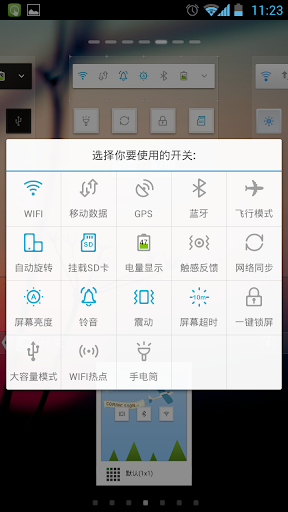
GO Switch Widget provides you a fast way to turn on/off the functions in common use, such as Wifi, GPS, brightness, screen lock,flashlight, battery etc.
In 4x1 style, up to 12 toggles and 2 controls are supported. Compare to other switch widgets, you can just simply drag the toggles to change their positions in the widget. Moreover, like other GOWidgets, theme is also supported.
To make it work, you must install the latest version of GO Launcher EX which is the most popular home launcher app in Android Market.
Free tools for you:
Flashlight
,
QR Scanner
,
Timer
How to uninstall?
To lock screen, the widget must be set as the device administrator. Once it's done, you cannot uninstall the widget directly like other normal GOWidgets. If you happen to uninstall it, you can follow the instruction below:
Enter the "Settings" menu -> "Location and security" -> "Select device administrators" -> Make sure "GO Switch Widget" is not selected -> Then uninstall the
Available Size:
-4x1
-1x1
Since GO Switch Widget has the right to lock screen, to UNINSTALL it, you must execute the steps below first.
Press the "menu" button in home screen of GO Launcher EX -> Select "Settings" -> Select "Location and Security" -> Select "Select device administrators" -> Make sure "GO Switch Widget" is not selected. Then try uninstall the widget like other usual applications.
Some toggles may be out of work after your GO Switch Widget is upgraded. Please refer to the instruction below to figure them out.
For the WiFi toggle (the instruction may be varied a little in different phones)
Settings -> Wireless and network -> Wi-Fi settings -> Unselect “WiFi” -> Then try the WiFi toggle in the widget to open the WiFi network.
For the Bluetooth toggle (the instruction may be varied a little in different phones)
Settings -> Wireless and network -> Bluetooth settings -> Unselect “Bluetooth” -> Then try the Bluetooth toggle in the widget to open the Bluetooth function.
For the screen lock toggle (the instruction may be varied a little in different phones)
Settings -> Location and security -> Select device administrators -> Unselect “GO Switch Widget” -> Then try the “screen lock” toggle in the widget to lock the screen.
Actions:
- Wifi, Ringer, Brightness, Bluetooth, MobileNetwork, GPS, Auto-sync, Airplane mode, Auto-rotate, Vibrate, ScreenTimeout, Lock screen, Ringer volume, Media volume
- Toggle position modification
How to add GOWidgets to your home screen?
- Long press on your home screen in GO Launcher EX. Press the GOWidget option and choose the widget you like. Make sure you have enough room for the widget.
1. (New) add wihte 4*1 and 1*1 widget style
2. (New) add black 4*1 and 1*1 widget style
3. (Fix) Crash bugs






9Apps 4.9