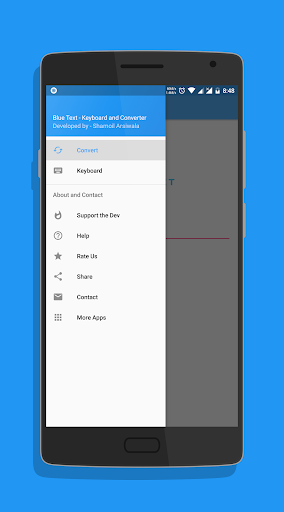
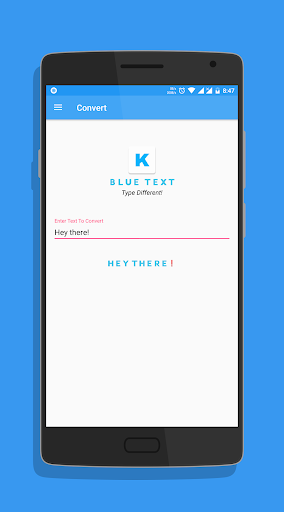
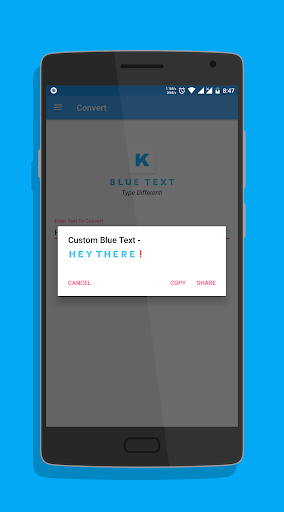
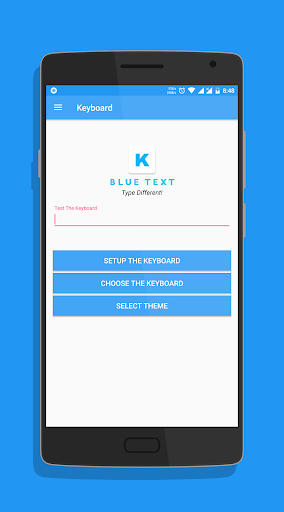
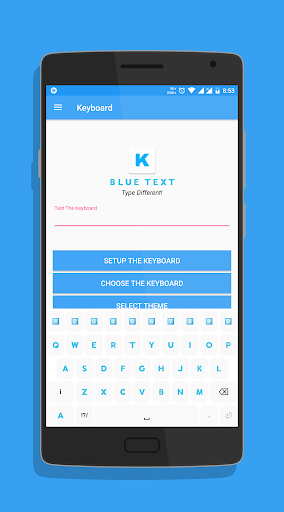
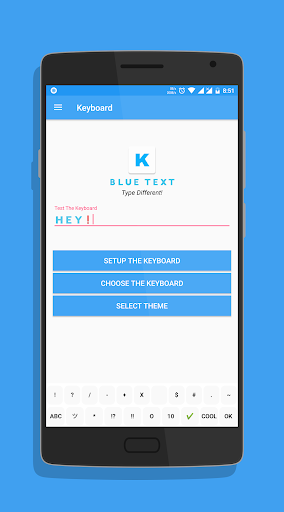
*TEXT WILL APPEAR BLACK ON KITKAT AND OLDER BASED ROMS*
To Enable the Keyboard,
1. Go to Setting
2. Select Language and Input
3. Click on Current Keyboard
4. Click on Choose Keyboard
5. Enable Emoji Letter Keyboard & click on Ok
6. Again click on Current Keyboard and this time your should see the Emoji Letter Keyboard.
Select it and start Typing!
- The Application has a beautiful Light theme & Dark Theme.
- Also send BLANK MESSAGES by selecting the blank key in symbols section.
If you have any doubts or suggestions, Leave them in the review section below
Thank you!
v2.10 -
- Fixed display problems on Nougat and above.
- Bug fixes.
- Reduced size.
- Updated Layout.
- Cleaned code for faster performance.


9Apps 4.9