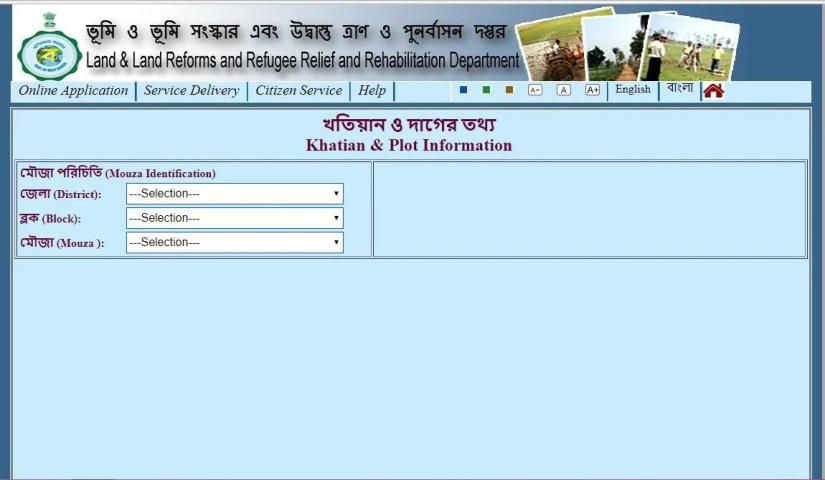
Have you ever read one of those reviews about a app? 20,000+ users downloaded Banglarbhumi Official App latest version on 9Apps for free every week! It shouldn't be surprising to find a app popular faithfully This hot app was released on 2018-03-19. Even if you’re not a fan of this app, you’ll love it after reading this page.
Online Mutation Application Process
Step 1: To apply for mutation
Go to Online Application -> Mutation-Application, Fill up the details and Submit. After submission, application reference no. will be shown which is to be used for future references.
N.B:- Only one pdf file can be uploaded against each item in the list given in the "File Upload" section. So if multiple documents need to upload against one item then make one single scan copy of all the documents then upload.
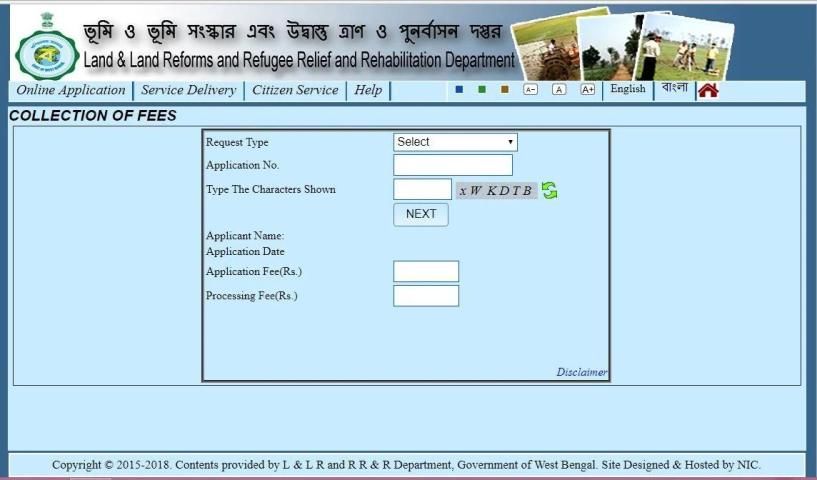
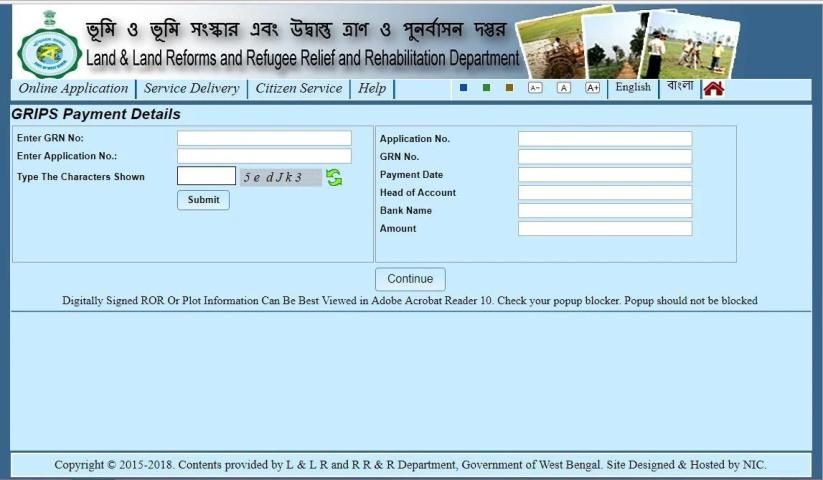
Step 2: Next pay the fee from Online Application -> Fees Payment menu. Fill up Request Type, Application no. and submit 'Next' for payment options. If fees paid through 'online mode' (Netbanking and Debit Card option of GRIPS) then Mutation Case No. will be registered immediately. If fees paid through 'counter payment' option of GRIPS then goto Online Application -> Application- GRN Search to verify your payment and Register your case. In Case after successful payment through 'online mode' of GRIPS and no response came back to this end, then also use Online Application -> Application GRN Search to verify your payment and register the case.
Online Conversion Application Process
For Conversion Application Process, steps of Mutation Application Process needs to be followed.
Online Request for Certified Copy of ROR/Plot Information/Plot Map - Process
Step 1: To apply for Certified Copy of ROR/ Copy of Plot Information/ Copy of Plot Map Go to Service Delivery -> ROR Request/PI Request/Plot Map Request, fill up the details and press 'calculate fee'. Proceed for payment option, in case after successful payment through 'online mode' of GRIPS and no response came back to this end, then also use Service Delivery -> Request GRN Search to verify your payment and register the case.
Step 2: If fees paid through 'online mode' (Netbanking and Debit Card option of GRIPS) then user will get receipt message immediately. If fees paid through 'counter payment' option of GRIPS then goto Service Delivery -> Request GRN Search to verify your payment and avail signed copy. In Case after successful payment through 'online mode' of GRIPS and no response came back to this end, then also use Service Delivery -> Request GRN Search to verify your payment and avail signed copy.
Know Your Property
Selection of District,Block:
District name / Block name is displayed in
"Green" color means Centrally Co-Located live data.
"Blue" color means Legacy Data.
"Black" means No Data available.
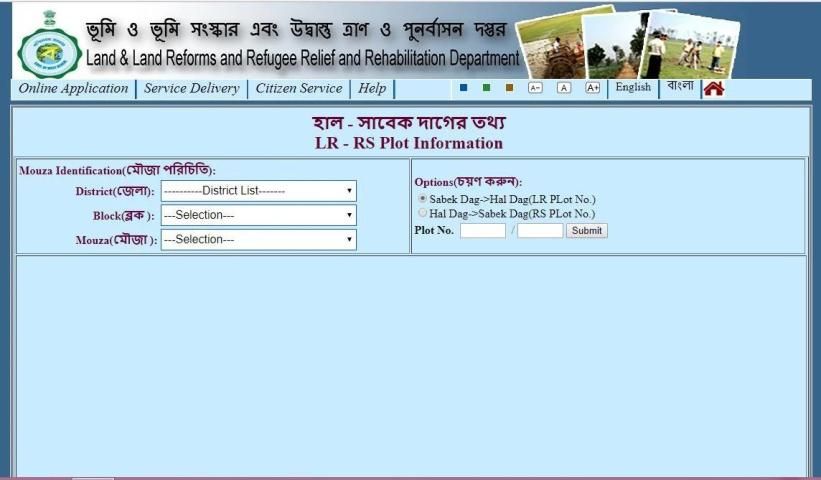
For Search by Khatian no./Plot no. :
If khatian no./Plot no. is in the form as '99999/99', then put '99999'(First portion of khatian no./plot no.) in the box before the slash ('/') and put '99'(Second portion of khatian no./plot no.) in the box after slash('/').
e.g.- If khatian/Plot no. is '495/1' then put '495' in the box before('/') and '01' in the box after slash('/').
Otherewise,If khatian no./Plot no. is in the form as '99999' (Without any slash '/'), then put whole khatian no./plot no. in the box before the slash '/'
e.g.- If khatian/Plot no. is '49501' i.e without any slash('/') then put '49501' in the box before the slash('/').
CC indicates Court Case against the Plot of a Khatian.
N.B:-Message "No Record Found" means record is either not available or invalid entry.
Bug Fixes
New Version 5.0
Long Press Middle Of The Option
প্রত্যেকটি অপশেনের মাঝে একটু টাচ করে থাকুন



9Apps 4.9