Welcome to our app recommend. 20,000+ users downloaded Miracast Screen Mirroring latest version on 9Apps for free every week! More features are involved in this new version. This hot app was released on 2018-11-22. 9Apps has thousands of apps and updated daily!
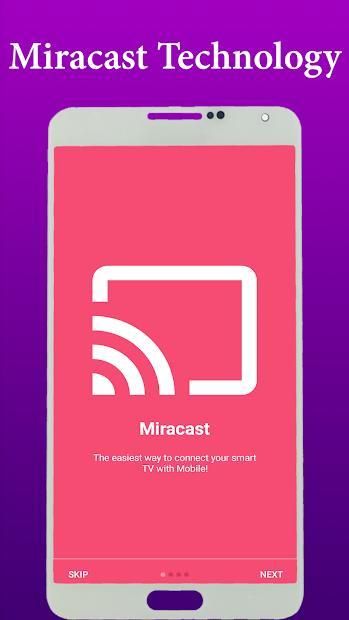
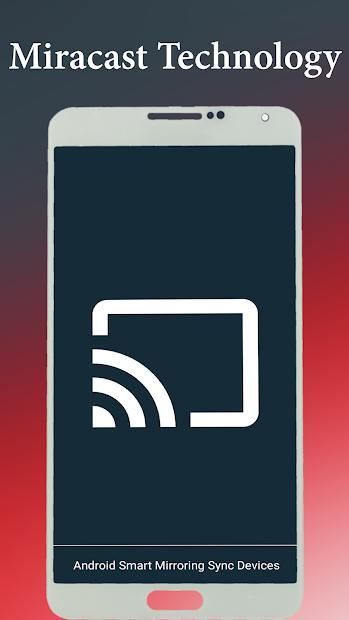
Miracast Screen Mirroring App will assist you to scan and mirror your android phone or tab's screen on smart TV/Display (mira cast enabled ) or Wireless dongles or adapters.
Miracast Screen Mirroring Able to play videos, music, photos, etc in my Smartphone with any devices (Smartphone, smart TV, laptop, tablet, etc) at anywhere.
Miracast Screen Mirroring screen does not need extra dongle or cable. Click the application “Start Miracast WIFI”, the Mobile hotspot will be operating automatically and After hotspot will be operating, connect to AP from other devices.
Miracast Screen Mirroring can only play contents but send screen as is such as HDMI, MHL, Miracast and Chrome cast. User can share with friends and also there is help instructions.
Please follow below steps to mirror your mobile screen to smart TV.
Miracast or Screen Mirroring able to play videos, music, photos, etc in my Smartphone with any devices (Smartphone, smart TV, laptop, tablet, etc) at anywhere.
Screen Mirroring provides an easy shortcut and widget to use the Miracast external display screen casting feature included in Android 4.2 and above!
With this app, user will more conveniently be able to mirror own screen or use the cast feature from supported devices.
Miracast Screen Mirroring APP allow to share screen with Smart TV.
* screen mirroring app
* mirror screen
* screen mirroring samsung tv
* mirror tv
* screen mirroring samsung smart tv
* samsung screen mirroring
* mirror cast
* screen mirroring Samsung
* cast screen android
* samsung mirroring app
* screen mirr
* mirror screen android
* screen mirroring for samsung tv
* mirroring to tv
* screen mirroring laptop
To Share/mirror mobile screen to SmartTV or Wifi Display dongle connected to TV,
Following steps needs to performed:
1. Check your TV wheather it supports Wireless Display / Miracast hardware.
2. Make sure TV is connected to the same WiFi network as your mobile device. You can't connect it with wired connection (LAN).
3. Make sure your Android device version is 4.0 or higher.
4. Make sure your device inbuilt hardware of Miracast.
5. Download and run Miracast Screen Mirroring App.
How to use?
Firstly App open then click on wi-fi display you will go on cast screen directly.
Enable the TV Miracast.
Tap on start wifi of the application.
Miracast application should be enabled.
Both will connect automatically to each other then you can see same mobile screen show on Smart TV.
* New features Enjoy play video-audio, photographs and Game from Smartphone on Smart TV & Tablet also Laptop.
* New Graphics with New Cast features added.
* User can operate the video/image/music from this application.
* Stable connection between the Miracast supported devices.
* Connection between Smart TV and Phone
* Enjoy the Miracast Screen Mirroring!!!




9Apps 4.9