
★★★★★
If you forget to send your messages or Emails in time Message Later is here
★★★★★
Message Later lets you schedule your SMS and Emails to be sent later at any time.
Message Later provides a flexible solution to remembering messages and emails, just schedule
them and at the specified time your SMS or Emails will be sent automatically.
HOW TO USE:
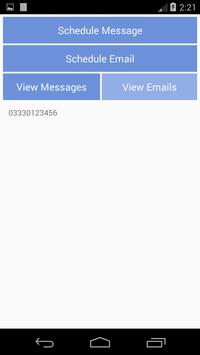
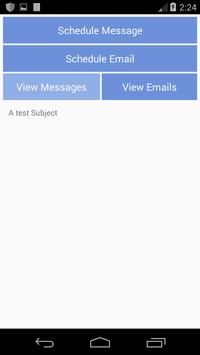
- Just select your choice to schedule:
1- Schedule message
2- Schedule Email
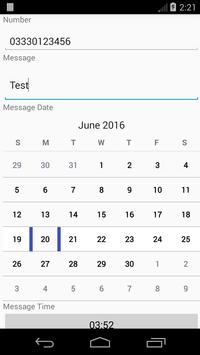
- Fill in the details accordingly like, Message/Email body, subject, Number, Address etc
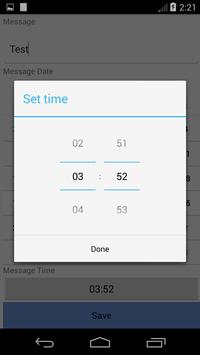
-Select date and Time and its done.
At the selected date and time your message or Email would be automatically sent to the Number/Address you saved and you would be notified with a notification.
HOW DOES IT WORK FOR EMAIL:
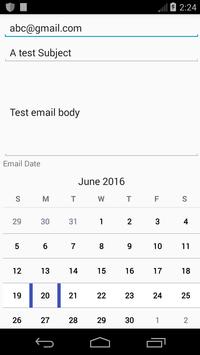
-When you want to schedule an Email you would just enter the recipients email address, email subject, email body, time and date.
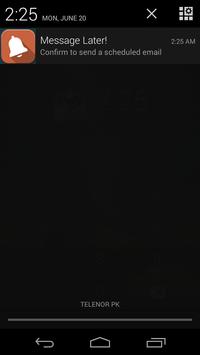
-At the specified time you would be notified through a notification that an email needs to be sent.
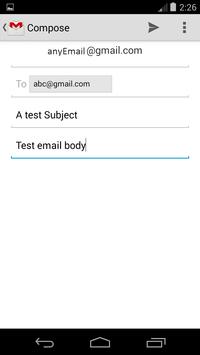
-As Message Later uses the Gmail account that has been used to sign into google play from the phone, therefore a gmail dialogue would be shown which would be including all the details that you filled while scheduling the email. you just have to press send and email is sent.
1- Compatible with Android version 6.0

![new text message [soft beat] screenshot 2](https://i.ytimg.com/vi/o2eo8QTQ8r8/mqdefault.jpg)



9Apps 4.9