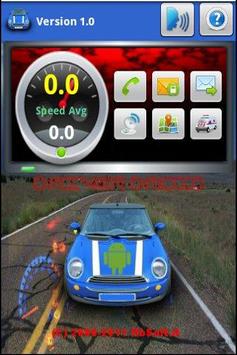
This plugin developed for the Droid Driver allows you to launch the Google Maps and GPS information to share / network obtained in real time.
How to use:
• Press the "Speech" button on the main module Driver Droid
• Wait for the beep before AUTHORIZATION voice command
• Say the command: "Maps"
• The system will enable Google Maps showing the location on the map.
Minimum requirements:
• Driver 1.0 droid
• Google Maps
• GPS / Network




9Apps 4.9