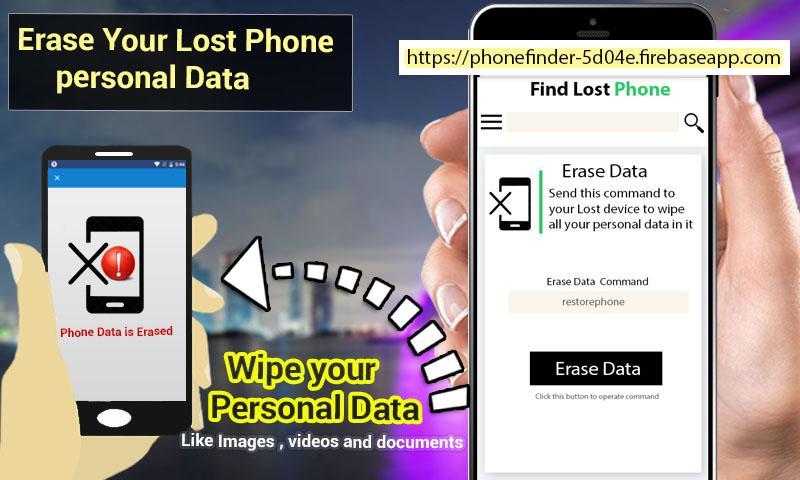
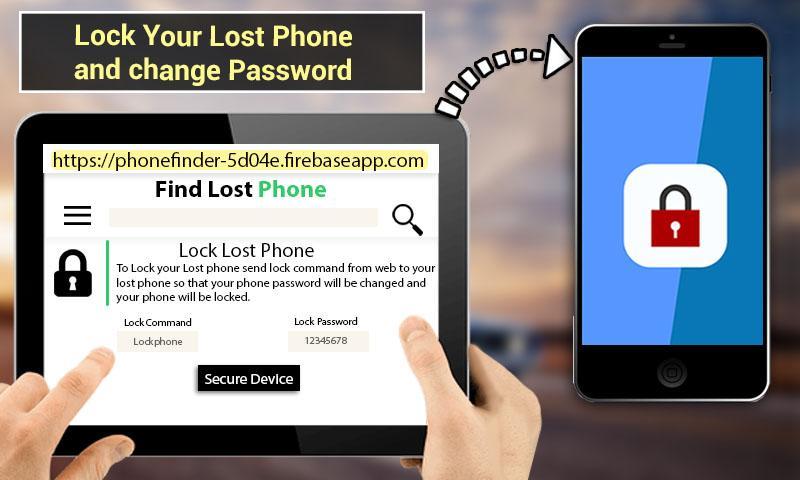
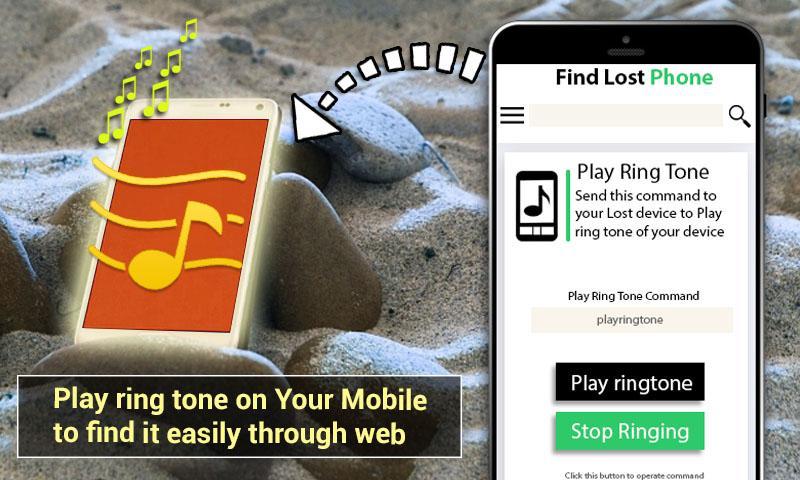
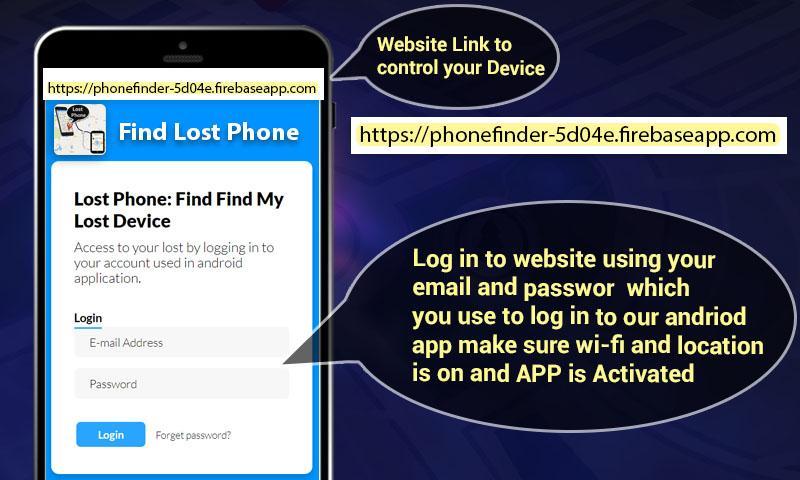
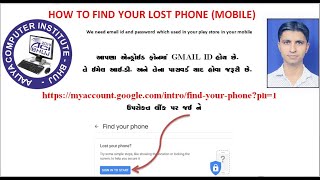
Lost Phone Finder: Lost Phone Tracker is used to find lost phone location. This app has many features and provide the user ability to find the lost phone location. Find my phone is use to find lost phone or track lost phone of user by accessing the website and login from account to find the lost phone tracker app. Find my lost phone tracker app is used to find lost phone location by using website this is lost phone location tracker. To restore my lost phone data by accessing website and remotely restore the lost phone. Lock the lost phone by pressing button from website and lock the lost phone and change the password. Ring the lost phone on silent or vibration by pressing lost phone website,
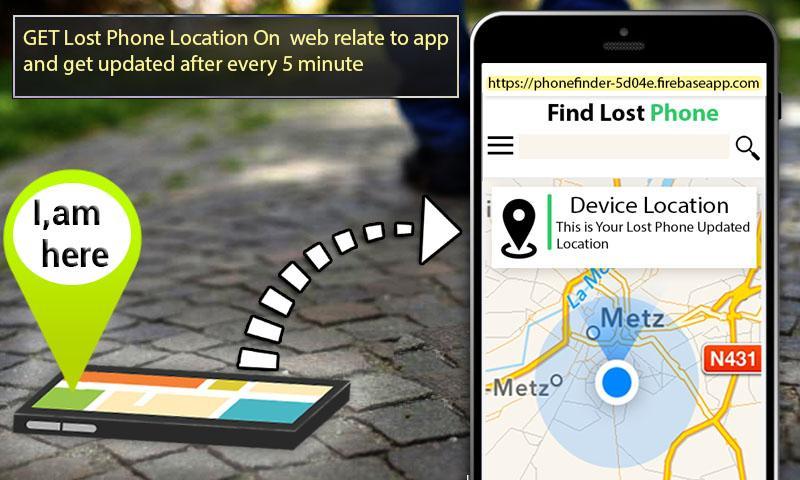
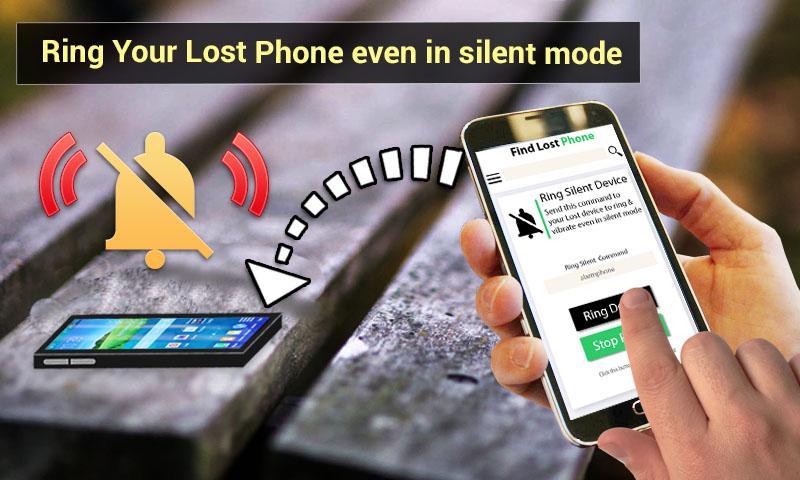
User can find its lost phone location tracker by using a web link provided in the application and login to the website by using email and password registered in the application. Lost Device tracker: Find My Lost Device can find lost phone location by updating the location from application whenever phone location is change after few seconds and show the lost phone location on website. Lost Phone Finder: Lost Phone Tracker can save user device information and status on website which can be viewed by accessing the web link provided in the where is my phone application. The Lost Phone Finder: Lost Phone Tracker Device can lock lost phone by using the password set in the application which allows to lock the lost phone with PIN, password and pattern lock and can only be retrieve and use by the person who knows the password, this is done by logging to website and click secure device button. Lost Phone Finder: Lost Phone Tracker can erase/restore lost phone data by logging to the website and click the erase button, the phone will be restore and all data will be deleted. Lost Phone Finder: Lost Phone Tracker can ring the lost phone on silent or vibration by logging to the website and press the button, the phone will ring and can only be stopped using the stop ring button from website. Lost Phone Finder: Lost Phone Tracker lost and all other features requires active internet connection to work. Lost my phone app uses device admin permission to active for lock and erase feature of the app.
The Lost Phone Finder: Lost Phone Tracker uses the following features:
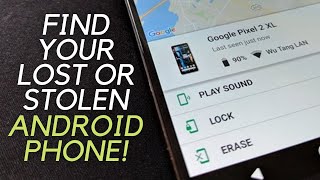
Alarm or play sound the lost phone even on vibrate or silent mode.
Play ringtone of the find my lost phone.
Lock the phone and update the password of the lost phone.
Erase/restore all data to factory reset.
Update and find my lost phone location.
Device Administrator Permissions required:
The Lost Phone Finder: Lost Phone Tracker requires Device Administrator permissions.
Lock Phone: It allows user to lock the phone remotely.
Reset Password: When user phone is lost or stolen
Erase Phone Data: It allows user to factory reset all data.
How to Uninstall:
To uninstall the App, you can do two things:
From the application:
You must tap same “Activated” button to deactivate the app security first.
Click on the “Uninstall” button below and hit yes to uninstall the application.
From the setting:
Phone Settings > Security > Device Administrators, uncheck " Lost Device Finder: Find My Lost Device ".
And then uninstall the application...
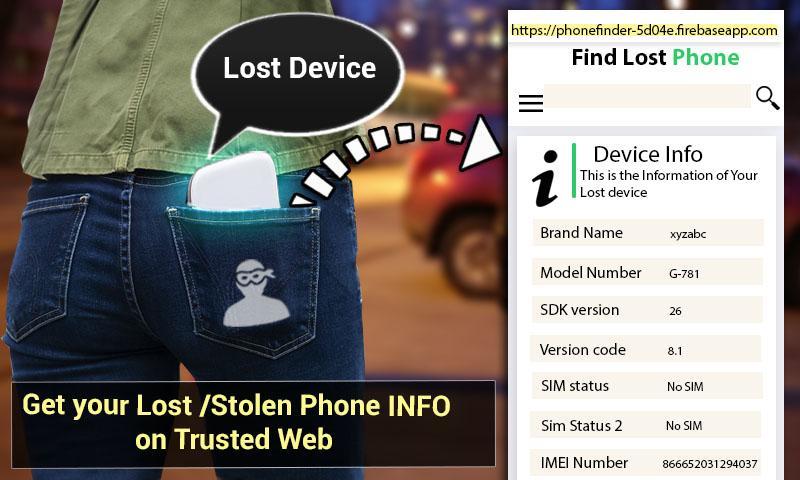
Lost Phone Finder: Lost Phone Tracker also includes theft image gallery to take picture of unauthorized user who tries to login to the lost phone app by typing wrong password. Device Information which contains some information of the phone like imei number, sim status, RAM and storage size etc. Speedometer which is used to track the speed of vehicle when driving. Flash light which is used where there is no light
Permissions:
The Lost Device Finder: Find My Lost Device requires following permissions:
Bind Device Admin ( for device admin permission)
Location (for getting lost device approximated and somehow accurate location)
Read phone state (for getting lost device information like imei number, model number etc.)




9Apps 4.9