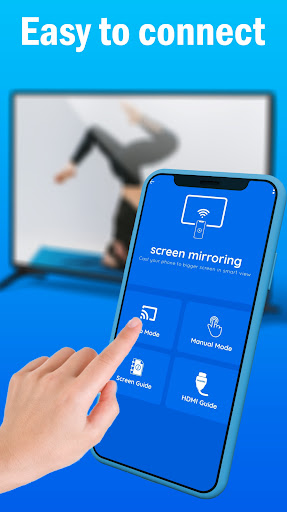
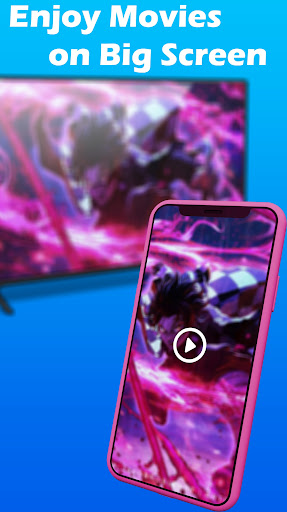
Cast to TV, it's the best application for casting to broadcast and mirroring the contents of your Android video and screen at a real-time rate on your tv screen.
Cast to TV is a simple shortcut and widget that allows you to utilize the Miracast external screencasting feature With Screen Mirroring app that you can use to efficiently mirror your screen and use the casting feature incompatible applications.
Cast to TV allows screen mirroring, which allows you to play music, videos, photographs, etc., on your Smartphone using any device (Smartphone or smart tv, laptop, tablet) from anywhere. The Screen Mirroring app lets users easily connect their device to the smart tv.
Cast to TVallows you to cast all local videos, music and images to smart tv on Chromecast, Roku, Amazon Fire Stick or Fire TV or other DLNA Devices.
This screen mirroring TV App allows you to immediately cast your music, movies, and images to your TV. Screen Mirroring App is among the top screen mirroring apps for all Android users.
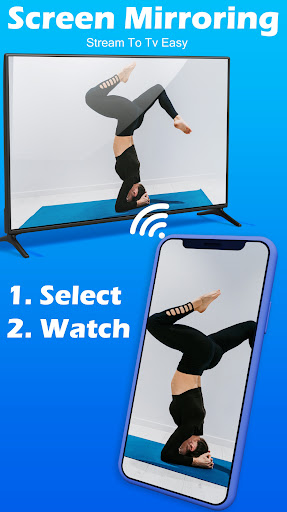
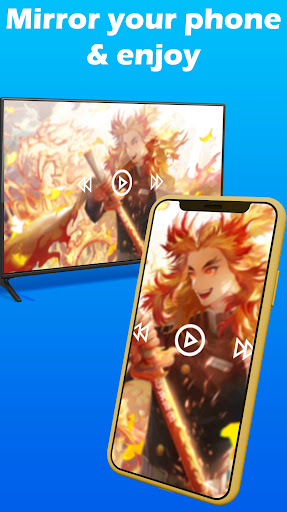
Screen mirroring helps stream videos, movies, and access apps and photos on your TV's display.
If you're looking for an easy and secure screen mirroring feature to turn your screen into a bigger screen, this handy Cast to TV app can help you view your phone's screen on your television.
It is easy to connect your Smartphone to the Roku Tv , and LG Tv, and TCL TV and more! via wireless or HDMI. You can browse your favorite TV series and shows and then stream them on the TV screen.
The screen mirroring app helps open the smart Roku TV screen via your mobile, easily sharing your phone's screen with the TV.
Multiple Supported Streaming Devices
- Miracast for android to TV
- Smart TVs like LG, Samsung, Sony, TCL, Xiaomi, Hisense, etc.
- Cast to tv for Google Chromecast
- Cast TV for Roku Stick & Roku TV
- AnyCast
- Other wireless adapters
🔥 How to Use Screen Mirroring:
1. Make sure your phone/tablet and smart TV are connected to the same Wi-Fi network.
2. Enable "Wireless display" on your phone.
3. Enable "Miracast" on your smart TV.
4. Search and pair the device.
🔍Features:
✔️Simple Connection: Simple and fast connection in a single click.
✔️Easy Cast: Cast your Smartphone's screen onto a big TV screen.
✔️Multi-Media: All media files can be supported, including photos, videos, audio, PDFs, and many more.
✔️Multi-Devices: Multiple Devices Supported.
✔️Highly secure: Protect your files, data, and applications with the Screen Mirroring app.
📺 Now Please enjoy screen sharing! Mirror Cast phone to a TV or other devices and share screen instantly!




9Apps 4.9