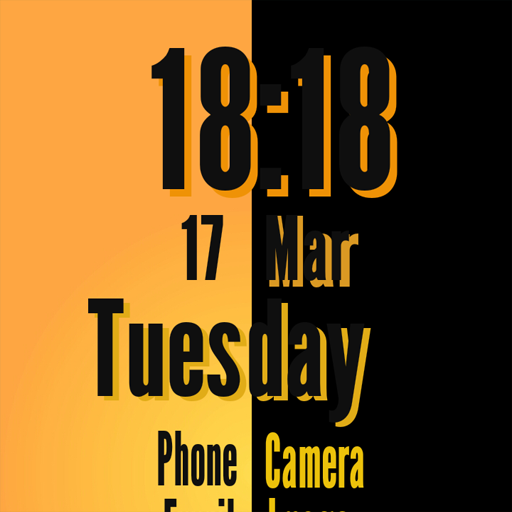
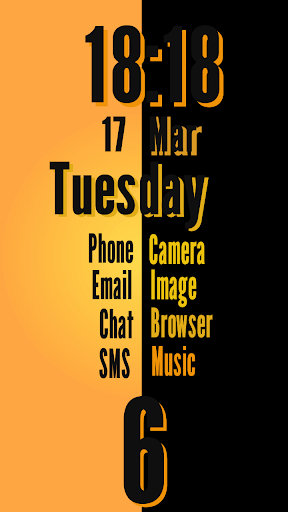
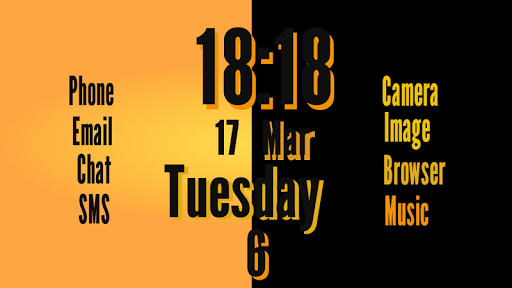
HOW TO INSTALL AND APPLY :
Tested on Galaxy K Zoom
Requirements :
- Android OS 2.2 (Froyo) or up.
- SSLauncher Original app installed.
First, apply the theme :
- In SSLauncher go to Menu -- Options
-- Apply Theme Packages
- Choose Dizzy Orange
- Select Yes when you are asked to clear fonts etc.
Second, apply the Layout :
- Go to homescreen
- If the homescreen is lock, unlock the homescreen by tapping the Lock/Unlock icon on the Menu.
- Long press the free area of the homescreen.
- Choose "Load a Template"
- Choose "Cover Page"
- Select Template 1 to load the template to obtain layout
- Lock the screen back to avoid unintentional changes
email :
hawakivi@gmail.com
Thanks to ChYK the SSLauncher Developer.

9Apps 4.9