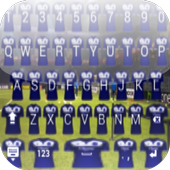
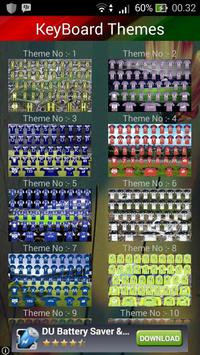

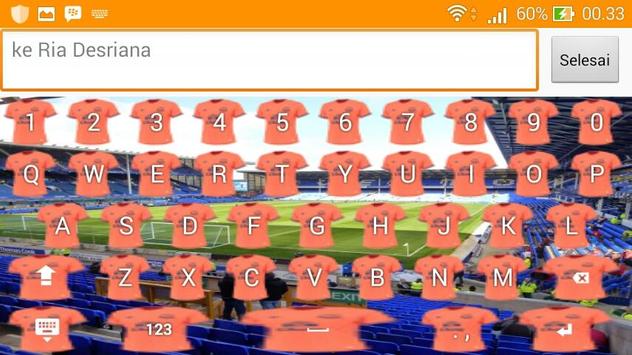
Keyboard application will decorate your smartphone as fans everton .
How to use?
- Open the application after finally installed
- Select "Enable Keyboard" and select " Keyboard Icon" ( later returned )
- Select "Set Input Method" and select "Keyboard Icon" ( later returned )
- Select "Set Theme" and then choose the theme of the keyboard is vailable for the theme of your keyboard.
- Done. Your keyboard has been changed to the selected theme in the application.
* You can choose to include your photo to be used as the theme of your keyboard
- Select the "Themes Background" then
- Select "Set Background Gallery" select an existing photo in your gallery.
- Set the size of the photo to be used as the theme of the keyboard ( later returned )
- Select "Set Theme" which is under the menu "Set Background Gallery"
- Done. Keyboard you've changed the theme that has been selected photo.


![[3Hours] BEST TOP 10 Piano Worship Compilation | Instrumental | Playlist | Prayer screenshot 3](https://i.ytimg.com/vi/bZ_Q_3CWwIA/mqdefault.jpg)



9Apps 4.9