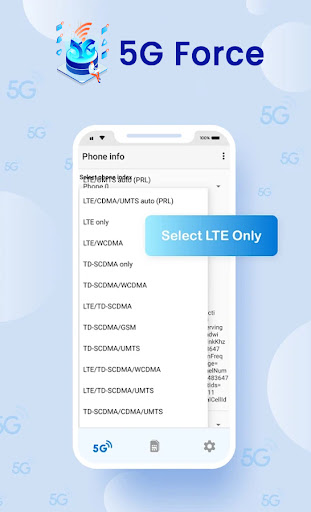
Force 4G/5G Only will help to change network to 5G/4G/3G. it can opens a secret menu where advanced network configurations can be selected. 5G feature only support Phone with 5G Hardware
Switch your device into 5G/4G LTE mode only. With this app you can convert your network to 5G/4G mode only for faster Internet speed. This can be done only if your phone supports 5G or 4G network.
Features :
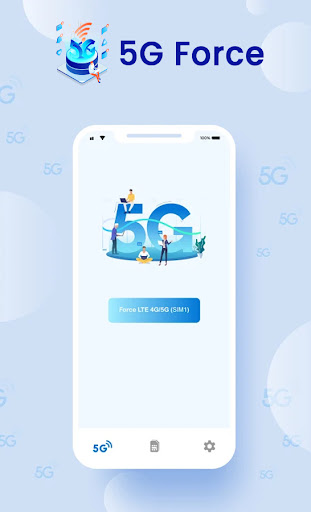
*Change network to "4G/5G Only" mode
*Lock to any particular Network Signal like 5G/4G LTE/3G only
*Dual SIM Support
*Advanced network statistics
How to Use :
✔ Open "5G 4G Force LTE" Setting in app.
✔ Select "Open Settings" to switch mode.
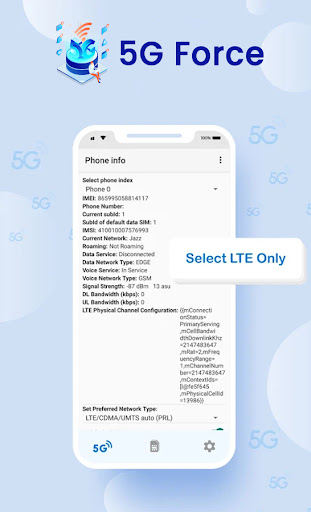
✔ Scroll down and find the Option "Set preferred network type".
✔ Click on LTE Only For 4G or Click on LTE/UMTS auto(PRL).
⭐ Disclaimer:
⛔️. This 5G/4G Force LTE Only app is not work on all smartphones. Some smartphones restrict the force switching mode.
5G/4G Force LTE Only



9Apps 4.9