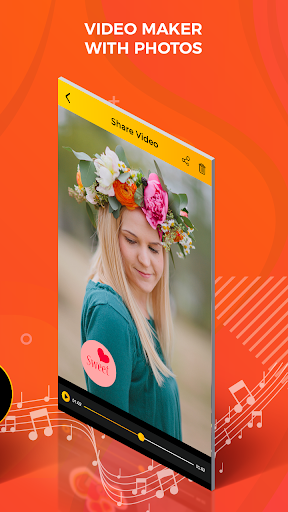
Arrange the photos in order with perfect background , music
and animation to crate a video of your own. This application
easy and simple to use.
Features:
-Easy and simple to use.
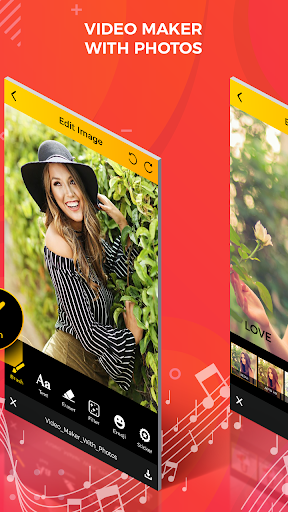
-Add and edit the image.
-Multi photos selected.
-Add the frame and animation with different colour and style.
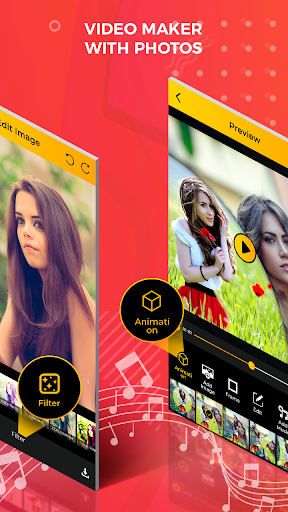
-Awesome filter effect collection.
-Add the text with different types of colour and style.
How to use:
-Search the video maker with photos application in play store.
-Install the video maker with photos application.
-Update this application.
-Video maker with photos application will be open in your smart phone.
-Click on create video slideshow maker button.
-Select the create slideshow button.
-Select the multi photos from gallery.
-Photos will be show on your smart phone.
-If you arrange the selected photos.
-Click of your finger the selected photos for long time.
-Move the photo with your finger.
-You can also edit your photo.
-Click on edit button.
-Click on brush button.
-Select your favourite colour in the list.
-Draw with your finger on the photo.
-You can also adjust the brush size and opacity.
-Swap the sic bar button with your finger.
-Select the text button.
-Enter the text with different colour.
-Click on done.
-Click on erase button.
-Erase you draw the picture.
-Click on filter button.
-Select your favourite filter effect in the list.
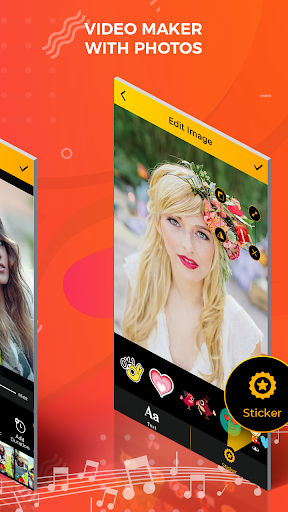
-You also add the sticker.
-Click on sticker button.
-Select the sticker in the list.
-You can use undo and redo button.
-Click on right arrow button.
-You can also delete your selected photo.
-Click on close button.
-All o photos will be edit click on right arrow button.
-Edit page will be open.
-Select the start screen image in the list.
-Select the end screen image in the list.
-Click on right arrow button.
-Click on yes button.
-Click in animation button.
-Select your favourite theme in the list.
-You also add the image.
-Click on add image button.
-Select the photo from gallery.
-Click on right arrow button.
-Click on frame button.
-Select the frame in the list.
-Click on edit button.
-Edit the effect you want.
-Click on right arrow button.
-You also add the music.
-Click on music button.
-Select the music in the list.
-Click on right arrow button.
-Click on add duration button.
-Select the second if you want.
-Click on right arrow button.
-Click on create animation video button.
-Select the music in the list.
-Click on next button.
-Select the photos from gallery.
-You can select exact 9 photos.
-Click on done button.
-Edit all selected photos.
-Click on text button.
-Enter the text.
-To change the colour of text click on text colour.
-You can also change the text background colour.
-Click on text bg colour.
-Click on font colour.
-Select your favourite font style in the list.
-If you change the font size click on text size button.
-You can also add the sticker.
-Click on sticker button.
-Select the sticker in the list.
-Click on right arrow button.
-Video will be create.
-Your created video will open in my video button.
-Share your created video with your friends on social media.
-If you delete your video click on delete button.




9Apps 4.9