


9Apps is the free store of application, 30,000+ users downloaded Live PiCamera latest version on 9Apps for free every week! This app was totally funny. This hot app was released on 2017-08-27. For more mobile apps information, you can go to our official website - 9Apps.
Audio and Video live streaming service with Raspberry Pi and Gstreamer.
(Between Raspberry Pi and Android Phone or bewteen Android phone and Android phone)
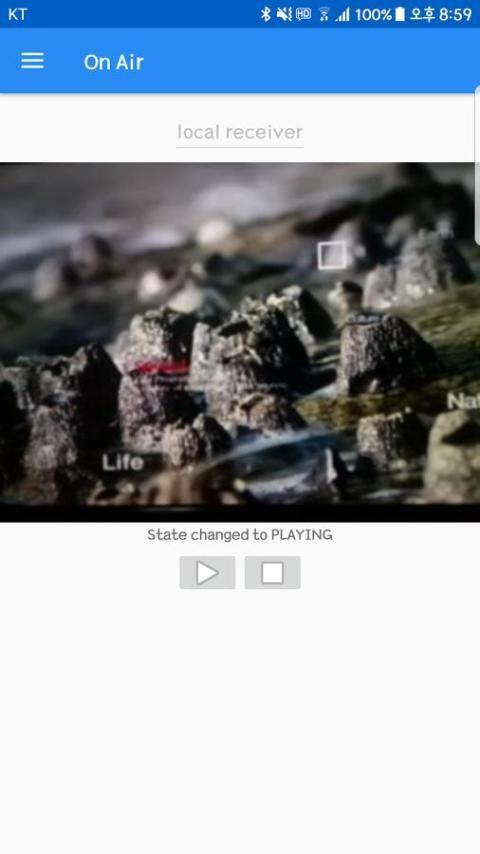
Application has been supported to play audio and video stream from Raspberry Pi camera or Android phone.
To send and receive the stream, gstreamer has been chosen as the open source multimedia framework.
It uses two network protocols what are TCP for receving mode and UDP for broadcasting mode with two ports.
1. Configuration
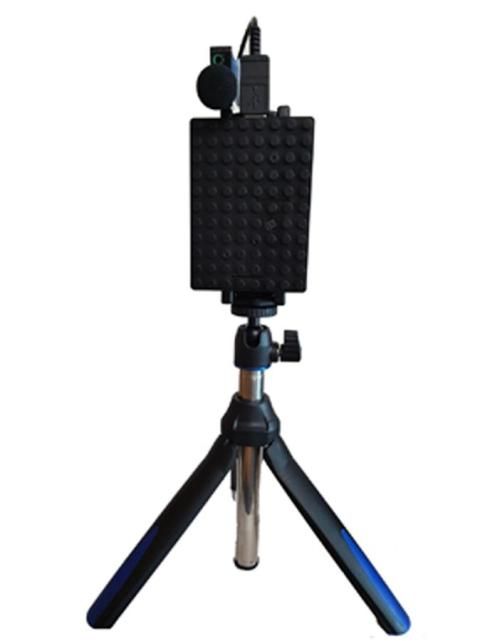
1) For broadcasting on Raspberry Pi (Need USB sound card, microphone and camera module)
- raspivid -n -t 0 -vf -hf -h 240 -w 320 -fps 25 -b 2000000 -o - | gst-launch-1.0 -v fdsrc! h264parse! rtph264pay pt = 96 config-interval = 1! gdppay! tcpserversink host = $ ipadd port = $ port_v | gst-launch-1.0 -v alsasrc device = plughw: 1,0! audio / x-raw, format = S16LE, endianness = 1234, signed = true, rate = 16000, depth = 16, width = 16, channels = 1! tcpserversink host = $ ipadd port = $ port_a
2) For transmission on Raspberry Pi
- gst-launch-1.0 -v udpsrc port = $ udp_port! h264parse! rtph264pay pt = 96 config-interval = 1! gdppay! tcpserversink host = $ ipadd port = $ port_v | gst-launch-1.0 -v udpsrc port = $ udp_port! audio / x-raw, format = S16LE, endianness = 1234, signed = true, rate = 16000, depth = 16, width = 16, channels = 1! tcpserversink host = $ ipadd port = $ port_a
2. Feature
1) Watching audio and video live streaming
2) Watching only video live streaming
3) Listening only audio live streaming
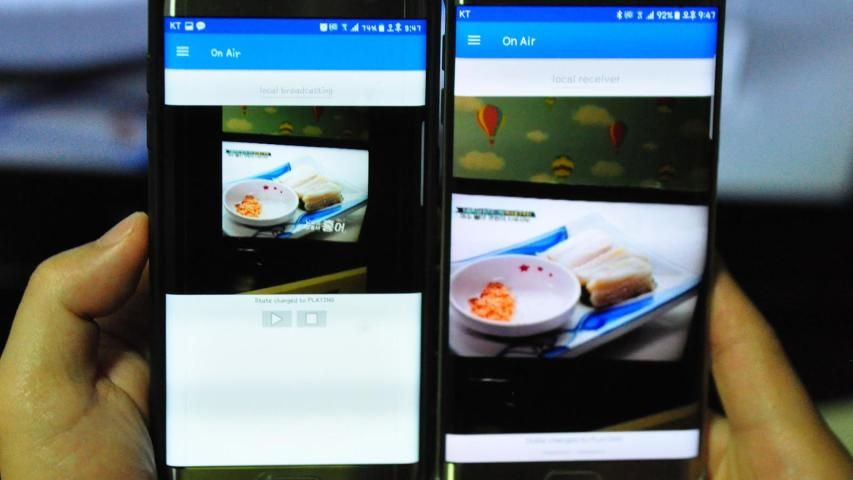
4) Broadcasting with your android phone
and watching live streaming on other android phones
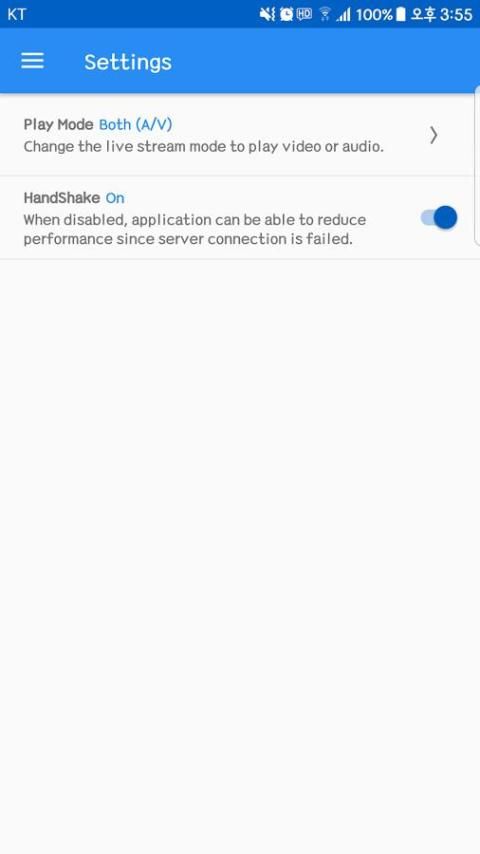
Note that application has handshake feature for performance when connect Raspberry Pi.
And you can set to disable this feature on Settings> HandShake option.



9Apps 4.9