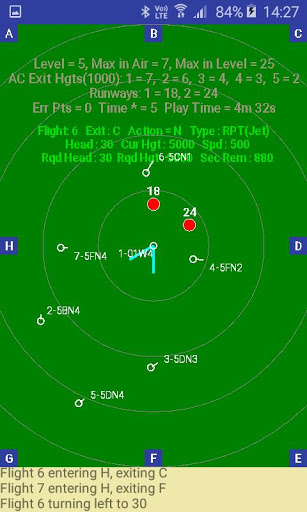
The objective of Air Traffic Controller is to safely control aircraft that are passing through, taking-off or landing within your zone of control.
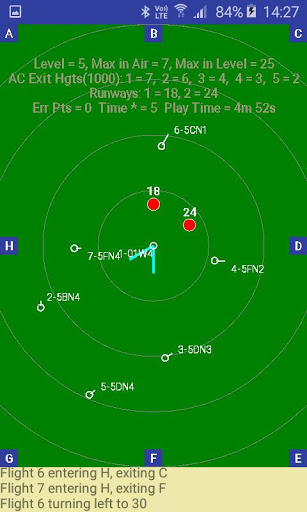
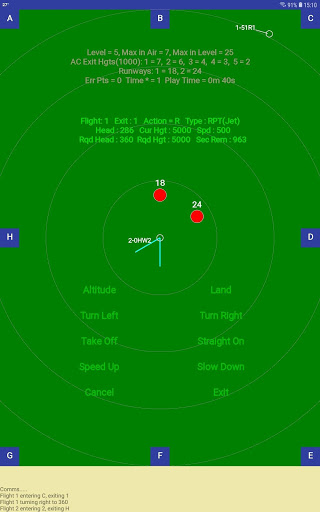
Aircraft enter and exit through 8 corridors that are located at corners and midpoints of the zone side and are named A-H, as well as using the runways. Aircraft enter at 5000 and should exit at their designated height. There can be 1, 2 or 3 runways in operation.
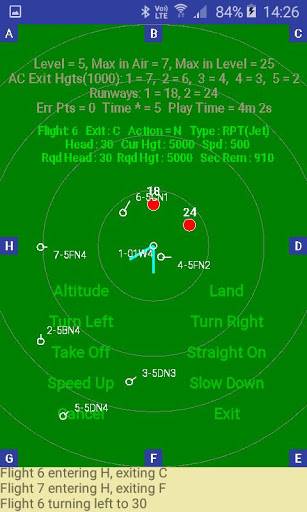
There are 8 different movements that aircraft can make, being:
1. Change Altitude
2. Land
3. Turn Left
4. Turn Right
5. Take-Off
6. Go Straight
7. Speed Up
8. Slow Down
The commands are entered through the COMMAND menu by double clicking on the aircraft or single click and click in “comms” window. If the aircraft is over the landing beacon and at the right height (less than 1500 feet), it will land automatically after the Land command has been entered - assuming the landing criteria have been met.
You can listen to the aircraft confirming the commands sent.
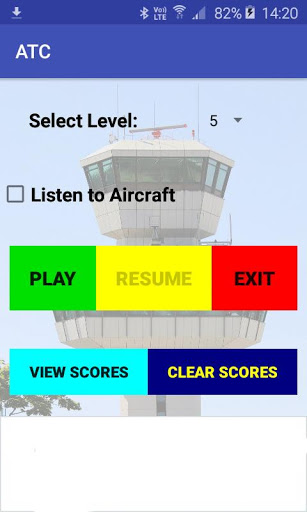
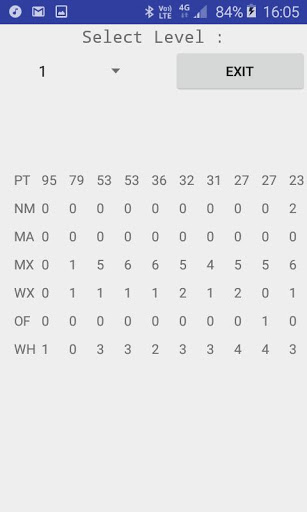
There are eleven levels to work through, starting from very easy to very difficult. Each level has a different maximum number of aircraft in the zone and also a different total number of aircraft that make up the level.
Maintenance release to support Android 10.





9Apps 4.9