
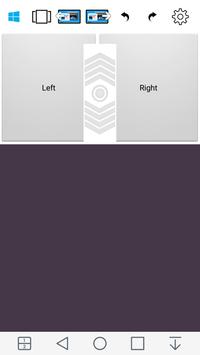
Use your phone or tablet as real PC mouse**
Steps for the setup:
1.
Download the server from
"http://mousephone.siduron.com"
and install it for the connection between the phone and your PC.
2.
Install this app
- in Google Play.
3.
Extract the server zip file and double click on the "Setup.exe" .
4.
Click on the "Install" button, wait until setup be completed.
5.
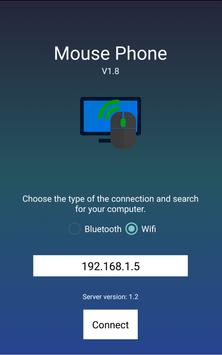
Run the server app and the smartphone app (validate that your phone and your PC are connected to the same WiFi network).
6.
Type in the server text box the phone's IP address (appears below to the phone's text box) and click on "Start".
7.
Return the same process in your smartphone with the server IP address and click "Connect".
Enjoy! :)
**currently the app simulate part of the "real" - physical mouse features..
New Keyboard button for Keyboard launching! Download the new server from our website for keyboard integration!




9Apps 4.9












![국세청 홈택스 [손택스] on 9Apps](https://go.getnew.app/sg/res/jpg/f7/df/69cc2f90120ec331db2630e0f5b6-6dh.jpg?x-oss-process=style/jmq200)


