






HOW TO USE:
• Go to play store and install Moon Light LiveWallpaper
• Click open Button
• Go to settings if you want to change the background cover
• Set Clock From different types of clocks
• If you chose settings then click on "Set Background"
• You have options of backgrounds
• Click your favorite background and click APPLY
• Then Set as Wallpaper
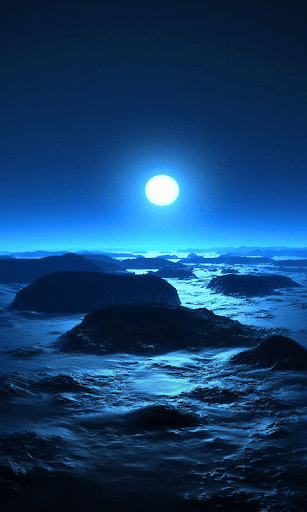
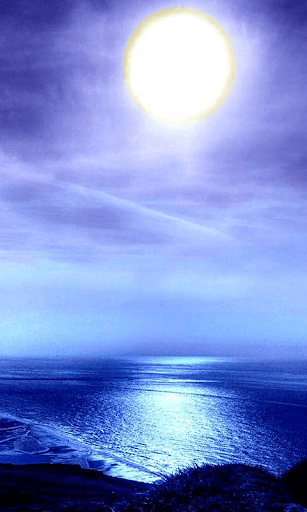
• You will have beautiful background on your phone
![Nagusa Moonlight Blue Archive | Live Wallpaper & Desktop Saver | 8+ Hour Loop [4K/8K] screenshot 1](https://i.ytimg.com/vi/K01hf2yKf4E/mqdefault.jpg)



9Apps 4.9













![국세청 홈택스 [손택스] on 9Apps](https://go.getnew.app/sg/res/jpg/f7/df/69cc2f90120ec331db2630e0f5b6-6dh.jpg?x-oss-process=style/jmq200)


