
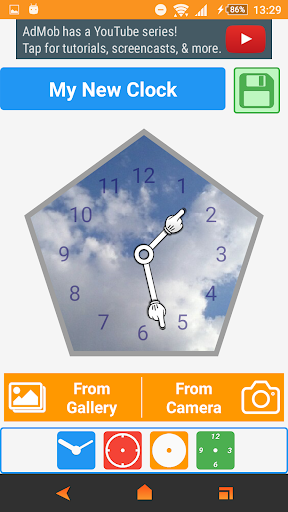
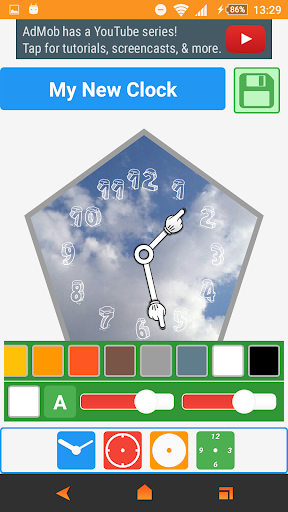
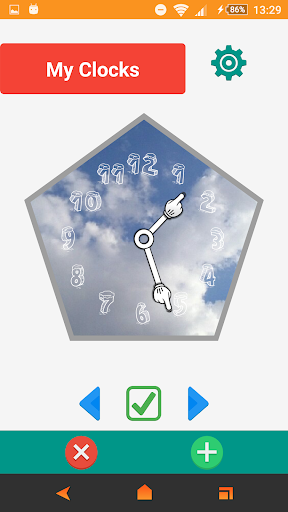
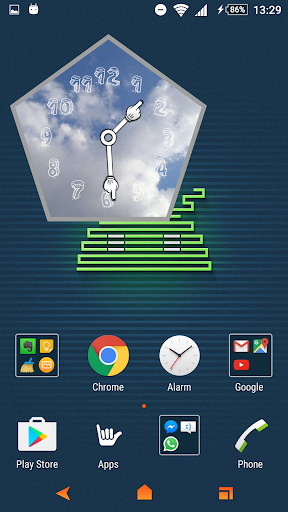
A simple, but highly customizable digital clock widget.
To add a clock widget:
Go to home screen -> tap and hold on an empty space -> select "Widgets" -> find, then tap and hold "Awesome Clock" widget -> drag the widget to a preferred position on the home screen and Enjoy.
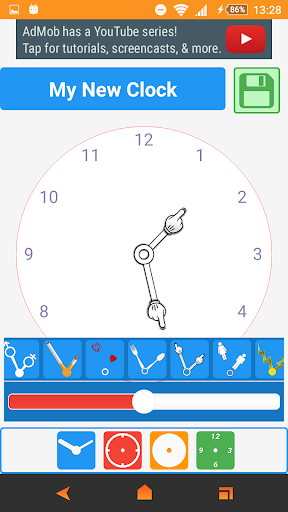
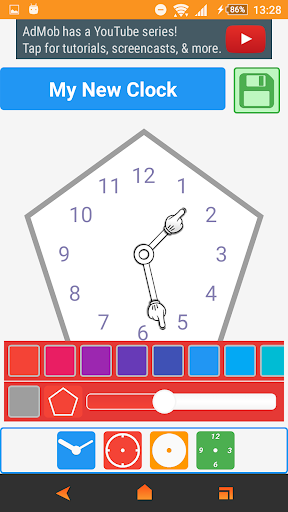
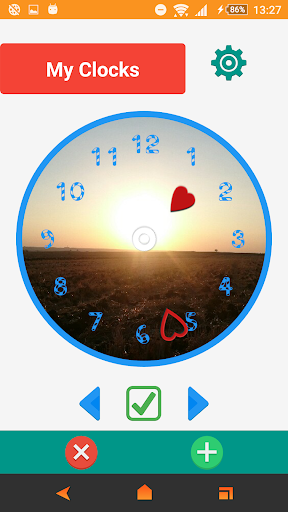
- Customise the widget (text, background, hand hour etc.) with your own colour themes.
- Choose from 33 different hand hour style.
- Choose from 17 different font style for text.
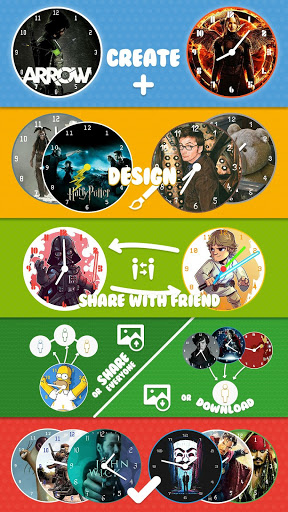
- create and share with friend or write code for new clock style.
- Choose between small (2x1), big (4x2), wide (4x1) and tall (2x2) resizable clock widgets.
- take picture from camera or select from gallery for clock Background.
- Easy use Interface.
- Custom colors, Transparency option with theme creator.
- Widgets only update when screen is on.
-Gallery Page for New Aweclocks
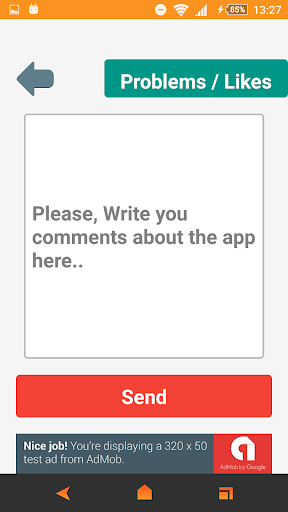
-Feedback Page in App
-Backup & restore settings
- Google Material Design
- Many fonts for clock
- Select widget click actions
- Customizable colors - adjust the widget
-Select different background colours
Notice:
• If the widget doesn't work properly
after update, try to uninstall and re-install the app.
Long touch screen homescreen for Add a widget;
• Select Awesome Clock widget.
• Set widget Size. Enjoy.
The question or app crash report:
otabakoglu@gmail.com

![Draw Your Own Clock Widget for Your Nexus 7's Home & Lock Screen [How-To] screenshot 1](https://i.ytimg.com/vi/I8CLIJd2C8w/mqdefault.jpg)



9Apps 4.9













![국세청 홈택스 [손택스] on 9Apps](https://go.getnew.app/sg/res/jpg/f7/df/69cc2f90120ec331db2630e0f5b6-6dh.jpg?x-oss-process=style/jmq200)


