

1. Android 휴대 전화는 최소한의 Android Lollipop 버전이 있어야합니다.
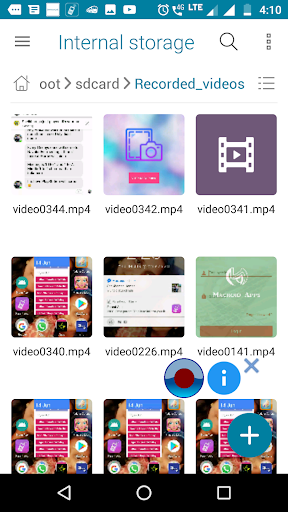
2.갤러리에서 녹화 된 비디오를 찾을 수없는 경우 File Manager 응용 프로그램에서 / sdcard / recorded_videos 폴더를 엽니 다.
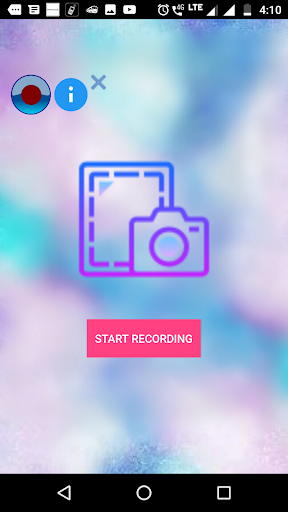
3."시작 녹음"버튼을 클릭 한 후 "홈"버튼을 누릅니다.
4.언급 한 폴더에서 비디오를 볼 수 없으면 전화를 다시 시작하십시오. "
Screen Recorder lite is the application used to record the activities in your phone. This app consumes very less memory in your device.
1.Your android phone should have minimum of Android Lollipop version.
2.If you can't find your recorded video in the gallery, open the /sdcard/Recorded_videos folder in File manager app.
3.Press "Home" button after clicking "START RECORDING" button.
4. If you are unable to see the video in the mentioned folder please restart the phone.




9Apps 4.9












![국세청 홈택스 [손택스] on 9Apps](https://go.getnew.app/sg/res/jpg/f7/df/69cc2f90120ec331db2630e0f5b6-6dh.jpg?x-oss-process=style/jmq200)


