
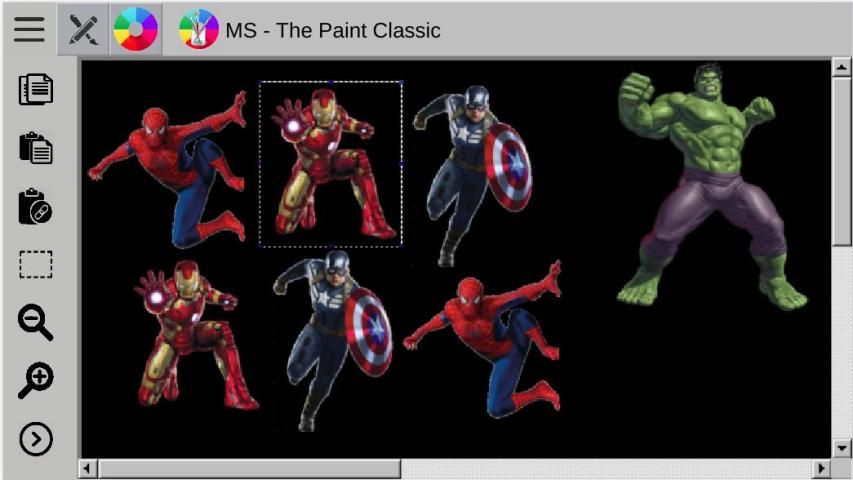
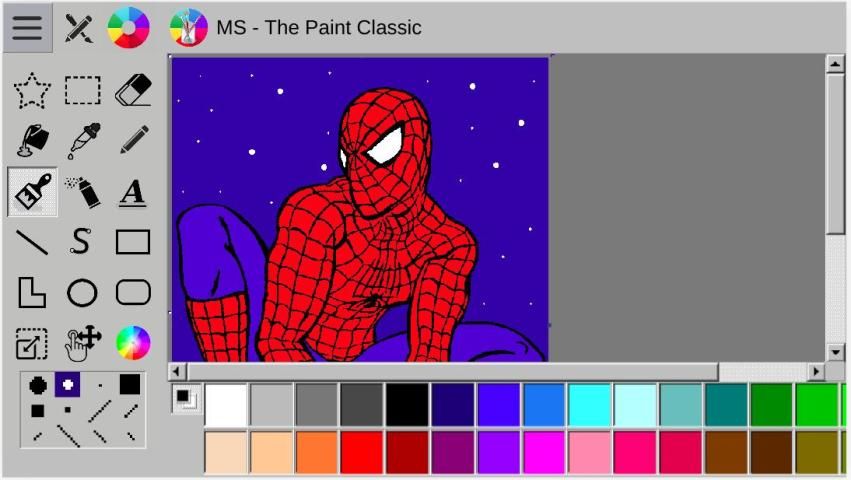
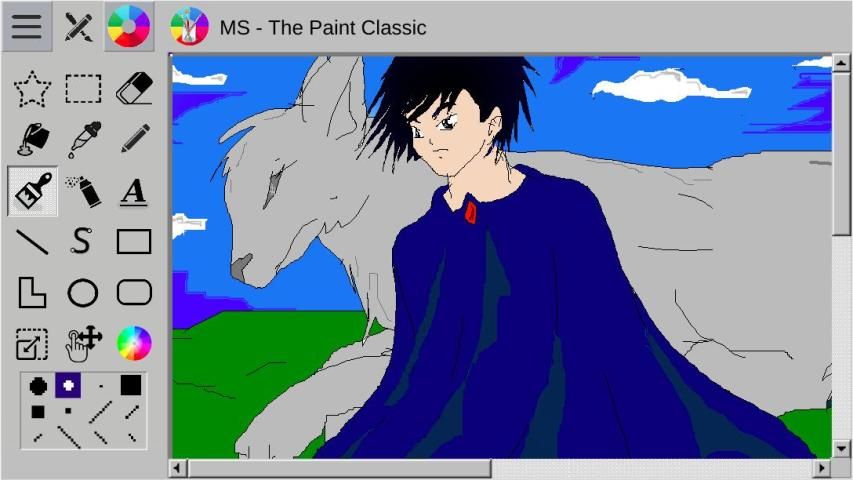
Free and secured download of Android apps on 9Apps. 20,000+ users downloaded MS Paint Classic latest version on 9Apps for free every week! When you click, the app will start downloading and wait till it completes installation you can start play. This hot app was released on 2019-02-02. Certainly you will love it after play.
MS - The Paint Classic is the most fun and complete paint application with classic functions. This app has a simple and intuitive design, but complete with classic functions absent in other painting applications.
Perfect for kids of all ages and the whole family have fun :D.
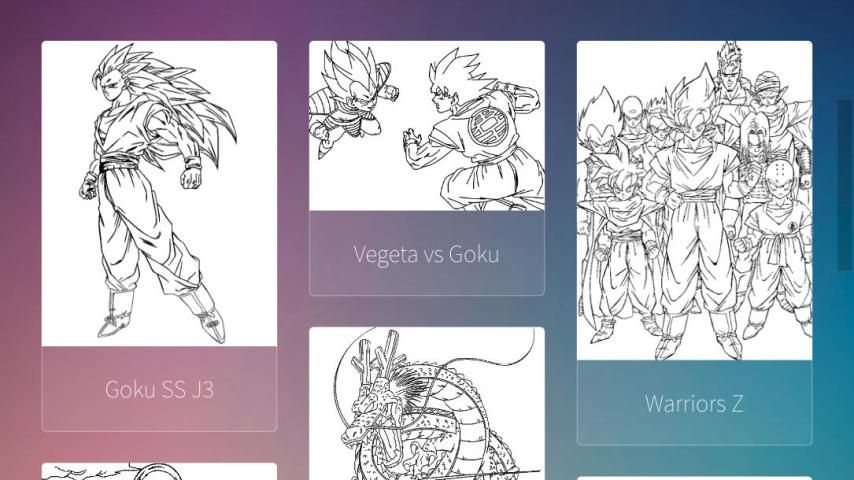
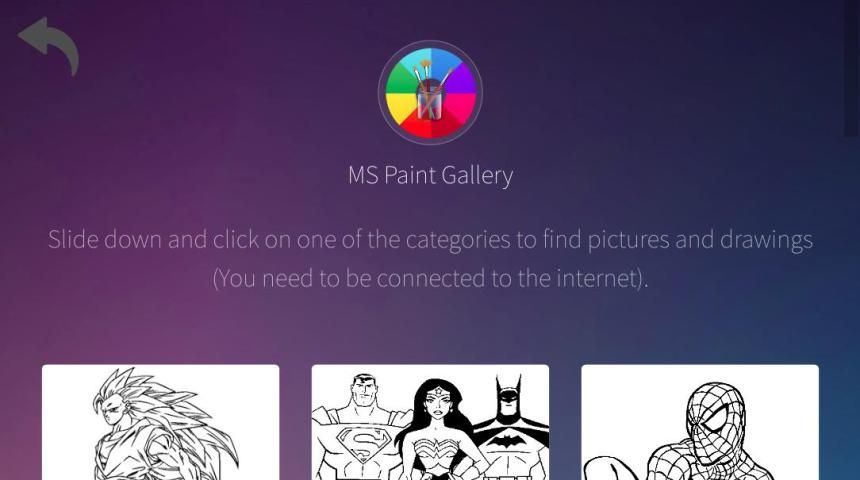
News: Copy/Paste options. Paste from image url. Online gallery with several fun images for you to draw and color. Access the 'Open' option in the main menu to open the gallery and enjoy.
The online gallery has several categories like: DragonBall Z / Super (Goku, Vegeta, Freeza, Goten, Trunks, Shenlong, ...); DC - Justice League (Superman, Batman, Wonder Woman, Flash, Aquaman, Teen Titans Go, ...); Marvel (Spider-Man, Avengers, Iron Man, X-men, ...); Five Nights at Freddy's (Freddy Fazbear, Bonnie, Girl, Foxy, ...); Harry Potter; Disney; Animes; Animals.
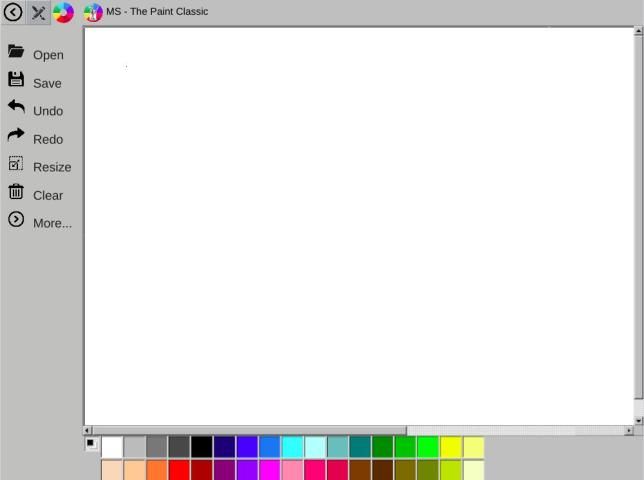
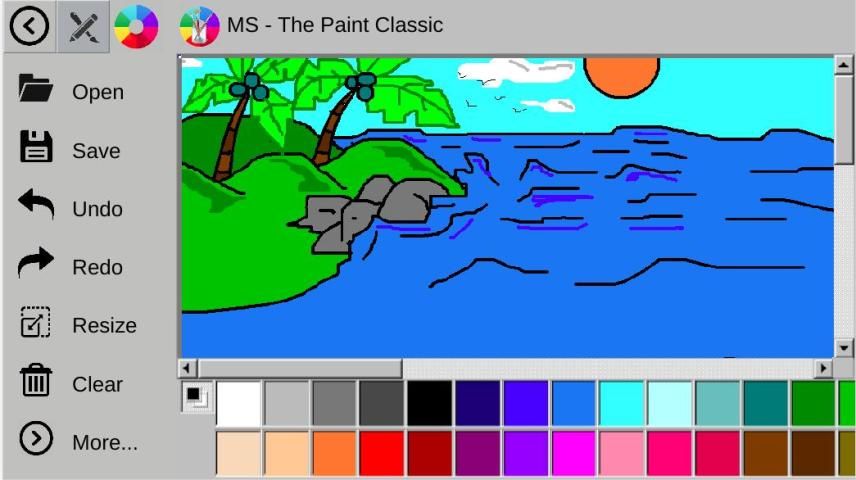
The app has three top buttons to access main features:
- Main menu: With the functions to open a image from device/sdcard, save the current drawing/painting, copy, paste, undo action, redo action, magnifier (zoom in/out), clear the screen.
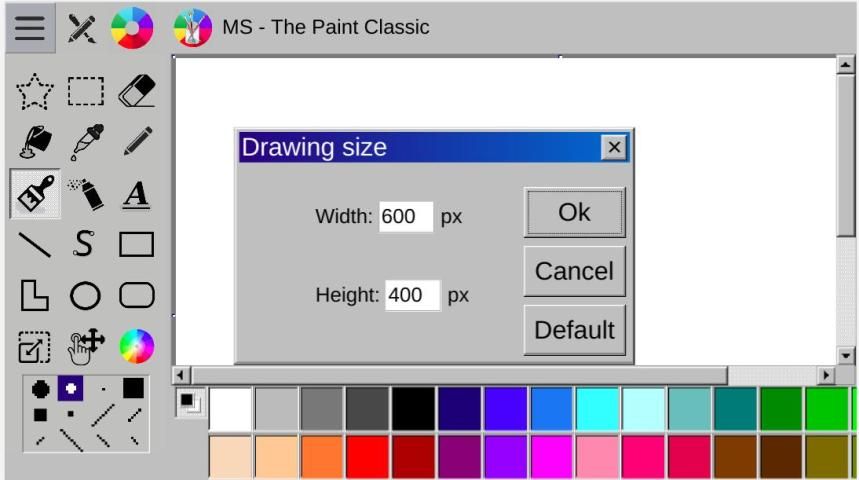
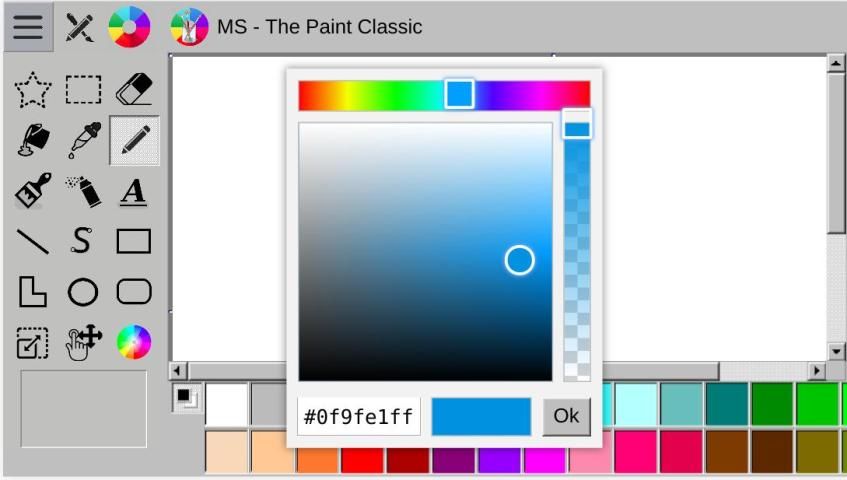
- Painting tools: free form selection, rectangle selection, eraser, can of paint (fill with color), pick color, pencil, brush, airbrush, text, line, curve, rectangle, polygon, ellipse, rounded rectangle, set size (pixels) of drawing area, move drawing area and set color (allowing infinity color options).
- Color palette, with several color options to paint and draw in the image area.
Updates:
1.0.8:
- Copy/Paste option;
- Paste image from url;
- Online gallery with various images and categories;
- Local gallery with easy access to images created;
- More colors and tools;
- Infinite possibility of colors;
- New functionality to move and resize the drawing area;
- Bug fixing.
1.0:
- Main menu with options: open, save, undo, redo, zoom, clean.
- Tools panel with options: selection image, pencil, brush, paint, spray, an others.
- Panel with palette of colors.

9Apps 4.9
















![국세청 홈택스 [손택스] on 9Apps](https://go.getnew.app/sg/res/jpg/f7/df/69cc2f90120ec331db2630e0f5b6-6dh.jpg?x-oss-process=style/jmq200)


