For controlling your GoAction Cam.
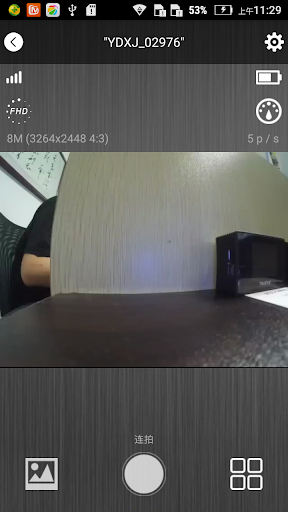
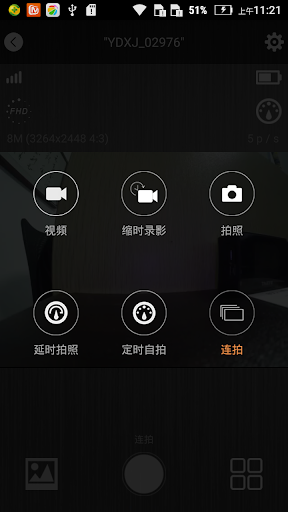
You can connect your GoAction cam by using Android Smart Phone or Tablet, after established the connection, you can live view the camera video stream, trigger start movie record, take a picture, view the thumbnail, and download the video or picture.
Connection Step:
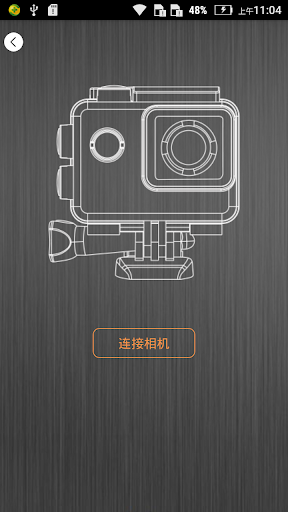
1.Open camera WiFi
2.Open the GoAction App
3.Click on the connect camera button,Connect to the camera WiFi, the password is on the manual.
Features:
1.Preview stream, Live streaming from camera.
2.Trigger action, In the preview stream, you can trigger camera to take a video or picture.
3.Support burst shot
4.Support delay capture.
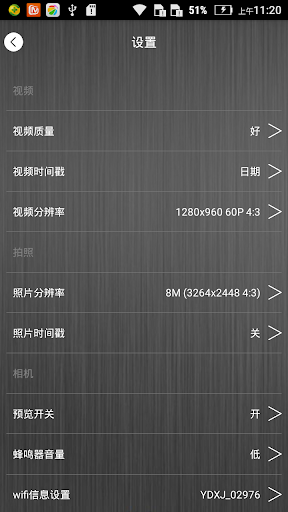
5.Support video quality change.
6.Support image size change.
7.Format the camera SD card.
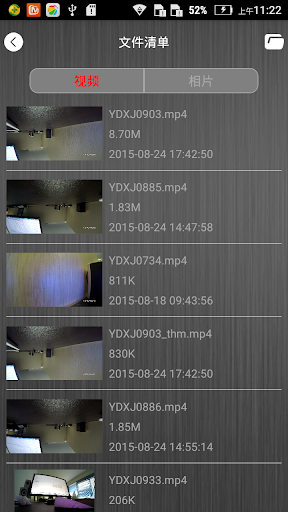
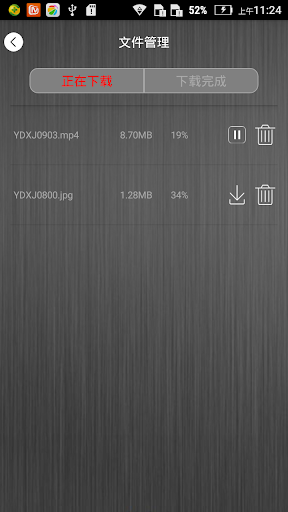
8.Listing photo & video files and download or delete files.
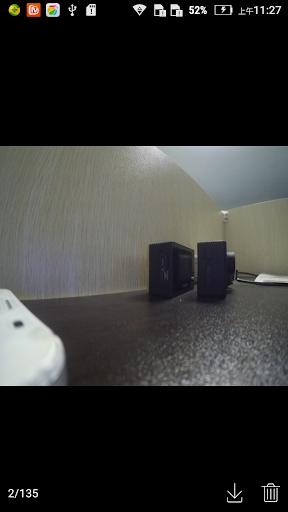
9.Single photo playback.
10.Automatic time correction with Android Smart Phone or Pad when established the connection.
11.Preview streaming is more smoothing.
12.Support video playback with audio before download.
13.Support upside down.
14.Support slow motion.
Some features are depending on camera device; Please make sure your camera have these features.
fix some bugs

![City Of The Wolves - Booting Up Training Mode and Learning Basic Combos [ENGLISH + PT-BR] screenshot 2](https://i.ytimg.com/vi/E_y2gecZU1E/mqdefault.jpg)




9Apps 4.9











![국세청 홈택스 [손택스] on 9Apps](https://go.9appresource.com/sg/res/jpg/f7/df/69cc2f90120ec331db2630e0f5b6-6dh.jpg?x-oss-process=style/jmq200)