

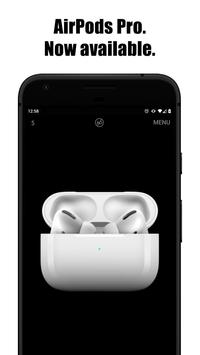
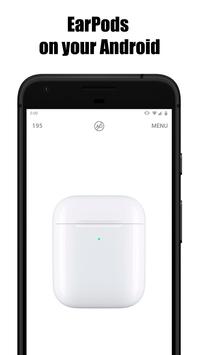
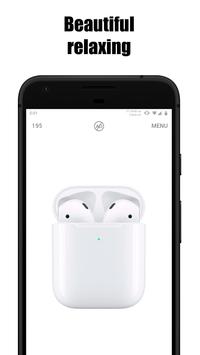
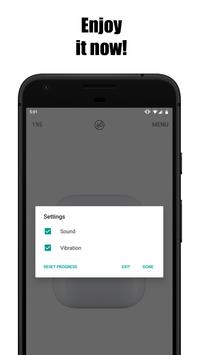
This application will allow you to simulate AirPods Pro Case on your Android device. You can open and close lid of the case. Play with wireless headphones, сalm down and relax using this app. Enjoy it!
Connecting to Android Make sure the headphones are in the charging case. Open the headphone case. Press the round button on the back of the case.
Wait for the indicator between the headphones inside
the case to flash white and create a Bluetooth pair.
Go to the Bluetooth menu of your Android phone and select the airpods Pro headphones to connect.
Ready!
Most of the functions of AirPods Pro with Android will act the same as with the iPhone.
For example, the sensors on the headphones, which perform many different functions,
only two touches. Without taking your phone out of your pocket.
Also, the headphones are equipped with a microphone, this is a huge plus for those who need to be constantly in touch. Especially in the cold season.
It is worth noting that when using AirPods Pro with
Android in front of you will not have access to the voice control function, as it needs a voice assistant
Siri, which works only on Apple devices.
Global update!
Now you can also enjoy AirPods Pro with a dark background.

9Apps 4.9




![How To Connect AirPods to Android Tablet [2021] [AirPods Pro / AirPods] screenshot 5](https://i.ytimg.com/vi/CI16DZTWzD4/mqdefault.jpg)












![국세청 홈택스 [손택스] on 9Apps](https://go.getnew.app/sg/res/jpg/f7/df/69cc2f90120ec331db2630e0f5b6-6dh.jpg?x-oss-process=style/jmq200)


