

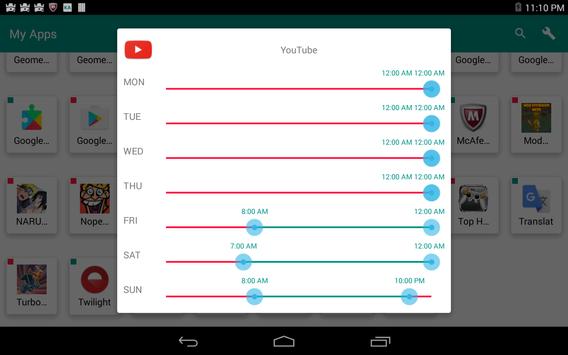
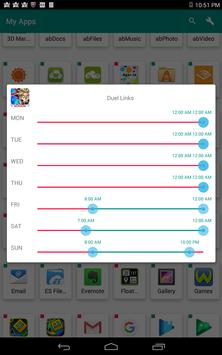
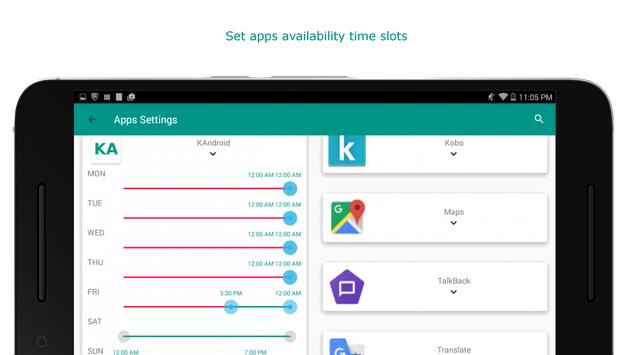
KA Parental Control allows you to set apps use time limits on your child android device.
Fast implementation Parental Control, no registration or identification required.
- Install the app
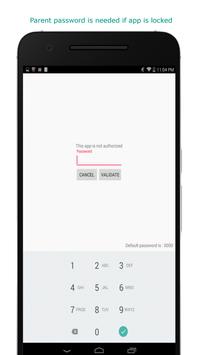
- change the default password
- set apps use limits time slots
And here is your child ready to use his/her tablet (with moderation).
KA Parental Control is not conceived to report what your child do on his/her tablet, however, it will make sure that a locked app will not be reachable during the lock period.
KA Parental Control needs password limit and reset permissions to lock the safe mode.
Remarks :
- make sure the device clock is correct
- make sure the guest mode is disable, if not, disable it




9Apps 4.9














