


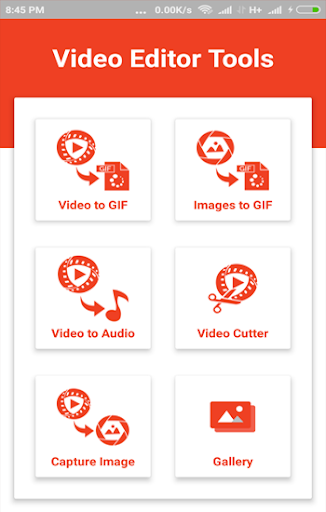
Converting video and audio files have never been easier with the Video Editor Tools. This free converter app for Android not only enables you to easily convert most of video and audio formats, but it also comes with the feature to create GIF files from videos and images, cut and trim videos, and take screenshots from playing videos.
So, if you are looking for an all-in-one free video and audio converter for Android, download Video Editor Tools on your Android phone or tablet, import the audio and video files, and start converting, trimming and creating GIF files.
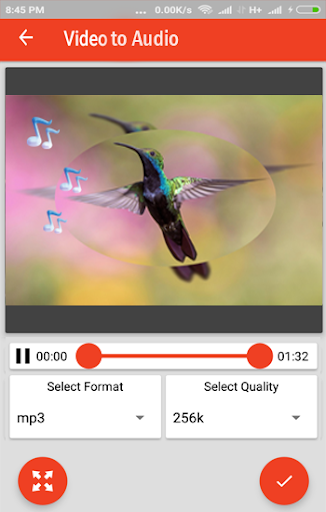
Easily convert video to audio (MP3 or WAV formats)
Video Editor Tools, the free converter app for Android, comes with a clean and neat design and the interface is so user-friendly that you’ll get the whole idea after opening the app for the very first time.
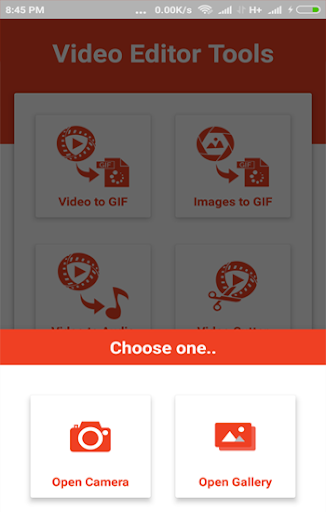
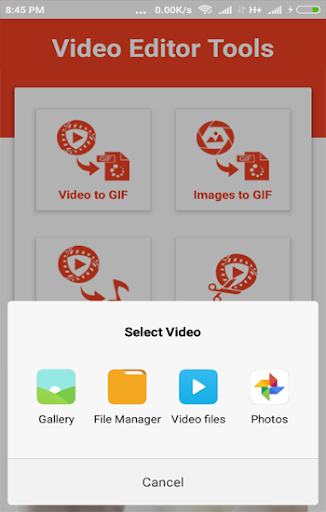
Convert video and images to GIF files: Simply select images and videos from the gallery or camera roll, and in a blink of an eye your gif file will be ready.
Convert video to audio: When it comes to converting video to audio, you can select the format between WAV and MP3 and select the quality before letting the conversion process start.
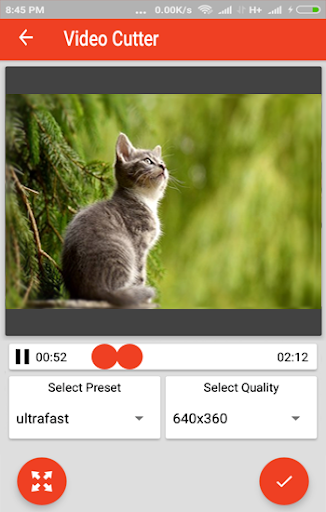
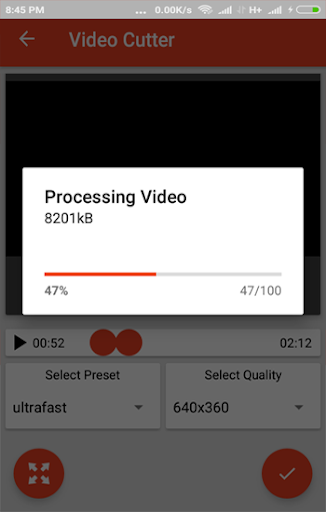
Video Cutter: Select the video quality as well as start and end points, and trim your video.
Video Editor Tools main features at a glance:
Clean and neat design with a fresh and intuitive interface
High-quality graphics
Convert video to Gif
Convert image to Gif
Convert video to audio (MP3 or WAV)
Trim video and change the video size
Capture image from video
Free to use
So, download Video Editor Tools, the free converter for Android and let us know about any bugs, questions, feature requests or any other suggestions.
Video Editor Tools main features at a glance:
1. Clean and neat design with a fresh and intuitive interface
2. High-quality graphics
3. Convert video to Gif
4. Convert image to Gif
5. Convert video to audio (MP3 or WAV)
6. Trim video and change the video size
7. Capture image from video



9Apps 4.9













