Get the most out of the most advanced Wi-Fi scanning tools.
Analyze and improve the performance of your wifi network. Detects connected clients, identifies the best channel, improves coverage, ... Increases performance with metrics and improvement recommendations.
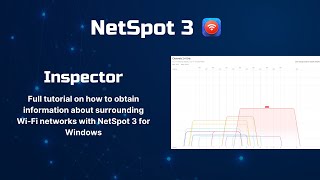
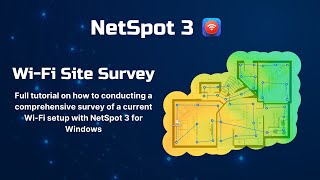
WiFi Analyzer can help you to identify Wi-Fi problems, find the best channel or the best place for your router/access-point by turning your PC/laptop, tablet or mobile device into an analyzer for your wireless network.
If your wireless network is giving you headaches, the chances are that you can fix it by yourself using nothing but an inexpensive WiFi analyzer app. Instead of contacting your Internet service provider, we suggest you continue reading this article to learn more about WiFi apps for phone and to find out what are the best
WiFi analyzers currently.
Features
• Wifi Analyzer will give you useful information about wireless signal around you.
• IP address of discovered devices
• Live-Tile support
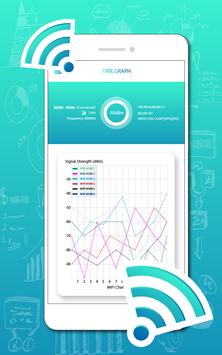
• Show signal strength in history graph
• Connect to networks
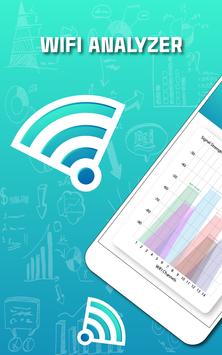
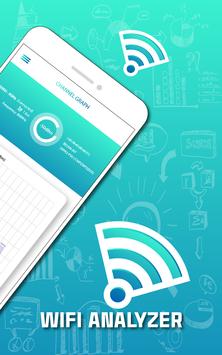
• See all the networks around you which could interfere with your connection.
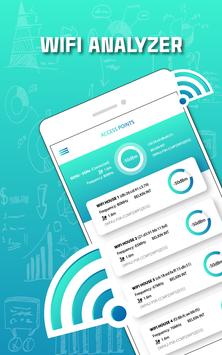
• Check your Wi-Fi's link-speed & health with a glance at the dashboard.
• Find the ideal place for your router/access-point through signalstrength (dBm).
• Support of dark & light theme and accent colors.
• Each network has always the same color, so you know how it looks.
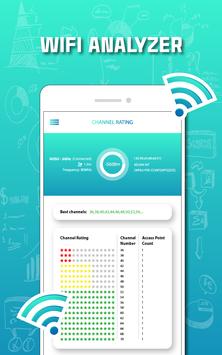
• Find the best channel via star rating (incl. a recommendation).
Do not get used to feedback and app reviews to help us develop better apps.
Thank you.

9Apps 4.9