
PC Remote Control needs
DESKTOP APP
to be installed on your PC for connection.
PC Remote Control app provide you fact and easy access to your Window/Mac Computer through mobile device.This app enable you to control the PC beyond mouse and keyboard!
This app requires Desktop application to create connection with PC.Please download it from following link
http://hostkode.com/remotecontrol/download.html
This is an All in One Remote Control that includes:
-Mouse
-Keyboard
-Speech recognition
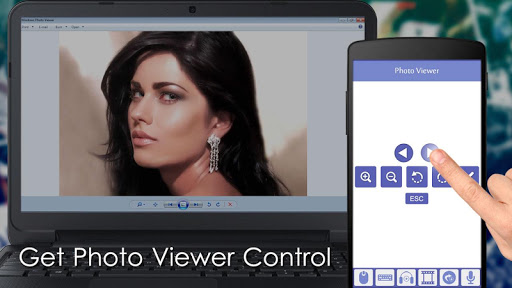
-Media Player
-Slideshows
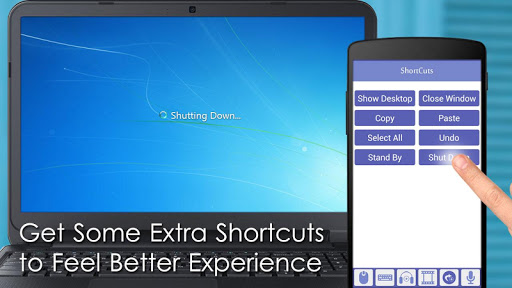
-Shortcuts
Mouse Remote Control
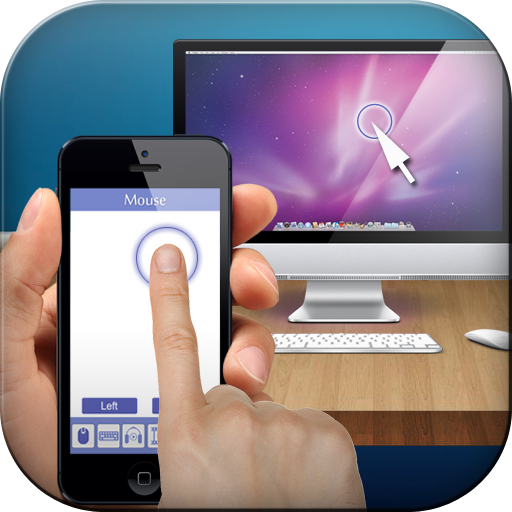
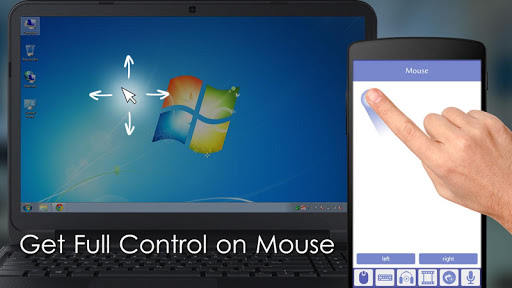
This Enable you to use your device screen as mouse .You can control the cursor by moving your finger over screen along with the Left/Right Mouse Button.
Keyboard Remote Control
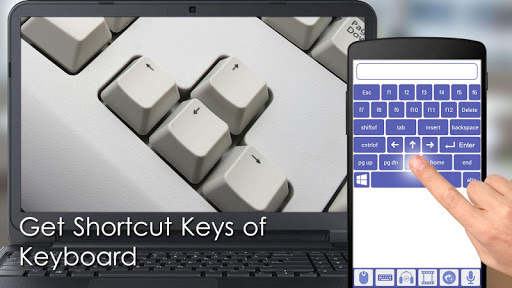
Use Virtual Android keyboard to type characters on your PC. Important keys like Windows, Escape ,Control,Shift are also available.
Media Remote Control
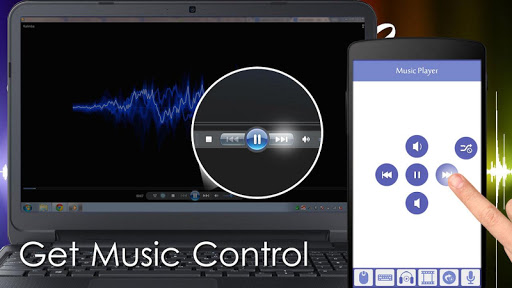
Control the media player using your device remotely. Supported are Windows Media Player, iTunes, VLC and more.
Slideshow Remote Control
Control your slideshows directly from your smartphone. This works with Powerpoint , Adobe Reader and Windows Media Center.
Shortcuts
Use the most common keyboard shortcuts to work faster.







9Apps 4.9













