
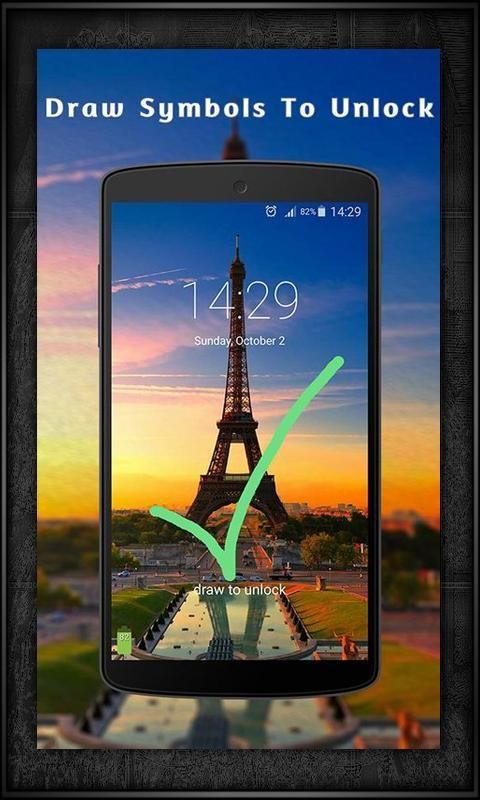
Are you looking for some free apps? 20,000+ users downloaded Gesture Lock Screen latest version on 9Apps for free every week! The application is severely widely use. This hot app was released on 2017-04-02. You can free download it from 9Apps.
Tired of the old patterns and Password Lock to lock your mobile
Here is a unique gesture lock on my Android
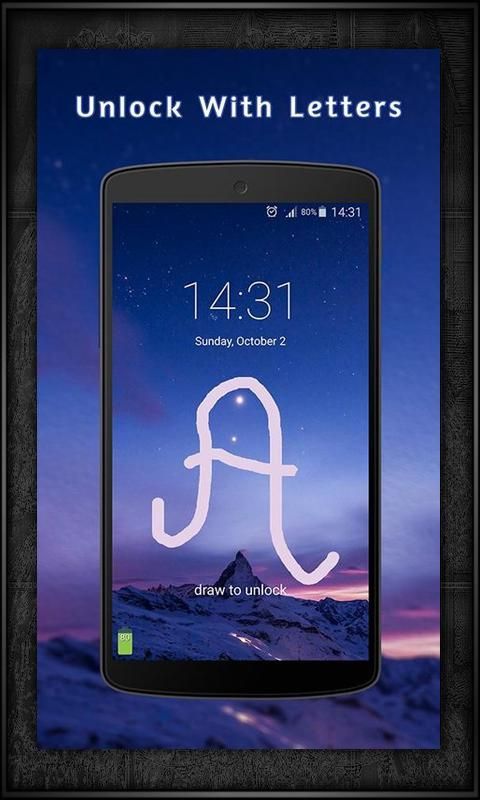
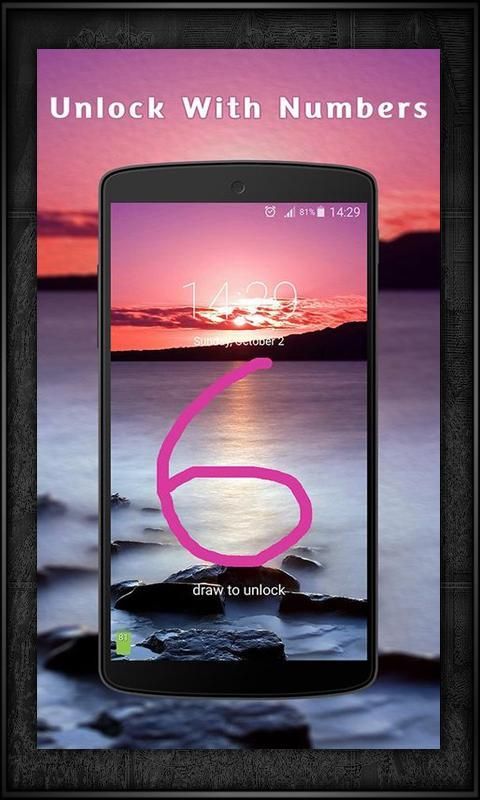
Draw letters, numbers, shapes, signatures and contextual gestures to unlock.
Gesture Lock Screen is an amazing & secure lock screen app, it allows you to unlock your phone with a variety of gestures: shapes, signatures, letters, numbers, symbols and contextual gesture.
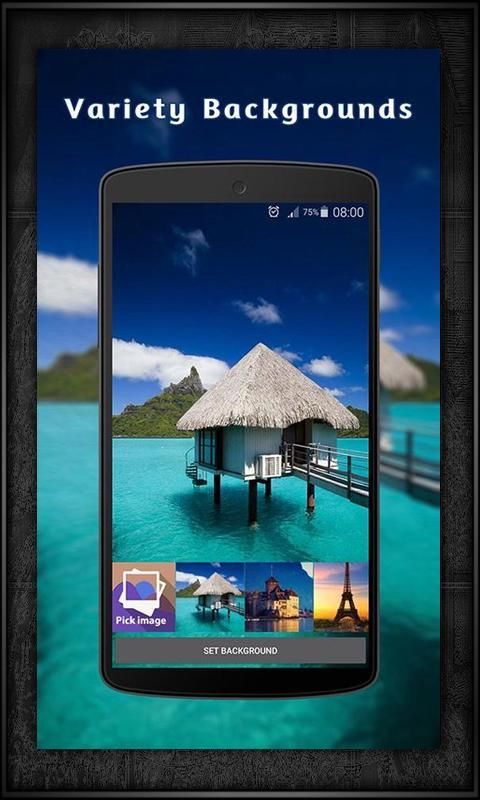
Gesture Lock Screen app has a variety of beautiful wallpaper to draw your personal gesture to unlock the phone
Gesture Lock Screen allows you draw and save your gestures as the shapes, numbers, letters, signatures and contextual gestures to unlock your phone easily.
Gesture Lock Screen is a secure lock screen app, it’s very cool and has a variety of beautiful wallpaper.
Gesture Lock Screen permit to unlock the phone with your personal gesture: shapes, signatures, letter, number, symbols and contextual gesture.
Gesture lock screen is the best way to secure your data and your phone with gesture or password.
How to use Gesture Lock Screen
- Install Gesture Lock screen.
- Create your first gesture (signatures, letters or anything…) to unlock the phone.
- Enter the recovery password (4 to 8 digit passwords) for security.
- If you forget your personal gesture, use the recovery password to unlock your phone.
Gesture Lock Screen Features
- Very easy to use, unlock your phone with gesture or password.
- Add, remove and edit gesture.
- Home password for security reasons.
- Draw gesture with effects to unlock the screen.
- Variety of color to draw gesture.
- +5 HD wallpapers for the lock screen or choose your favorite wallpaper from the gallery.
- Invisible mode to hide your gesture when drawing.
- Customize the font and color on the screen lock
- Enter recovery password to disable the screen lock.
- Gesture lock screen support 2 mode: one stroke and multi stroke.
- Use as your screen lock a simple password or signatures, shapes, letters….
- Show the date/time on the lock screen.
- Specify the recovery password (4 to 8 digit passwords)
- Edit / Draw gesture on password.
- if you forget the gesture, enter the backup password to unlock the phone.
- Battery percentage % indicator.
- Set a customer ringtone as unlock, lock, error sounds.
- Different time and date formats.
Other Notes
✔ The Lock screen detects when the signature on the lock screen with your signature to be created and saved.
✔ Set shapes as symbol of the star, square, scribble, signature, number to unlock your phone or use a passcode to unlock the screen.
✔ Imagine that only once before, start your application only by alphanumeric or character or any form displayed on your mobile phone, it’s cool!
✔ Gesture app lock screen presentation silence for those who by locking the annoying password pattern or open their favorite applications with the finger gesture, pass from one program to another by simply a gesture with one finger on your phone.
✔ Gesture lock screen app has all of this amazing features for free, install it, it’s powerful.
✮ Download and install Gesture Lock Screen in your phone now! It’s amazing.
✮ You’ll never regret downloading Gesture Lock Screen, Enjoy it, it’s free!
✮ Please review our applications and give us 5 ★ Stars, thank you!
- Fix Some Bugs


![Lock Your Android Device Using the Google Now Gesture [How-To] screenshot 5](https://i.ytimg.com/vi/lmFI4kfGYzI/mqdefault.jpg)

9Apps 4.9















