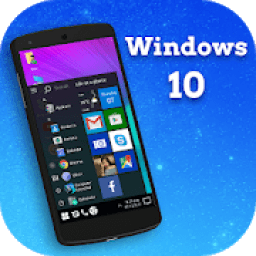
Download the latest application of india here. 20,000+ users downloaded Computer Launcher Win 10 latest version on 9Apps for free every week! It truly does not offer any money. This hot app was released on 2019-02-05. Besides, you can also select other popular apps you like here!
COMPUTER LAUNCHER WIN10 Features
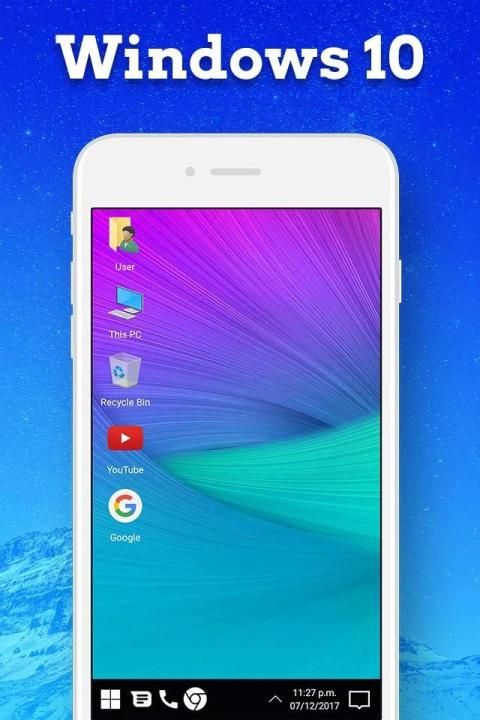
:- Full Desktop Mode Experience
:- Full Tablet Mode Experience
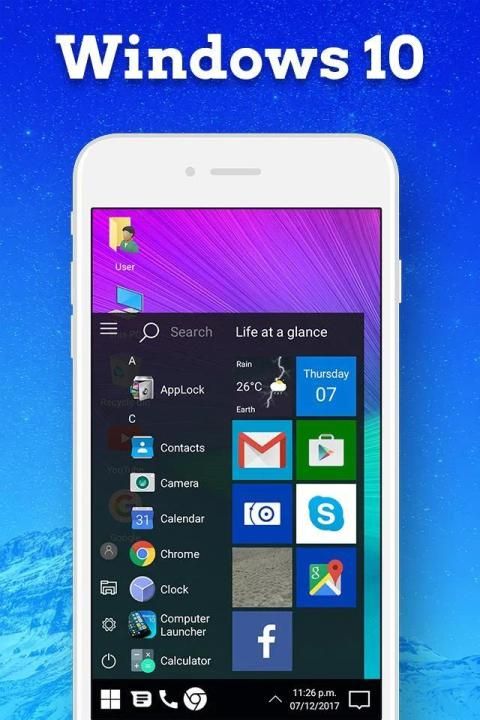
:- Programs and Start Menu experience
:- Tasks bar docked either bottom or top
:- Start menu Tiles
:- Change the Theme color just like windows 10
:- Condensed options for Phones for ease of use
:- Support for Phones, Tablets, Chromebooks and TV.
:- Win10 all features Provaed to Android Mobile..
:- Android application in Stylish Tiles - In Start Menu
:- Best application are available on One Click - Create Shortcuts of most used application
on Desktop by press and Hold Feature.
:- Easy Navigation to the Apps
:- WIFI- connection interface familiar to windows 10 users
:- Pin Apps to task bar
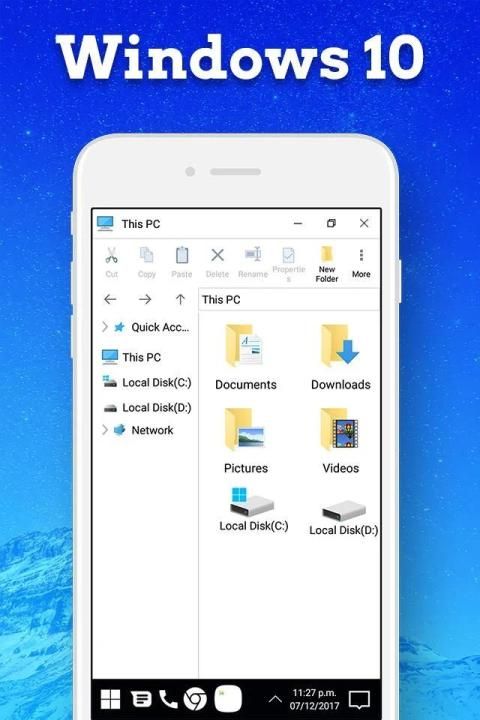
:- Built-In support of File Explorer in windows 10 theme
:- Create Folders, Cut, Copy, Paste, Move, Share etc.
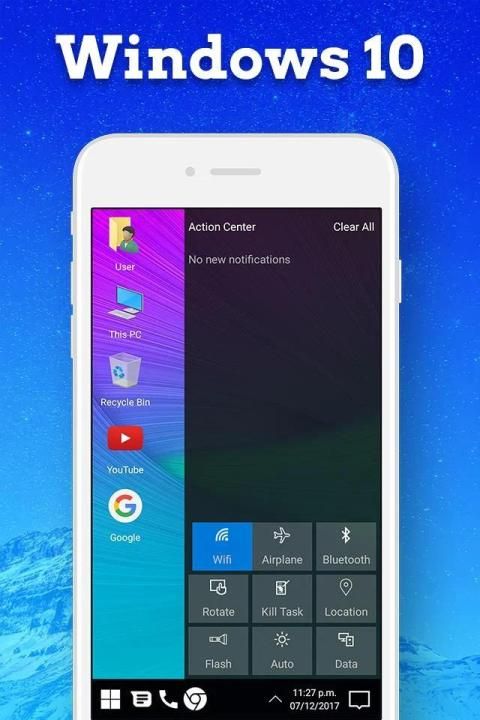
:- Action center and all the buttons you like to get fast
:- Listing of all of your drives, SD Card, Storage, audio and video files and pictures in PC
style.
:- put the files to Recycle Bin and delete later in window launcher style
Computer launcher free use.Your phone will become a computer like win pc launcher pro.
Computer launcher with win computer launcher you can view weather forecasts of your current location and you can view those alerts when receiving notifications from the system you will update it like android windows.
You can check wins computer launcher available for your device. Custom desktop your phone style launcher windows for android with the unique look wins theme and feel of the fastest windows quick search for Cortana.
Features:
- Computer Launcher stye Start Menu
- Android application in Stylish Tiles - In Start Menu
- Best application are available on One Click - Create Shortcuts of most used application on Desktop by press and Hold Feature.
- Easy Navigation to the Apps
- Built-In support of File Explorer in Computer Launcher
- Create Folders, Cut, Copy, Paste, Move, Share etc.
- Listing of all of your drives, SD Card, Storage, audio and video files and pictures in PC style.
- Computer Launcher Taskbar
- put the files to Recycle Bin and delete later in win x style
- Built-in ZIP support allows you to decompress or extract ZIP/RAR files
- Action Center. Notifier Center: Like win x launcher, the computer also has a action center bar. You can check the notice of application or system with Notification Center.
Features :
- Computer Launcher Desktop Widgets
- Android O type desktop menu
- Drag and drop Improved
- Clock Widget
- Weather Widget
- RAM info widget
- Changeable desktop folders
- Live Wallpapers
- Photo tiles changeable
- Task-bar icons removable
- Desktop App Folders
- Weather, Calendar and Photos tiles Added
- Task-bar Transparency option added
- Improved Themes Compatibility
- Multi Tasking Made optional (enable /disable from settings)
- Lock Screen
- Multi Color Support for Task bar and menu
- Themes and Icon Pack - Android TV /Tablet support
- Hide Applications
- Desktop Icons Removable
- Add Applications in Start Menu (Paid Only)
- Change the Start Menu Application (Press and Hold the app to change)
- Change applications in Task-bar (Press and Hold)
- Built-In Gallery Feature added
- Photo Tile changeable
- Widgets in desktop mode
- Built in apps (Photo viewer)

9Apps 4.9