

Free and secured download of Android apps on 9Apps. 30,000+ users downloaded Clock latest version on 9Apps for free every week! And now, this app adds more functions. This hot app was released on 2019-09-06. It get a lot of recognition after release.
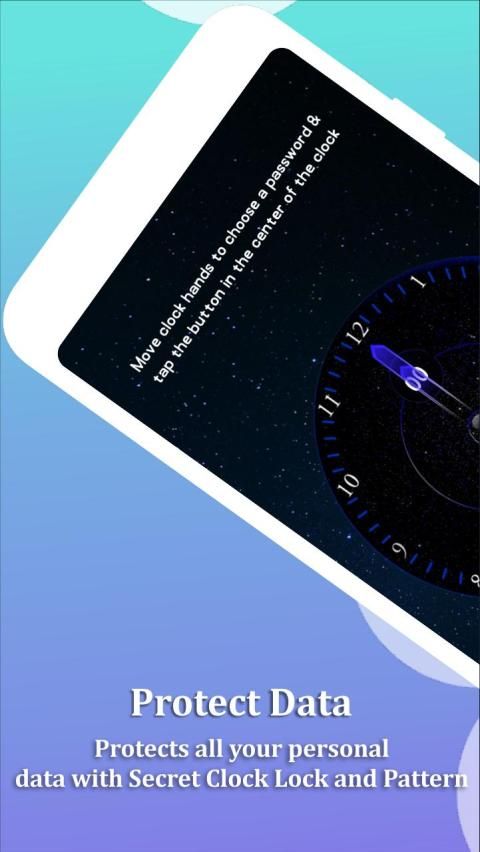
Clock Vault: Hide Photos and Video is best app to hide your photo, video and any other file from the peoples. This APP protects all your personal data with secret PIN and Pattern.
Clock Vault: Hide Photos and Videoappdisguises itself as a clock app which can be used as simple clock app. Everybody who use your phone can see this app as ordinary clock app. But when you set the Secret Time it open your secrete vault in which you can hide your private photos, videos and any other files.
Key Features:
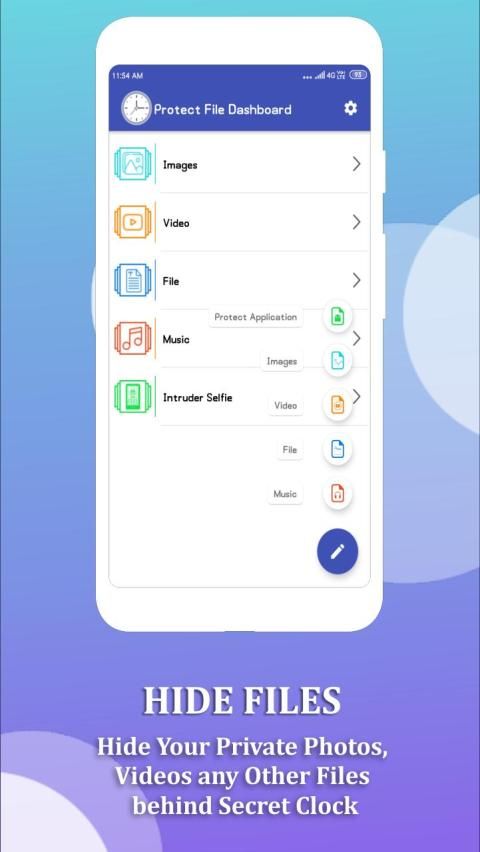
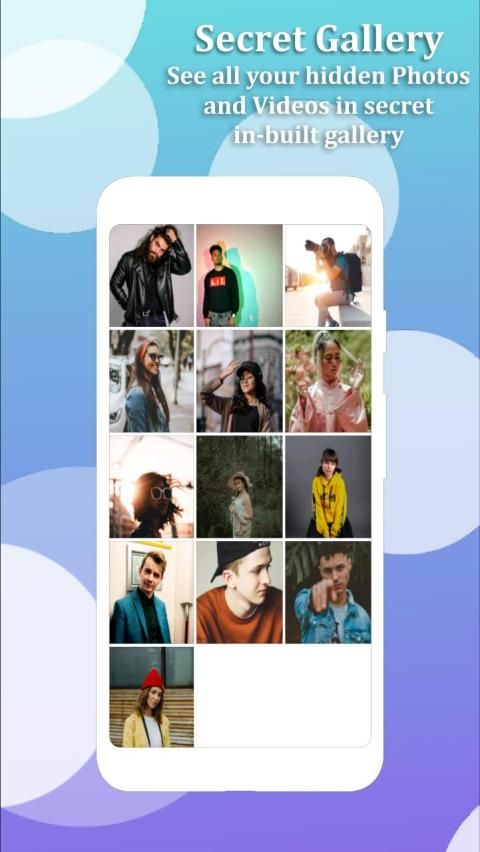
Hide Photos: You can easily hide your personal photos with Clock Vault: Hide Photos and Video.
Hide Video: Easily hide your private video in your phone with Clock Vault: Hide Photos and Video.
Hide Files: Hide your work and personal files form the other people who use your phone.
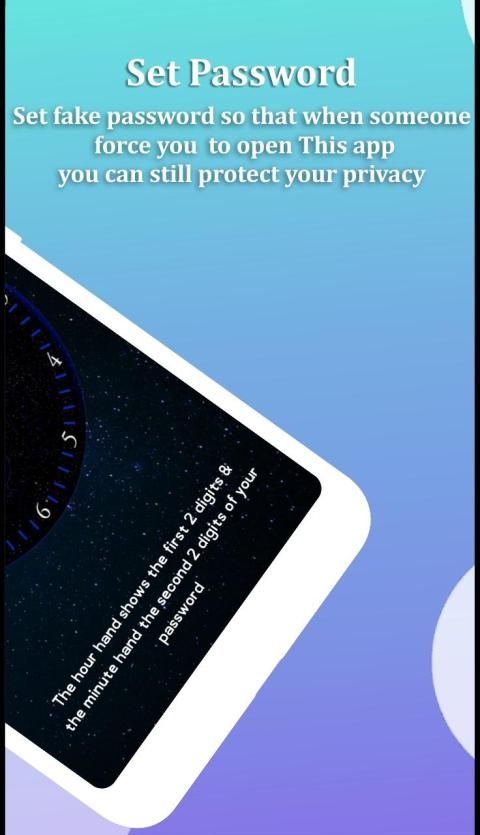
Fake Password: Set fake password so that when someone force you to open Clock Vault: Hide Photos and Video app you can still protect your privacy.
Fingerprint Protection: You can use your fingerprint to unlock your secret Clock vault.
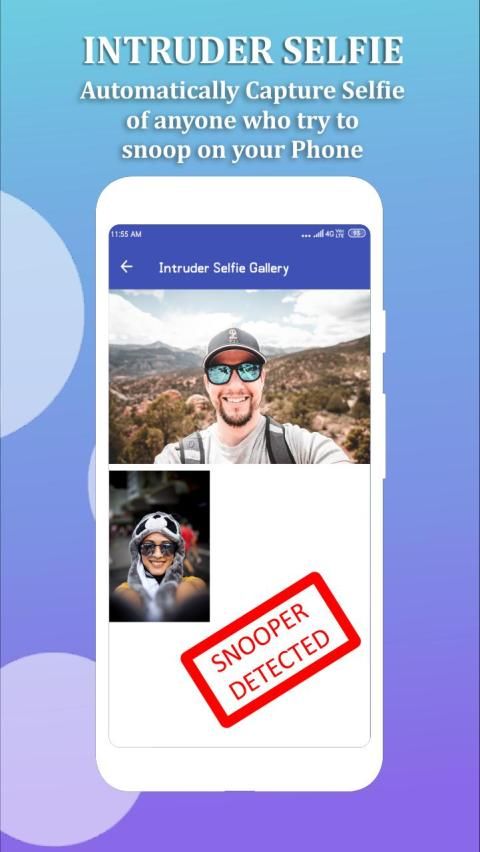
Break-in Alert: This feature help you Capture a snapshot of anyone who tries to unlock apps behind you and saveselfiein your secret vault.
Icon Replace: Replace your Clock Icon with other icons like Radio, Calculator, Whether, and Music etc… for better disguise Vault.
Easy to Use: Clock Vault: Hide Photos and Videohas very simple and user friendly UI.
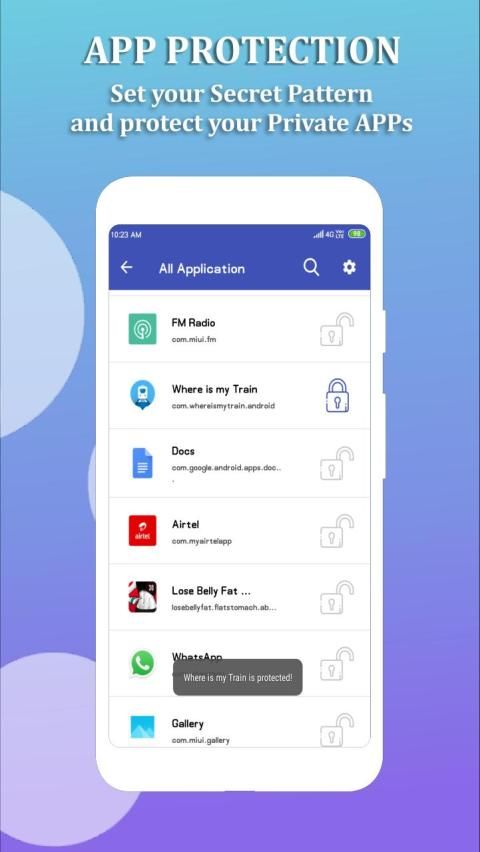
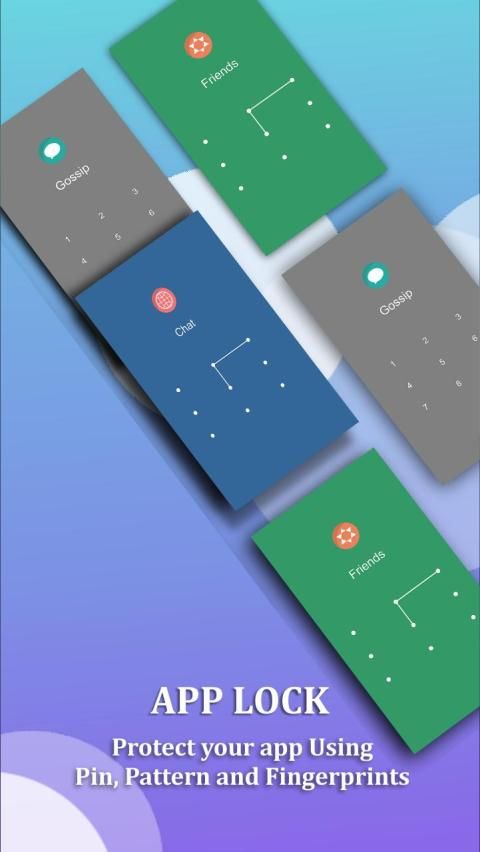
App Lock: Lock your Video Player, Messenger, Gallery, Browser, Contacts, Email or any other apps you want to protect.
How to Use:
• Download and Open Clock Vault: Hide Photos and Video app
• Now click on middle of the clock
• Set the Time in clock as Password
• Add Photos, Videos and Files you want to hide.
Now every time you want to access hidden file go to the app and set the password in clock. It will open your secret vault.
Forgot Password, How can you reset it?
1) To reset password you have to open Clock Vault: Hide Photos and Videoapp and enter 10:10 time on clock and press middle button. It will open password reset screen with secret question set by you, enter the correct Answer and set new password.
2) Open Clock Vault: Hide Photos and Videoappand Press on”?” symbol button on screen and it will open reset screen with secretquestion. Enter the correct answer and set new password.
Please Note That:
Do not uninstall this app before un-hiding your personal files otherwise it will be lost forever. Activate Uninstall Protection to prevent this app from being uninstalled by others especially kids.
- Bug Solved
- Improve performance
![Lock Away Private Photos & Videos Inside a Functional Clock - Samsung Galaxy S3 [How-To] screenshot 1](https://i.ytimg.com/vi/GFKBl88aBYs/mqdefault.jpg)





9Apps 4.9














