

Do you believe? 20,000+ users downloaded App Lock latest version on 9Apps for free every week! In addition, the latest version of the app has updated a lot of features. This hot app was released on 2018-02-27. Find out more android software you're looking for at 9apps.com
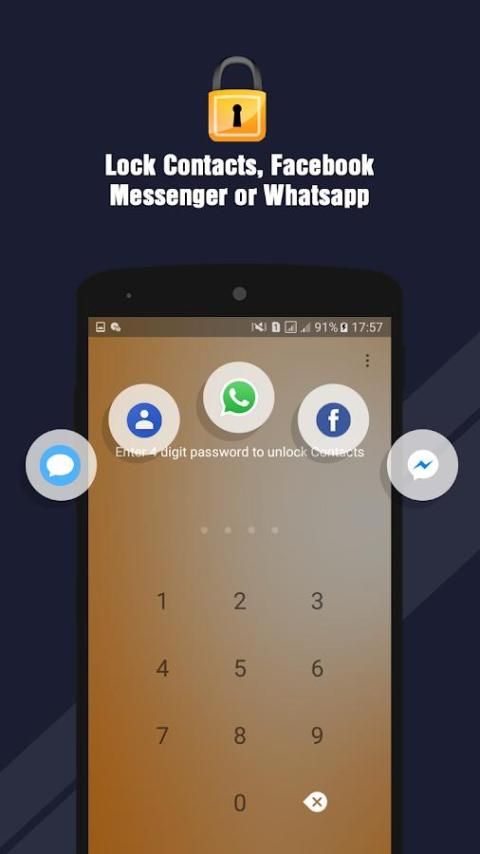
Applock is the best Applock which is a secure app locker and vault that hide videos, hide audios and hide private files. Also Hide Images. This is one of the best applock that everyone needs. Works Perfectly on Android JellyBean - Android Oreo. This applock can lock every app installed on your phone. You can Lock Whatsapp, Lock Messenger, Lock facebook, Lock Youtube, Lock messages, or lock any other apps. Also can Hide Your private and secrete files and hide images that you want to be secure. this Applock has a feature that you can Encrypt of decrypt your hidden images and files.
Features of Latest Applock
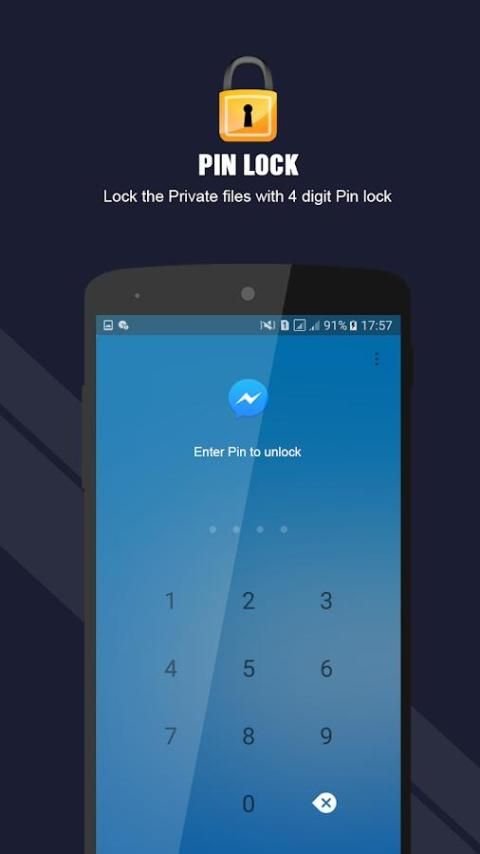
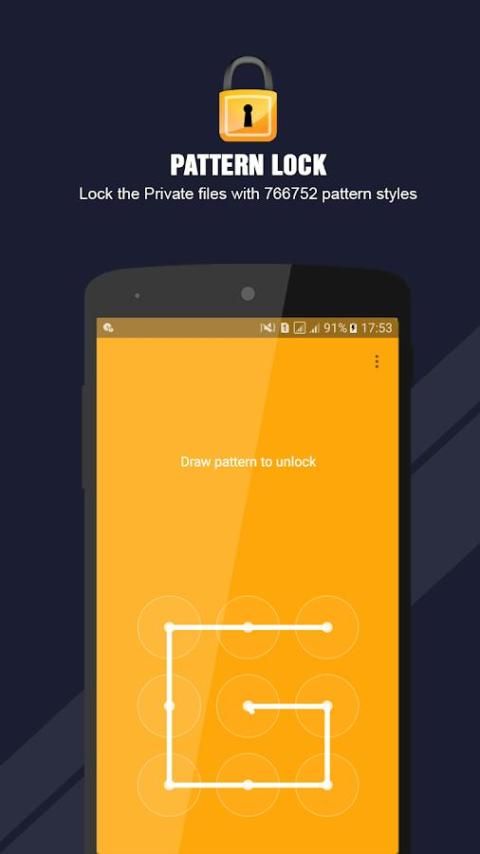
Lock your apps with a very "secure" but "easy to unlock" pattern or Pin.
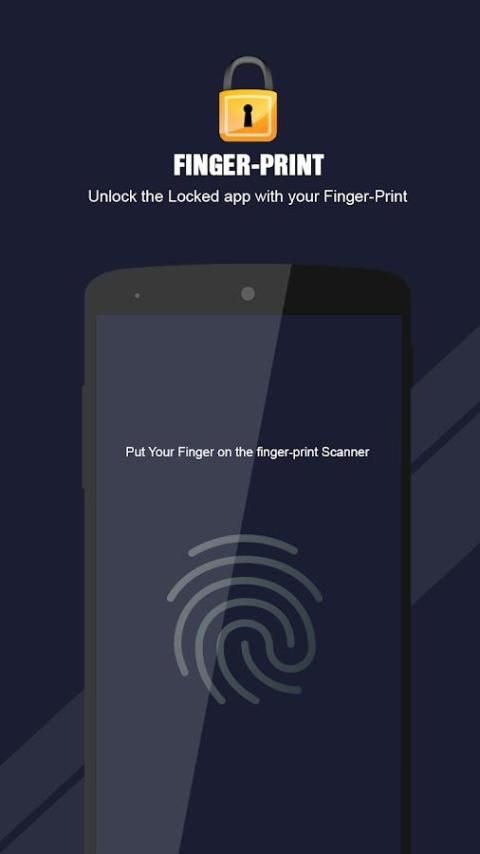
Lock Apps with Pin, Pattern or Fingerprint lock
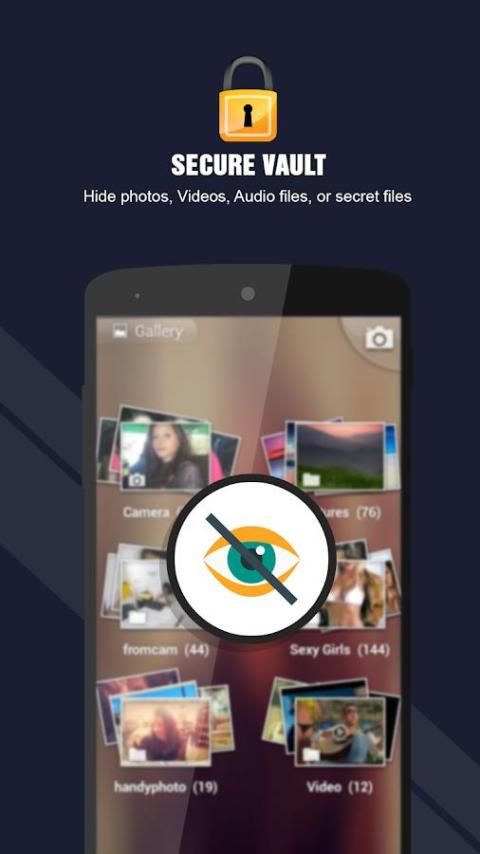
Vault - Hide Images , Videos and Private files
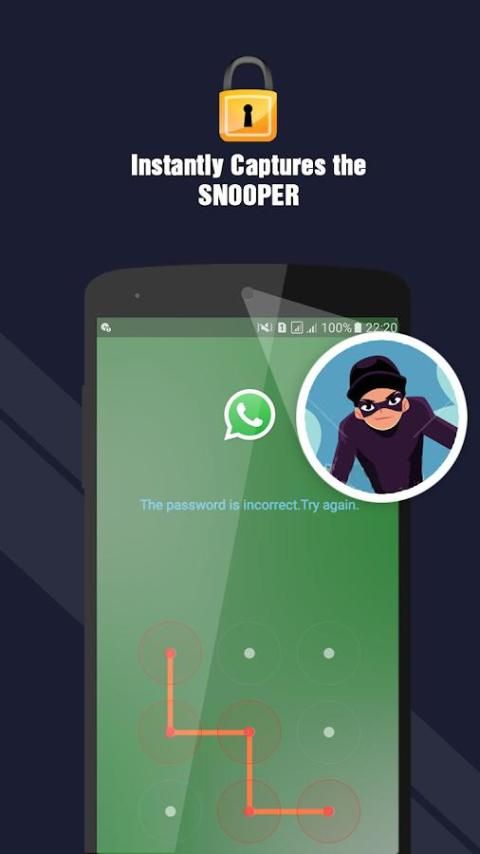
Let Keep your data secure from Snoopers. If someone tries to access your app then, take a picture.
AppLock supports the ability to reset a lost password.
Clean Interface created with material design.
Grid Mood applocker
Hide Sensitive Photos & Videos:
Everybody have some pictures that are worth sharing and there are others which shouldn’t be shared with friends and family. These images should be protected with Folder Lock.
applock will Import photos & videos to lock them in seconds or take secured images and record videos directly from Folder Lock’s user-interface.
App Locker:
App Locker will allows you to lock your apps like gallery, messages, settings, contacts, Gmail, play store, etc. Moreover, you can also Lock and protect your downloaded or social or Private apps like Facebook, instagram, WhatsApp and more.
---FAQ---
1. How to set my password at the first time?
Open AppLock -> Draw a pattern -> Confirm pattern; or
Open AppLock -> Choose PIN code from menu -> Enter Pin -> Confirm PIN code
2. How to change my password?
Open AppLock -> Settings
Change password -> Enter a new password -> Re enter password
3. What should I do if I forget the AppLock password?
You can change or reset the password by giving a right answer of the security Question.
Our Website: www.vnum.pk
If you have better localization translation for AppLock and its description, or any questions and suggestions, please feel free to contact us via: admin@vnum.pk
>App locker
>Finger Print Lock Added
>Hide Photos and Videos
>Lock Private applications
>working on every Device.



9Apps 4.9














