

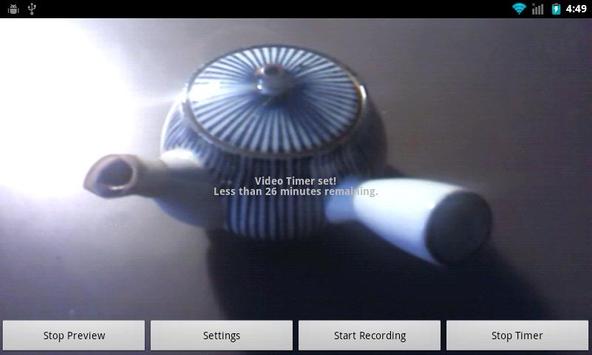
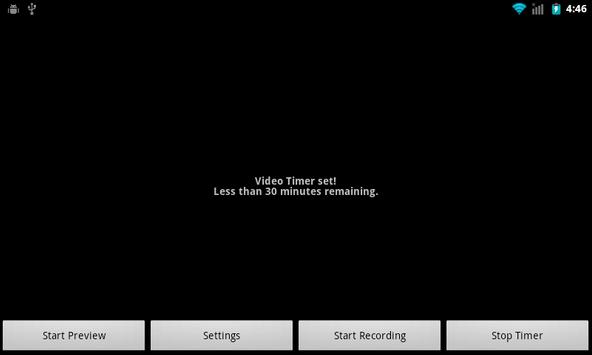
Video recording app that automatically starts recording after a preset amount of time. The recording stops after the configured maximum time or size of the recorded video is reached.
The video is stored on the SD card of the Android device in the de.nantoka.video folder.
The app keeps the display permanently on as otherwise the video recording would not work on most Android devices. To optimize the power consumption use the Start/Stop Preview button.
For Samsung devices: If video recording does not start, please try one of the camera profiles (not the concrete sizes or automatic) available within the video frame size settings.
* New Feature: Longpress on settings key saves debug information in text file
* Fixed a bug for Android 2.3 devices.



9Apps 4.9











