
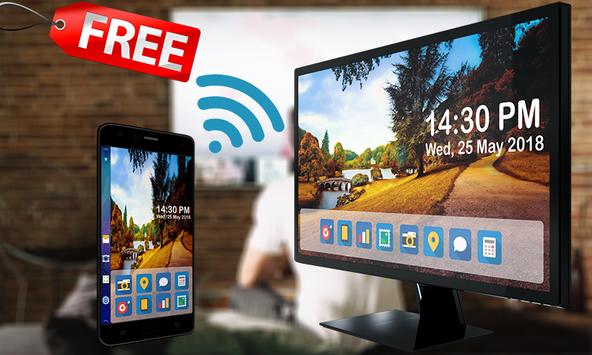
Screen Mirroring is an new application for mirroring and broadcasting the screen and the audio of your device.
You can share your live Android screen to any other device or PC on your local network through a media player, web browser, Chromecast, or UPnP compatible devices. / DLNA (many Smart TVs or other devices, smartphone, smartTV, laptop, tablet, etc…
Mirror screen does not need extra dongle or cable. Click the “Start”, the Mobile hotspot will be operating automatically. and After hotspot will be operating, connect to AP from other devices.
* How to use the application Screen Mirroring:
1- Download and run Screen Mirroring App.
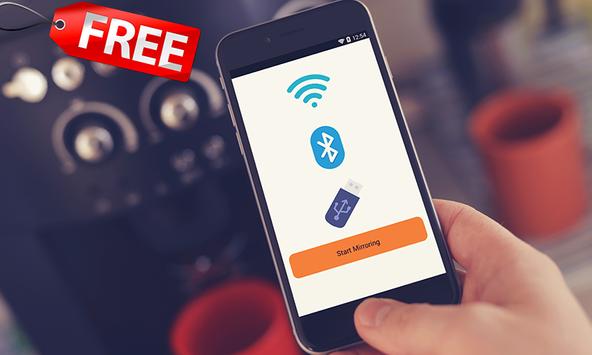
2- Presse start mirroring and enable screen mirroring.
3- Make sure TV is connected to wifi network to the same as your phone.
4- Scan for devices to connect to and then just selected to pair them up.
5- The Phone version must be android 4.2 or higher.
Key word:
screen mirroring, mirror screen, screen mirroring samsung tv, mirror tv, screen mirroring samsung smart tv, samsung screen mirroring, mirror cast, screen mirroring Samsung
note:
Older devices and those running operating systems older than Android 4.1.12 may not have the Screen Mirroring feature.
You will need to prepare your TV for screen mirroring before you can view your device's content
Download it now because we are sure the app will appeal to you, and please rate the app with 5 stars and leave us a comment as a support for us to constantly update the app to suit your expectations.
Contact: sofinya.soft@gmail.com
SOFINYASOFT© Team
Thank You



![How to Control Android Phone from a PC or Laptop [USB & WiFi] | Share / Mirror Android Screen to PC screenshot 5](https://i.ytimg.com/vi/9ox76po9S0g/mqdefault.jpg)

9Apps 4.9












