
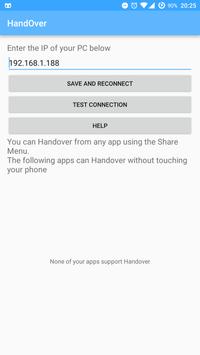
Handover lets you seamlessly move from your phone to your PC by letting you open whatever content is on your phone in one click
This works in two ways:
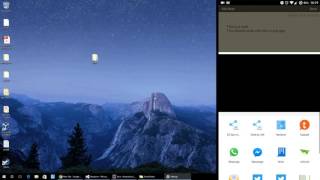
1 - From the Share Menu. In most apps, you can use the Share menu and choose "Handover". The content will automatically open on your PC
2 - In a supported app, you can just click a button on your PC without first using the Share menu, it will automatically pull the content
Ideally, every app would be supported. Ask developers of apps to add support
See the YouTube video to see how this works
You will also need the PC client.
Download this from
http://handover.hamzahrmalik.com
on your PC
You can now scan a code from the PC app to make a connection. This feature will require the latest PC build



9Apps 4.9










