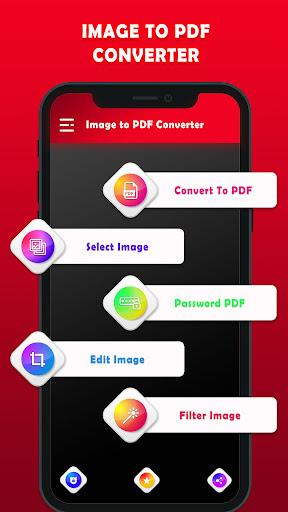
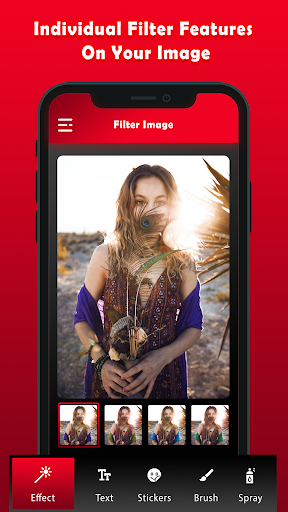
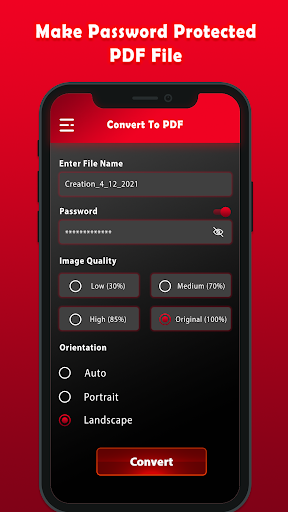
Quickly and very easily convert photo to PDF wherever you are right on your device. User can import picture from the phone or use a built-in photo scanner to scan and convert jpg to PDF on the go.
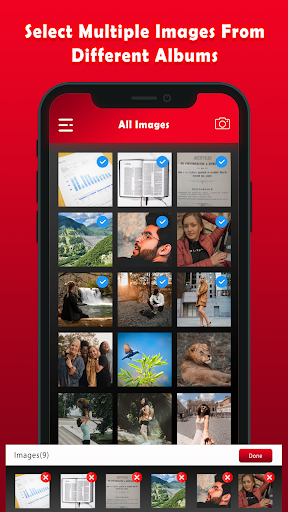
Can not find the required photos from gallery? No problem. This wonderful PDF converter also has a solution of this problem for you. Just open gallery directly and select picture of that required document & convert that image to PDF in seconds😲.
😍 Image to PDF Converter Best Features:
💖 No any limits on the file size & the number of files user can convert.
💖 Built-in energetic document scanner with OCR.
💖 Suddenly and easily scan a image and convert it to PDF.
💖 Very best photo to PDF conversion quality.
💖 All our app features are 100% FREE.
💖 Very easy & simple UI, Generate best outturn in seconds.
💖 Image to PDF converter user can use in offline mode.
💖 It can straightforward convert photo to PDF or bmp to PDF files.
💖 Convert multiple picture into single PDF.
💖 This android application Convert PDF files to JPG or JPEG images.
💖 photo to PDF converter is easy to use & quick.
💖 Thumbnail or list view, sort by date or title.
💖 scroll and zoom in or out.
💖 User can Open the PDF with any PDF viewer or editor.
💖 For JPG to PDF, there is setting for recognize ratio like low, medium & high.
💖 this Image to PDF converter application handles even big files with complex photos.
💖 Take photo of any manager form like ID or official, school, resume (CV), bills, invoices, messages, and web pages and send them VIA Mail.
🎀 Crop Image
It contain small tool to crop image before converting PNG or JPEG file to PDF document. Also, you can preview your PDF file or rearrange photo if you want.
🎀 Very easy management
Easy to manage user files with document list, Photo to PDF contains a built-in PDF viewer can support you read your pdf by express way.
🎀 Supported Images Formats to convert PDF:
➡️ JPG format to convert PDF
➡️ PNG format to PDF
🤔 How to convert Image to PDF?
There are two tract to use this file converter to convert photo files to PDF: by starting the application or opening an image in your mobile gallery or any other photo viewer.
🎀 Convert JPG to PDF directly from the application:
👉🏼 Click on the desired icon to choose the picture file that you want to convert.
👉🏼 You can select to convert photos directly from your device storage. Another options is to use a built-in document scanner to scan a image and convert it to PDF.
👉🏼 Let the application do its magic and your photo will be converted very shortly.
🎀 Convert Image to PDF from your image gallery or any other photo viewer:
👉🏼 If you are viewing your photo in your smart phone gallery or any other viewer, simply click on the share button and select from the menu to open it in the Image to PDF Converter app.
👉🏼 The image will import where you will be competent to resize it and afterward the conversion will start automatically.
After the photo is converted, you can view your PDF file in processing applications🥰.


9Apps 4.9