


You can connect your
X-sports cam by using andriod Smart Phone, after established the connection, you can live view the camera video stream, trigger start movie record, take a picture, view the thumbnail, and download the video or picture.
Connection Step:
1.Open camera WiFi
2.Connect to the camera WiFi,the password is on the manual or by two-dimensional code scanning,Open the wimius i pro App
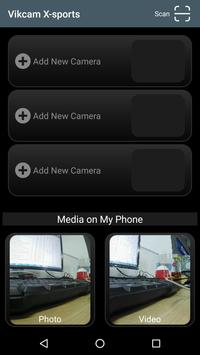
3.Click on the Add New Camera button,then choose Wi-Fi Connect.
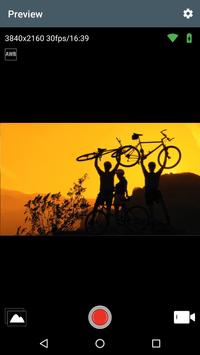
1.Preview stream, Live streaming from camera.
2.Trigger action, In the preview stream, you can trigger camera to take a video or picture.
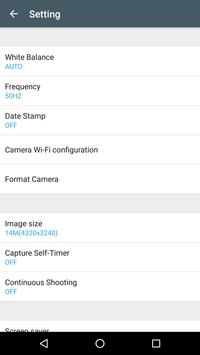
3.Support burst shot、delay capture、video quality change、image size change、Format the camera SD card.
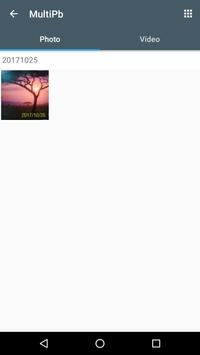
4.Listing photo & video files and download or delete files.
5.Single photo playback.
6.Preview streaming is more smoothing.
7.Support video playback with audio before download.

9Apps 4.9












