
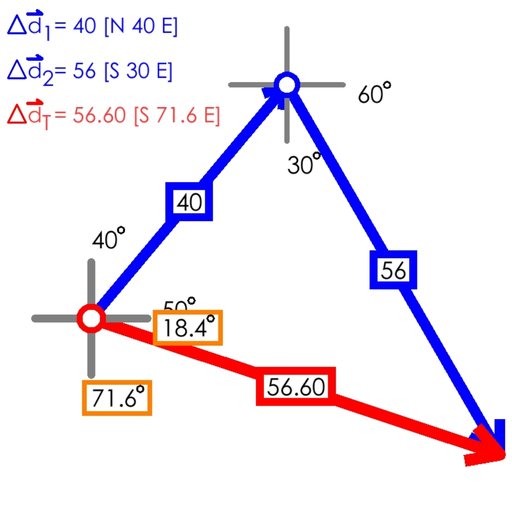
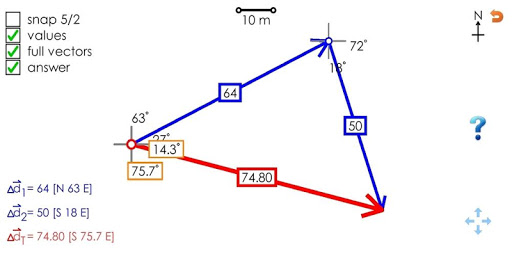
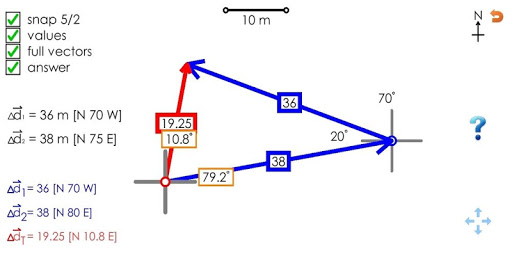
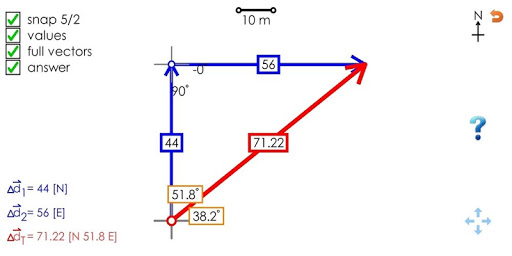
- Click and Drag to draw the first vector
- Click and drag on either end to change it, or on the center magnitude to translate it
- Click on the red circle to begin drawing the next vector
- Once both vector are drawn, drag one by the center to connect them and see the resultant
- Touch drag or pinch to translate or zoom the screen
- Buttons on the sides can show detail such as as: magnitudes and angles in the diagram, full vector labels on the left, the resultant vector (answer)
- The question mark button creates a random vector addition problem to solve
- The 5/2 button snaps vectors to the nearest 5 degrees and 2 m to make them simpler to draw
First release!
![ASMR Physics 3 - Vector Addition [Deep, Soft Spoken, Bob Ross Style, Writing/Drawing] screenshot 2](https://i.ytimg.com/vi/2mN86OL9U2s/mqdefault.jpg)



9Apps 4.9











