

Big event coming! 30,000+ users downloaded Screen Capture latest version on 9Apps for free every week! The app has made a strong effect. This hot app was released on 2018-01-12. Why not download and have a try?
Capturing your phone screen has never been so easy with the Capture Screen application
This app will make it easy to take a screenshot of your phone, tablet or tablet and show you how to quickly and easily make a movie. Use dozens of different ways to capture screen shots fast.
Want to have a screenshot or a screenshot to save the moments in your game or save the pictures to do for your article? But you do not know how to use your phone or your phone does not support screen capture. Everything is simplified with our screen capture software, the camera app's user interface supports dozens of different capture methods.
How to take screenshot with Capture Screenshot:
1. You can capture the screen by touching the capture icon (only support phones with root and OS 2.3) or press the power button and the volume down button at the same time, or press the power button and the home button. time (on most Samsung phones).
2. You can specify the folder used to store the screenshots.
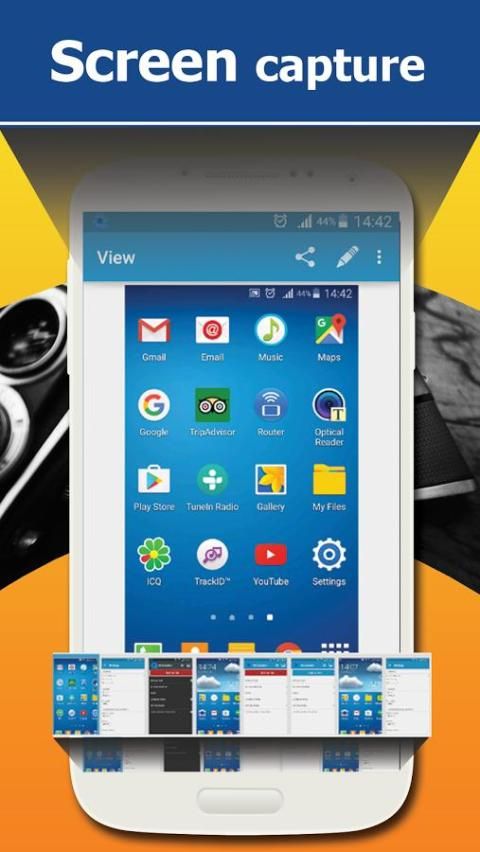
3. You can preview the screenshot and decide whether to save or cancel it.
Cut off any part of the screenshot.
5. Draw on the screenshot.
6. Draw the mosaic pattern on the screenshot.
7. Enter any text on the screenshot.
8. Share screenshot after capture.
Features of screen capture application:
- Simple, quick screen capture
- Select the image format, super screenshots
- Turn on / off sound when capturing message screen or any image
- Save screenshots to individual folders
- Screen capture without the power button
- View information / delete / share screenshots easily
- It's free for you to use
We always try to provide users with the best screen capture modes, most convenient such as screen capture button and screen capture shortcut. Let us make it easier than ever to capture a screen by sending your feedback to us.
Sincerely thank you and do not forget to rate 5 * for us.

9Apps 4.9












